5 Chrome Extensions to Export ChatGPT to Word or PDF
July 05, 20268 min read
If you often turn AI chats into reports, SOPs, briefs, class notes, or client deliverables, a good ChatGPT to Word or PDF Chrome Extension can save a lot of cleanup time. The hard part is choosing one that preserves the parts people usually lose: tables, math, code blocks, links, images, message order, and long conversation structure.
This roundup compares Chrome extensions that explicitly list Word, PDF, or both in their Chrome Web Store pages. I checked the listings on July 6, 2026, looked at supported formats, user counts, ratings, positioning, and privacy claims, then grouped the tools by the job they are best suited for.
How to Choose a ChatGPT Export Extension
Start by comparing supported formats, message selection, formatting preservation, privacy notes, and recent reviews.
Before installing any exporter, decide what you actually need to preserve. A simple PDF archive is different from an editable Word file, and both are different from a complete research transcript with prompts, answers, tables, and code.
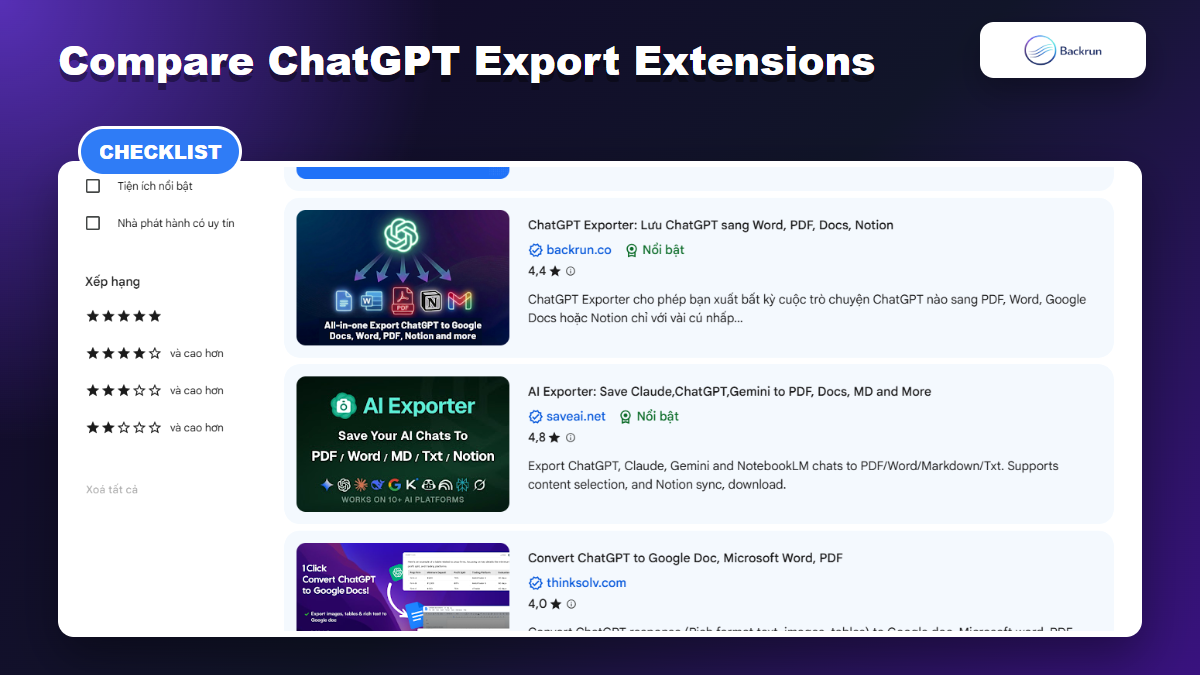
Use this checklist before choosing a tool:
Output formats: confirm whether it exports to Word/DOCX, PDF.
Export scope: check whether it can export one response, selected messages, only assistant responses, or the full conversation.
Formatting support: look for tables, equations, code blocks, images, headings, and links.
Long-chat reliability: long research chats are where weak exporters usually fail.
Privacy and permissions: review Chrome permissions, developer identity, data handling notes, and recent reviews.
Editing workflow: choose Word if you need final document editing, PDF if you need archive/share, and Google Docs if you need collaboration.
If your main goal is a document you can edit, start with a ChatGPT to Word workflow. If your main goal is a clean archive, compare it with a ChatGPT to PDF workflow before installing anything.
Backrun ChatGPT Exporter: Best for Full Chat Exports Across Word, PDF, Docs, and Notion
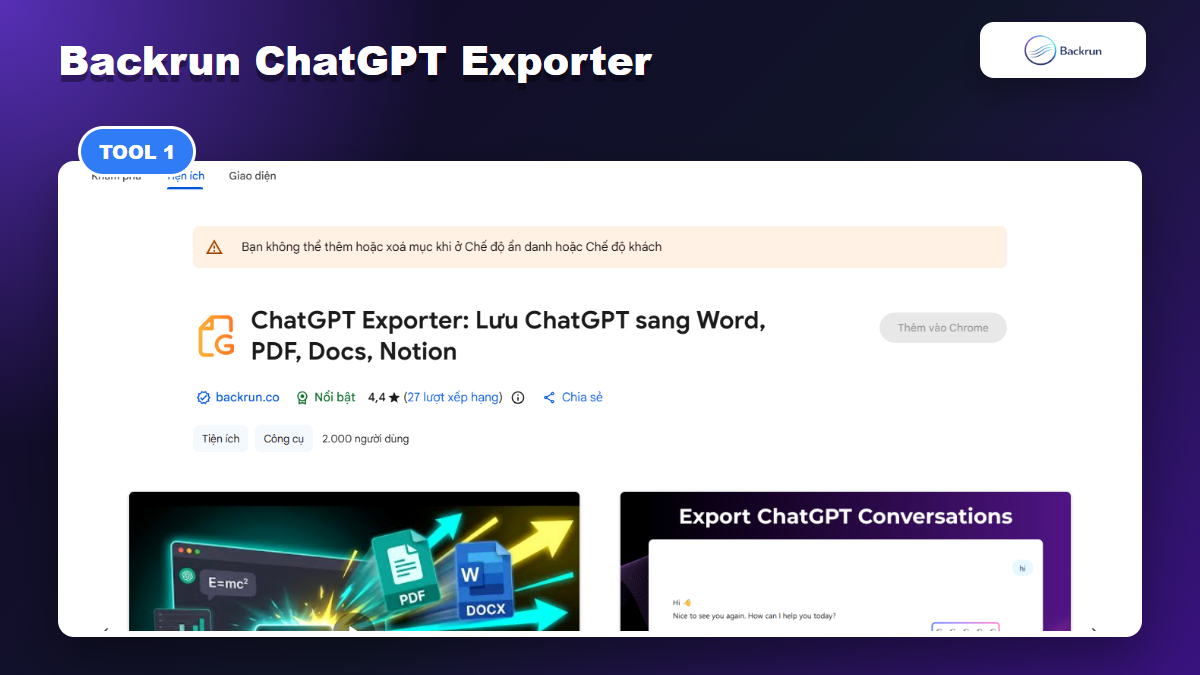
Backrun ChatGPT Exporter is a focused option for exporting ChatGPT conversations to Word, PDF, Google Docs, and Notion.
ChatGPT Exporter by Backrun is the most relevant pick when you want one extension that covers the common business formats: Word, PDF, Google Docs, and Notion. The Chrome Web Store listing shows support for exporting selected parts or the whole conversation, with options around font, size, color, code blocks, tables, images, and math formulas.
Best for: users who need to save full ChatGPT conversations, client research, SOP drafts, meeting notes, technical explanations, or learning material without rebuilding the chat manually.
Why it stands out:
It covers both editable and archive formats, so you can choose Word for editing or PDF for sharing.
It supports Google Docs and Notion, which helps if the exported chat needs to move into a team workspace.
The listing emphasizes partial export and full conversation export, which matters when a chat contains many rounds of revision.
Watch out for: like any browser extension, you should review permissions and avoid exporting sensitive chats unless your organization allows it. For a Docs-first workflow, the guide on how to export ChatGPT to Google Docs is a better companion because it focuses on collaboration after the export.
Thinksolv ChatGPT to Word or PDF: Best for a Focused Word/PDF Workflow
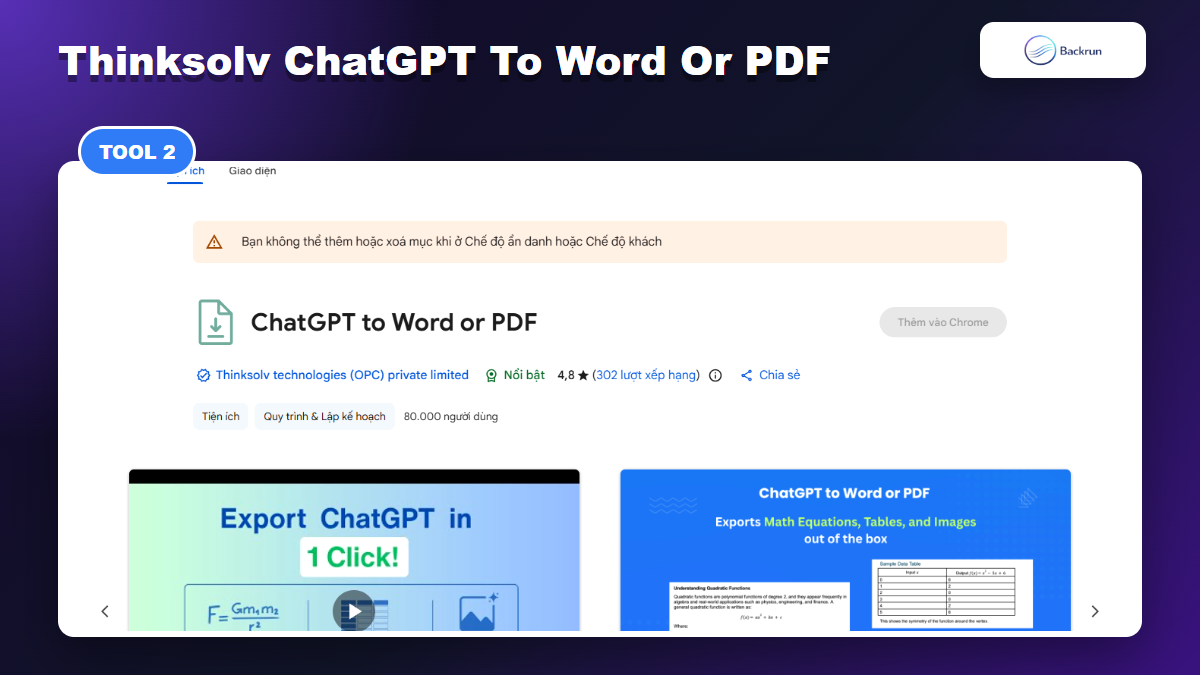
Thinksolv ChatGPT to Word or PDF is a focused Word/PDF exporter with Chrome Web Store listing claims around tables, equations, code, and images.
Thinksolv's ChatGPT to Word or PDF extension is narrowly positioned around the exact task in this keyword: turning ChatGPT content into Word or PDF in one click. Its Chrome Web Store listing shows a strong user base and describes support for single responses, complete conversations, selected messages, assistant-only responses, canvas content, and Deep Research exports.
Best for: people who only care about Word and PDF, not Notion, Markdown, or multi-AI exports.
Useful strengths:
Clear Word/PDF positioning, which keeps the workflow simple.
Listing claims preservation for tables, math equations, inline code, code blocks, images, and rich text.
Assistant-only export can be helpful if you want a clean deliverable without user prompts.
Watch out for: a narrower extension can be excellent for a narrow job, but it may be less flexible if your workflow later moves to Google Docs, Notion, Markdown, or multiple AI platforms.
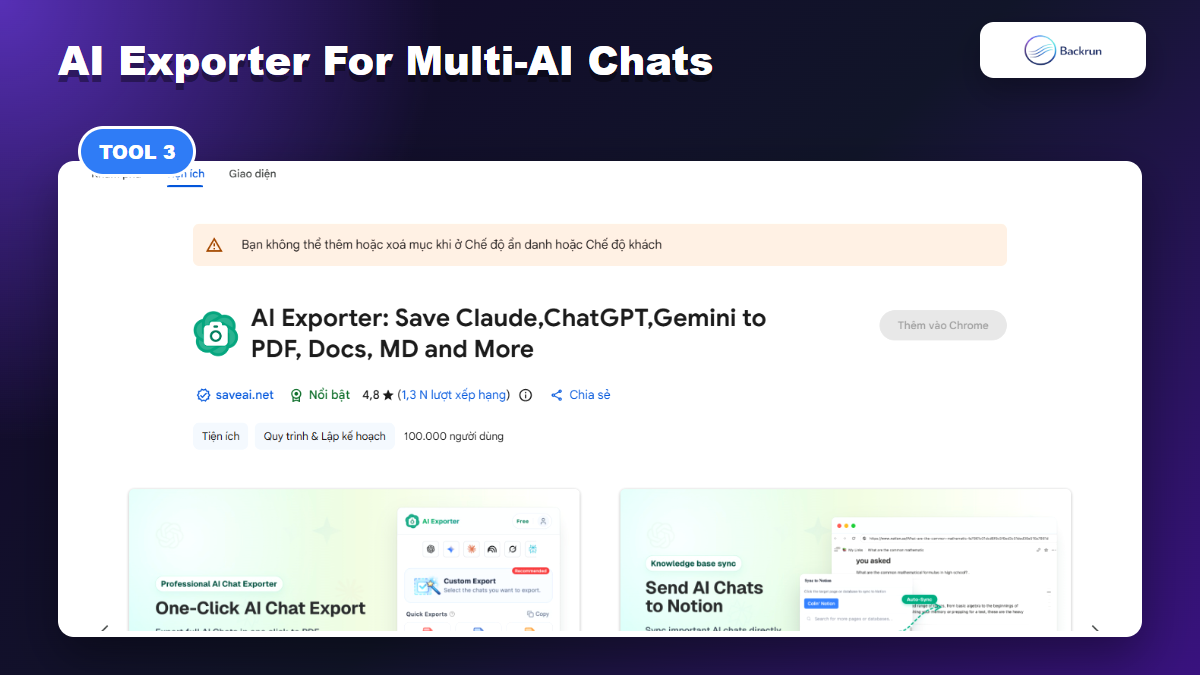
AI Exporter: Best If You Export From ChatGPT, Claude, Gemini, and NotebookLM
AI Exporter is broader than ChatGPT because it also targets Claude, Gemini, NotebookLM, and other AI chat platforms.
AI Exporter is broader than a normal ChatGPT-only tool. Its listing says it can export conversations from ChatGPT, Claude, Gemini, NotebookLM, and other AI platforms to formats such as PDF, Word, Markdown, TXT, JSON, image, and Notion.
Best for: researchers, students, content teams, or developers who use multiple AI assistants and want one exporter pattern across platforms.
Useful strengths:
Multi-platform coverage reduces the need to install separate exporters for each AI app.
The listing emphasizes super-long chat export, timestamps, model versioning, and templates.
Markdown and JSON are useful when the exported chat goes into a knowledge base, repository, or automation pipeline.
Watch out for: broad tools can introduce more settings than a simple Word/PDF exporter. If you only export ChatGPT to Word once a week, the extra surface area may be unnecessary.
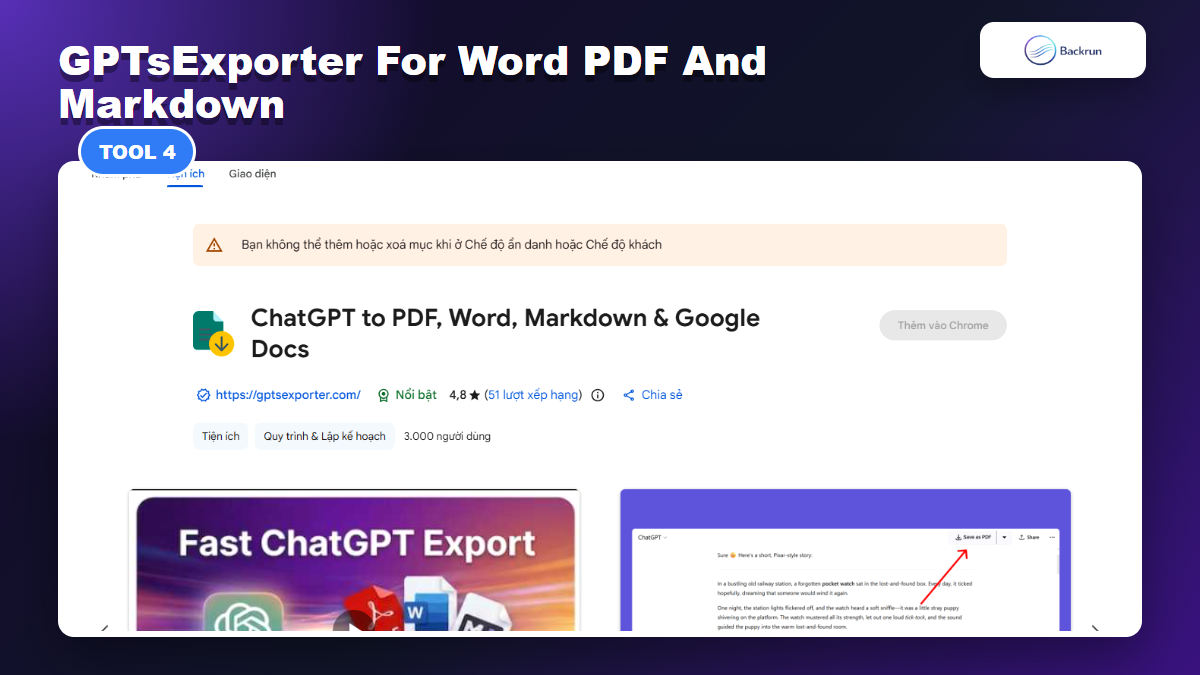
GPTsExporter: Best for Word, PDF, Markdown, Google Docs, and Drive-Oriented Workflows
GPTsExporter lists Word, PDF, Markdown, Google Docs, formatting preservation, and Google Drive-oriented features.
ChatGPT to PDF, Word, Markdown & Google Docs by GPTsExporter lists one-click export to PDF, Word, Markdown, and Google Docs. The Chrome Web Store listing also highlights tables, code, math equations, images, large conversations, export structures, title customization, table of contents, and Google Drive-related features.
Best for: users who move between editable documents, archives, Markdown notes, and Google Drive.
Useful strengths:
Markdown support is valuable if your ChatGPT output eventually becomes documentation.
Table of contents support can help with long PDF or Word exports.
Drive-oriented features make sense for users already working inside Google Workspace.
Watch out for: when a listing promises many workflows, test the exact one you care about with a real chat that includes tables, code, and long sections. A perfect simple export does not always prove the long-chat export is reliable.
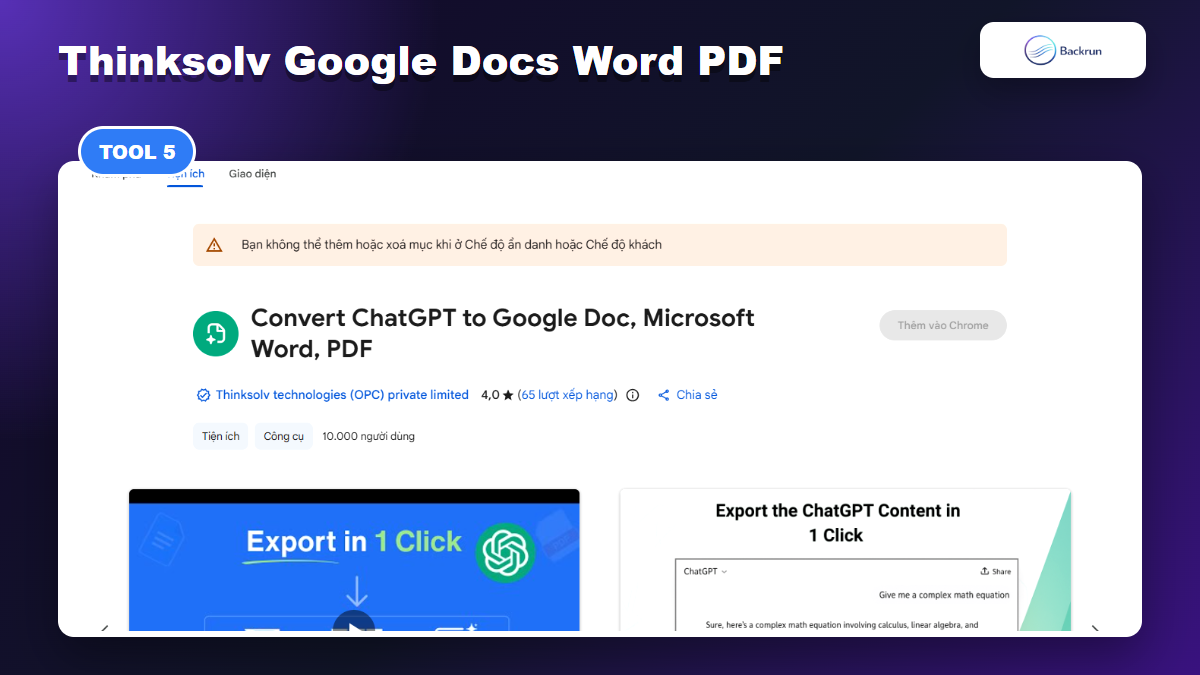
Convert ChatGPT to Google Doc, Microsoft Word, PDF: Best for Google Docs-First Editing
A Google Docs-first exporter is useful when collaboration or Drive-based review is part of the workflow.
Thinksolv's Convert ChatGPT to Google Doc, Microsoft Word, PDF extension is useful when Google Docs is part of the process, not just a backup format. Its listing focuses on moving ChatGPT responses to Google Docs, Microsoft Word, or PDF with rich text, images, tables, equations, headings, lists, and formatting.
Best for: teams that want to review, comment, or collaborate in Google Docs before downloading a Word or PDF version.
Useful strengths:
Google Docs export gives you a live editing layer before the final file.
It can be helpful for students, researchers, and teams who already organize drafts in Drive.
The listing mentions multiple responses and image integration, which matters for richer chats.
Watch out for: every conversion step can slightly change spacing, lists, and tables. If the final deliverable must be Word, open the downloaded DOCX and inspect the formatting before sharing it.
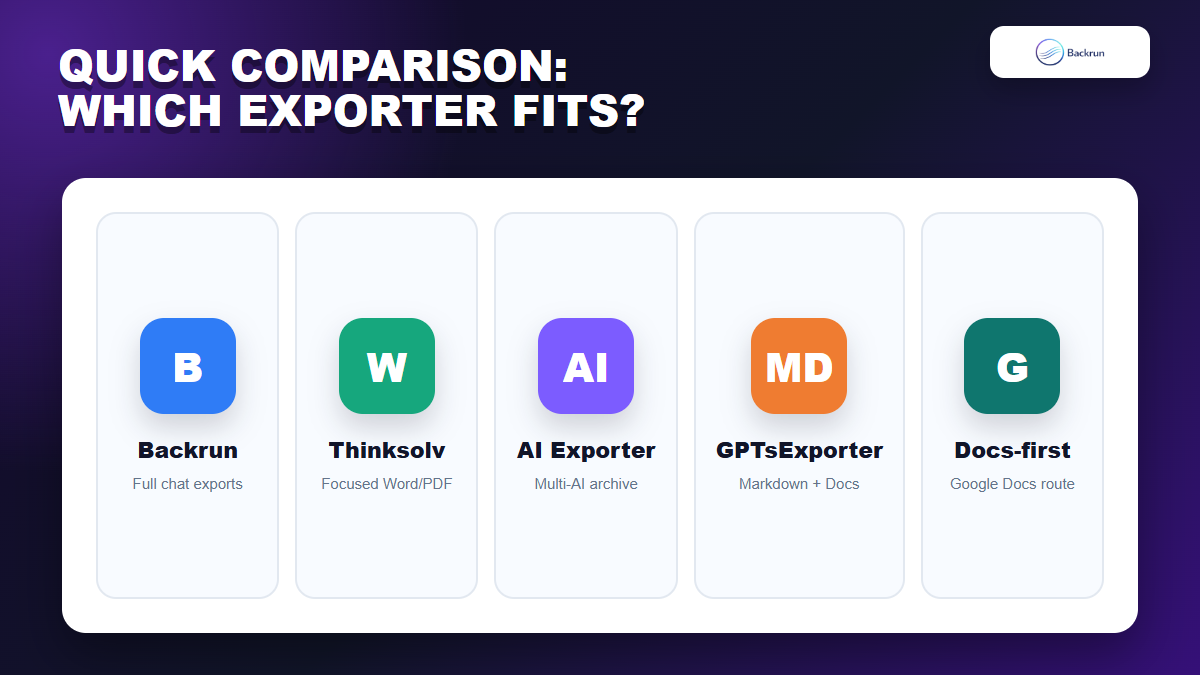
Quick Comparison
The best extension depends on whether you value full-chat export, simple Word/PDF output, multi-AI support, Markdown, or Google Docs collaboration.
There is no single best exporter for everyone. The best choice depends on your document destination and how much of the conversation you need to preserve.
Extension
Best use case
Formats highlighted in listing
Main caution
Backrun ChatGPT Exporter
Full ChatGPT exports into common business formats
Word, PDF, Google Docs, Notion
Review permissions before exporting sensitive chats
Thinksolv ChatGPT to Word or PDF
Focused Word/PDF conversion
Word, PDF
Less broad than multi-format workspace tools
AI Exporter
Multi-AI export across ChatGPT, Claude, Gemini, NotebookLM
PDF, Word, Markdown, TXT, JSON, image, Notion
May be more complex than needed for simple exports
GPTsExporter
Word/PDF plus Markdown, Google Docs, and Drive workflows
PDF, Word, Markdown, Google Docs
Test long chats before relying on it for client work
Thinksolv Google Doc, Word, PDF
Google Docs-first collaboration
Google Docs, Word, PDF
Check formatting after downloading DOCX or PDF
For most people, start with a focused exporter if you only need Word or PDF. Choose a broader exporter if your AI work crosses ChatGPT, Claude, Gemini, Markdown, Notion, or Google Docs. Before making any extension part of a daily workflow, follow Google's general Chrome extension safety advice: check the developer, permissions, reviews, and whether the extension still looks actively maintained.
If you want one practical recommendation, use Backrun ChatGPT Exporter when the conversation itself matters and you need Word, PDF, Google Docs, or Notion from the same workflow. Use Thinksolv's Word/PDF extension when you only need the narrow Word or PDF job. Use AI Exporter if your real problem is exporting from multiple AI tools, not just ChatGPT.