ChatGPT Exporter — Save Every Conversation in One Click

ChatGPT Exporter is the fastest Chrome extension to export ChatGPT conversation history to PDF, Word, Google Docs, or Notion. Formatting, code blocks, and tables preserved perfectly — no copy-paste, no account needed.

Add ChatGPT Exporter to Chrome Explore Features
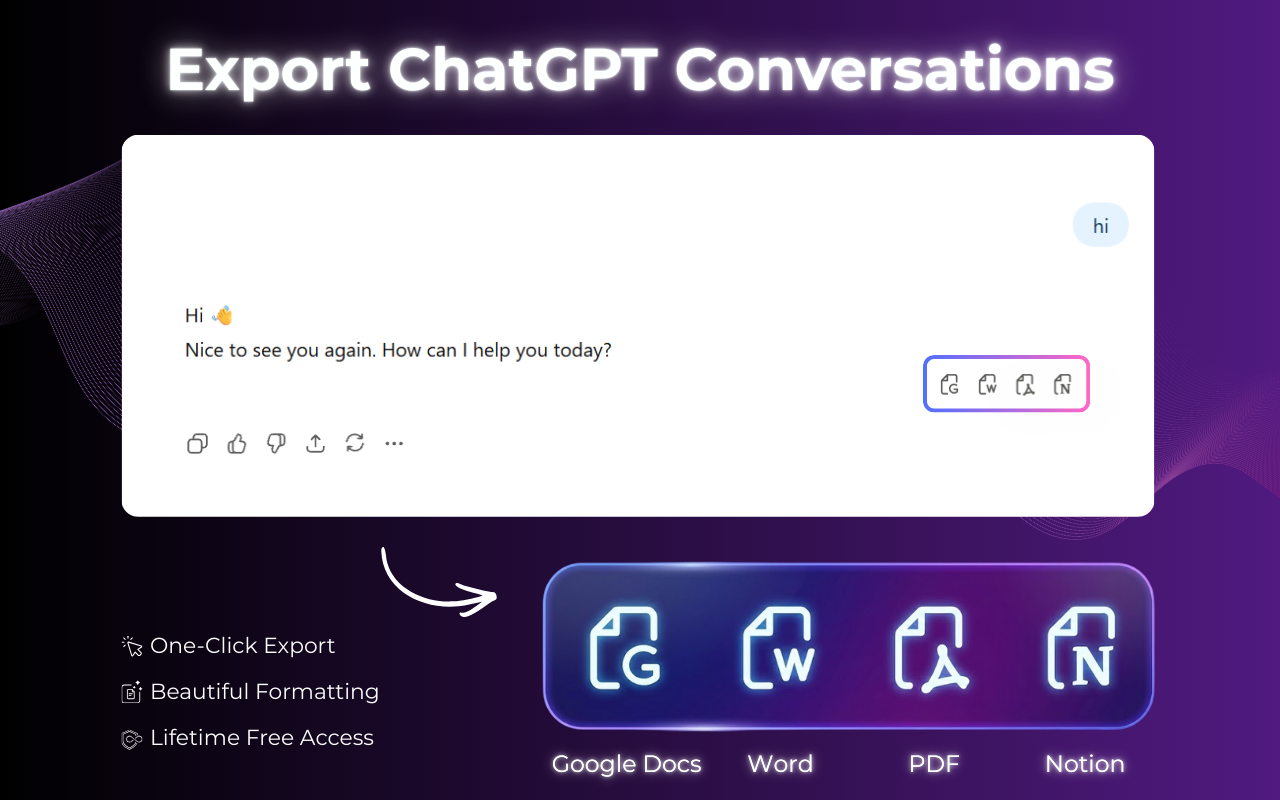
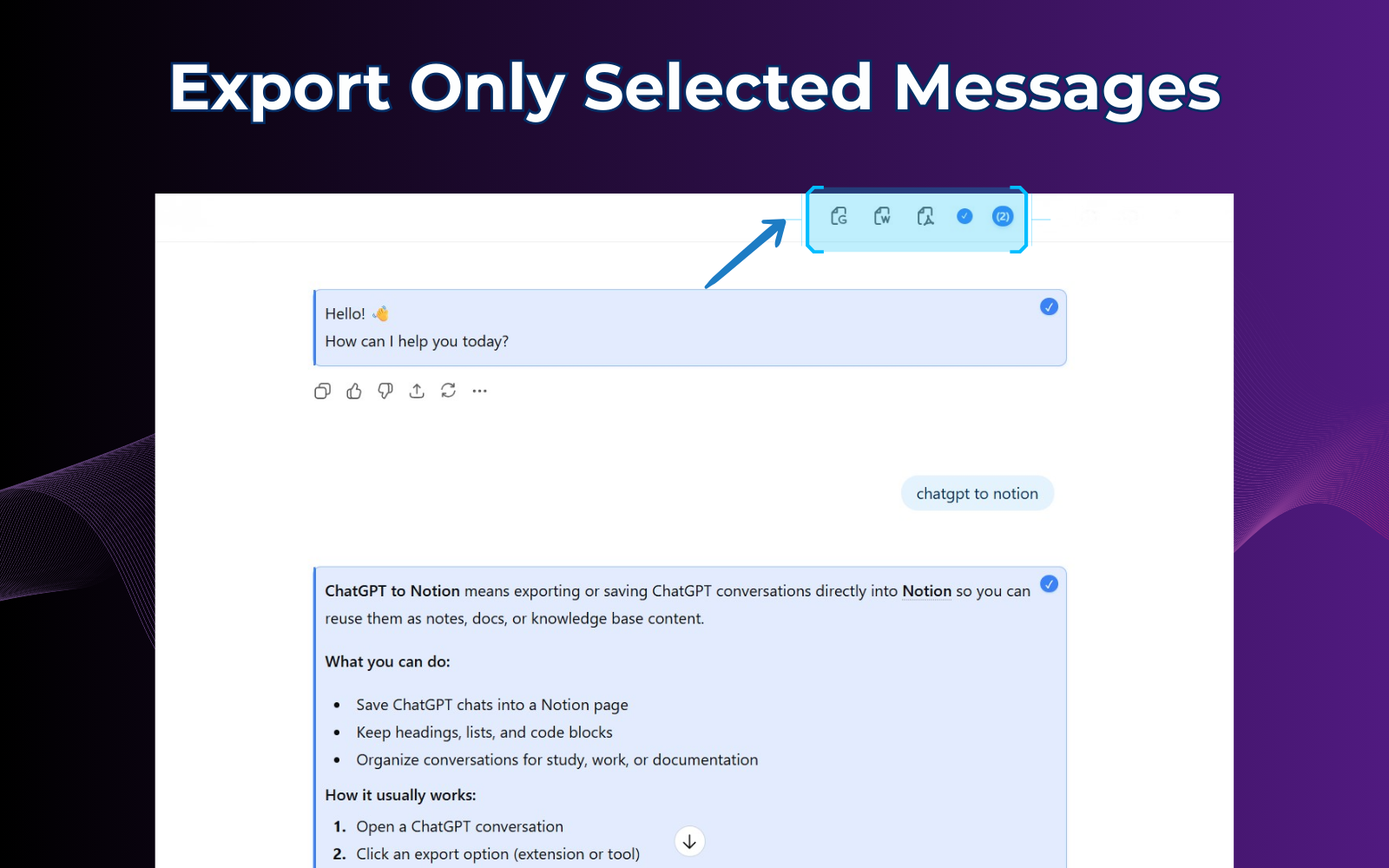
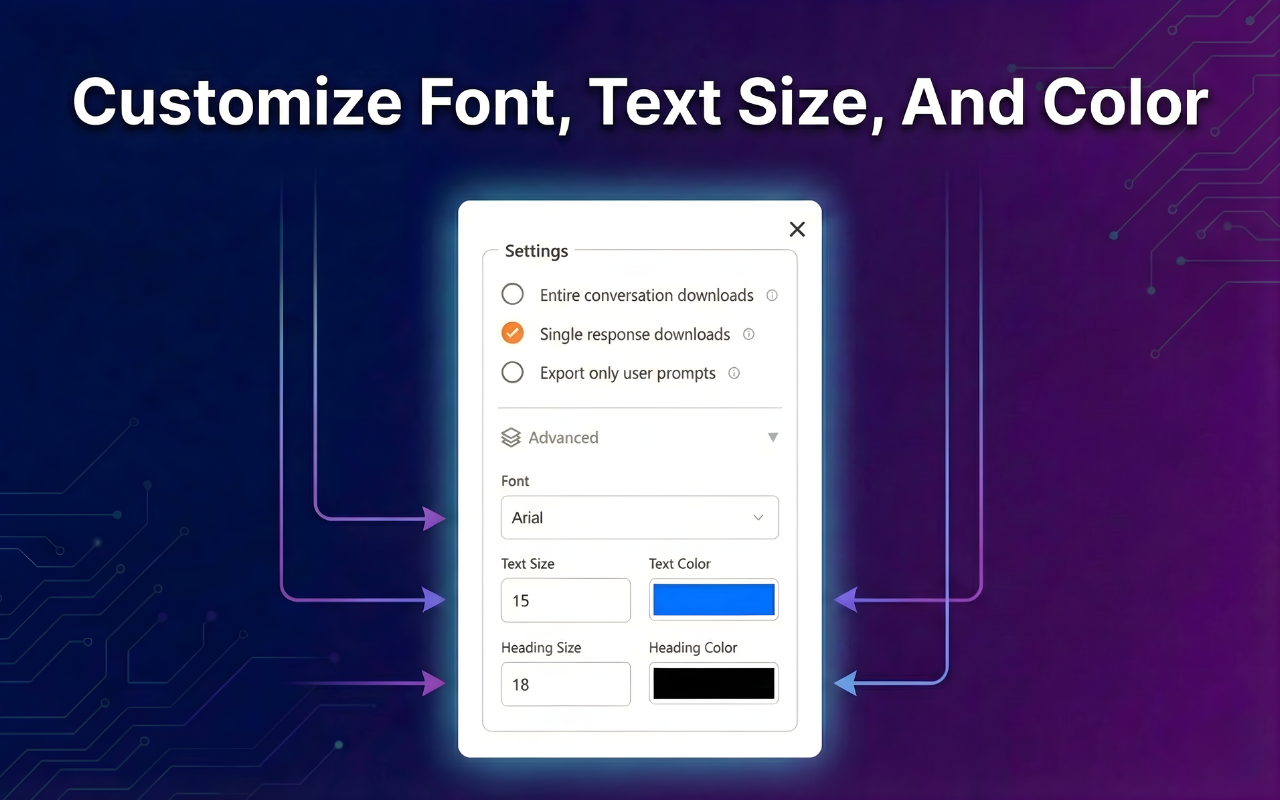
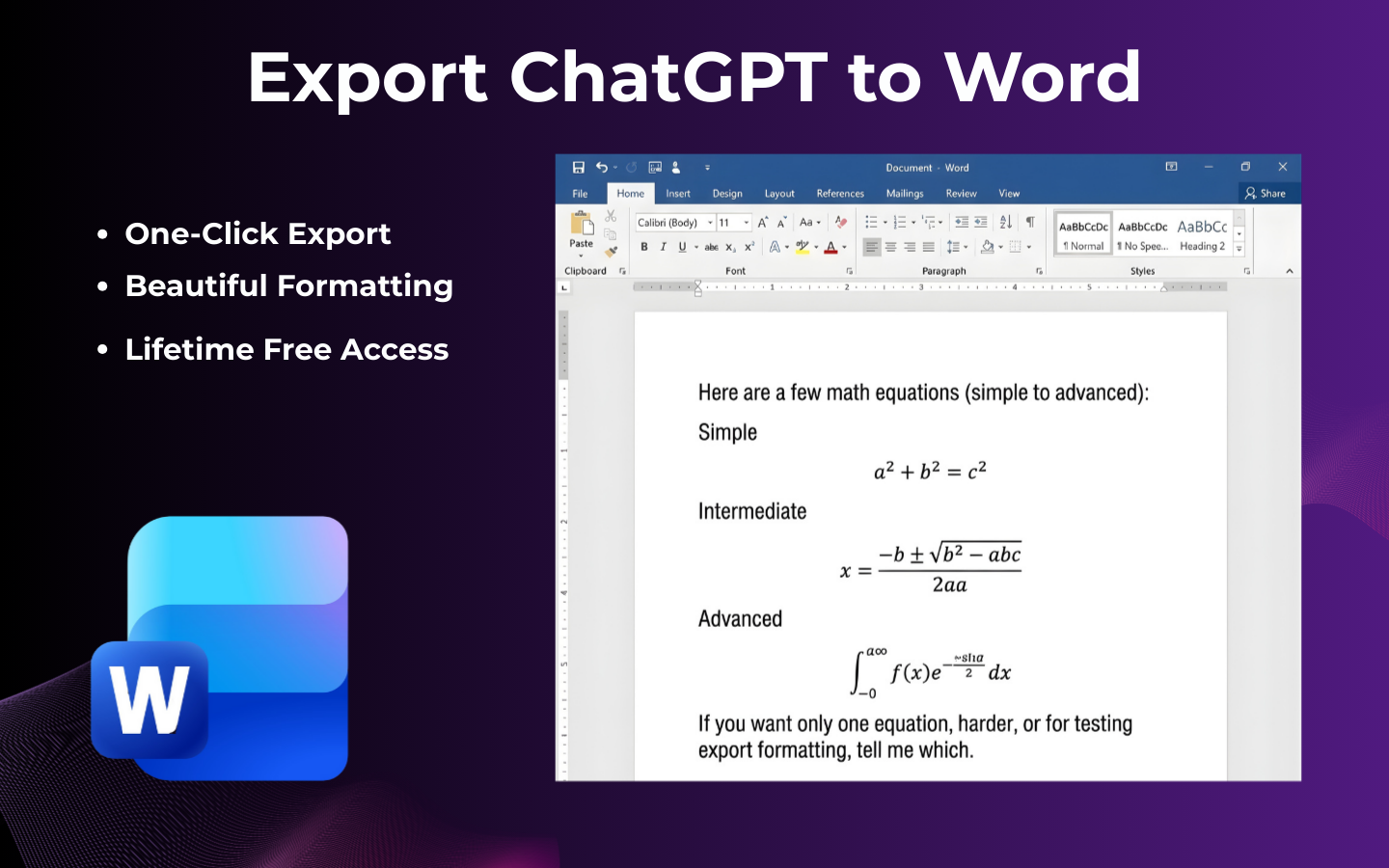
ExportChatGPT Chrome extension overview — export ChatGPT conversations to PDF, Notion, Google Docs and Word in one click ExportChatGPT customization panel showing font and color settings before downloading exported ChatGPT conversation ChatGPT conversation exported with code blocks and LaTeX math formulas perfectly preserved Full ChatGPT conversation export with all messages captured from start to finish ChatGPT chat exported to Word document with perfect formatting and headings preserved

How to Export ChatGPT Conversations

  1. 1

    Open any ChatGPT conversation

    Navigate to the chat you want to save on the official ChatGPT website.

  2. 2

    Click the ChatGPT Exporter icon

    Use the floating button or browser toolbar icon to open the ChatGPT Exporter menu.

  3. 3

    Select your export format

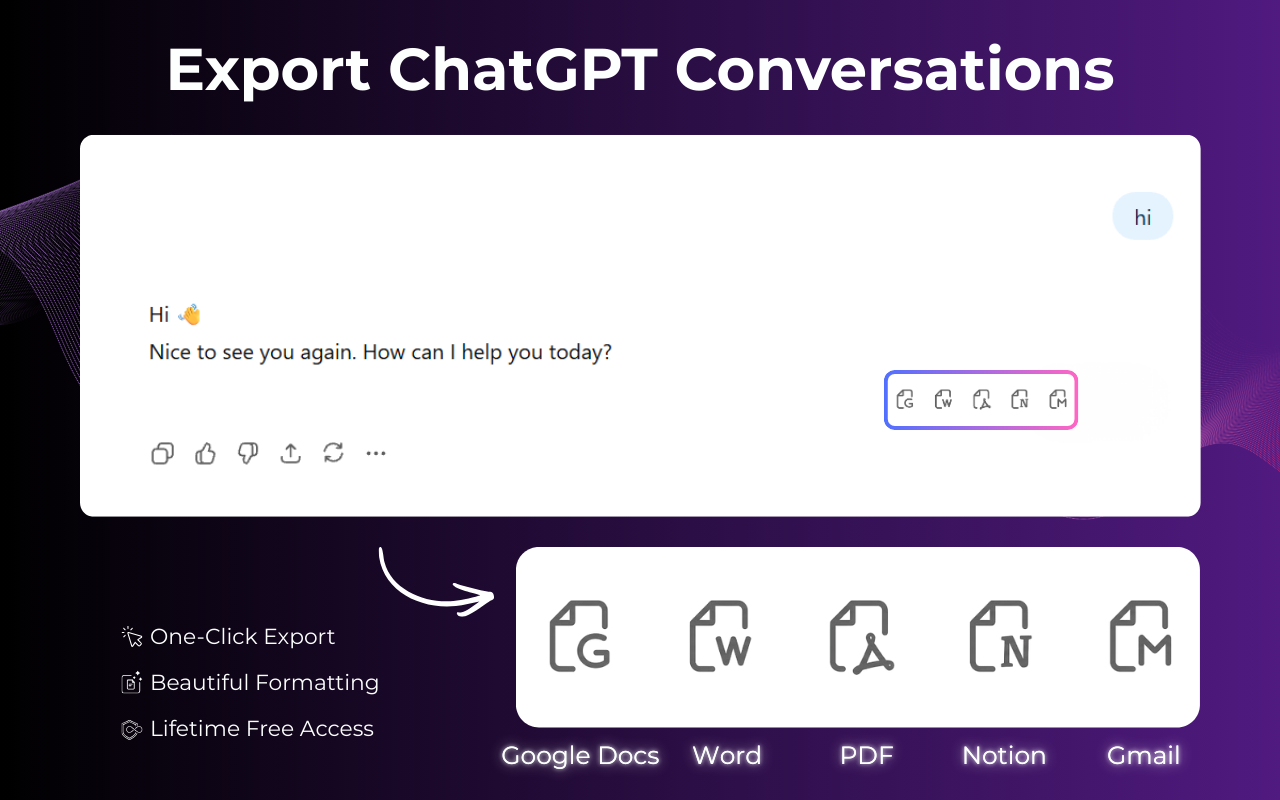
    Choose PDF, Word, Google Docs, or Notion — whatever fits your workflow.

  4. 4

    Customize your document (Optional)

    Adjust fonts, colors, and layout to create a professional document that matches your brand.

  5. 5

    Download your export instantly

    ChatGPT Exporter delivers your file in seconds. No watermarks, no account required.

Video tutorial showing how to export ChatGPT conversation to PDF, Word, Google Docs or Notion using the ExportChatGPT Chrome extension

Export Formats Supported by ChatGPT Exporter

ChatGPT Exporter supports 4 professional formats to save any ChatGPT conversation.

PDF Document

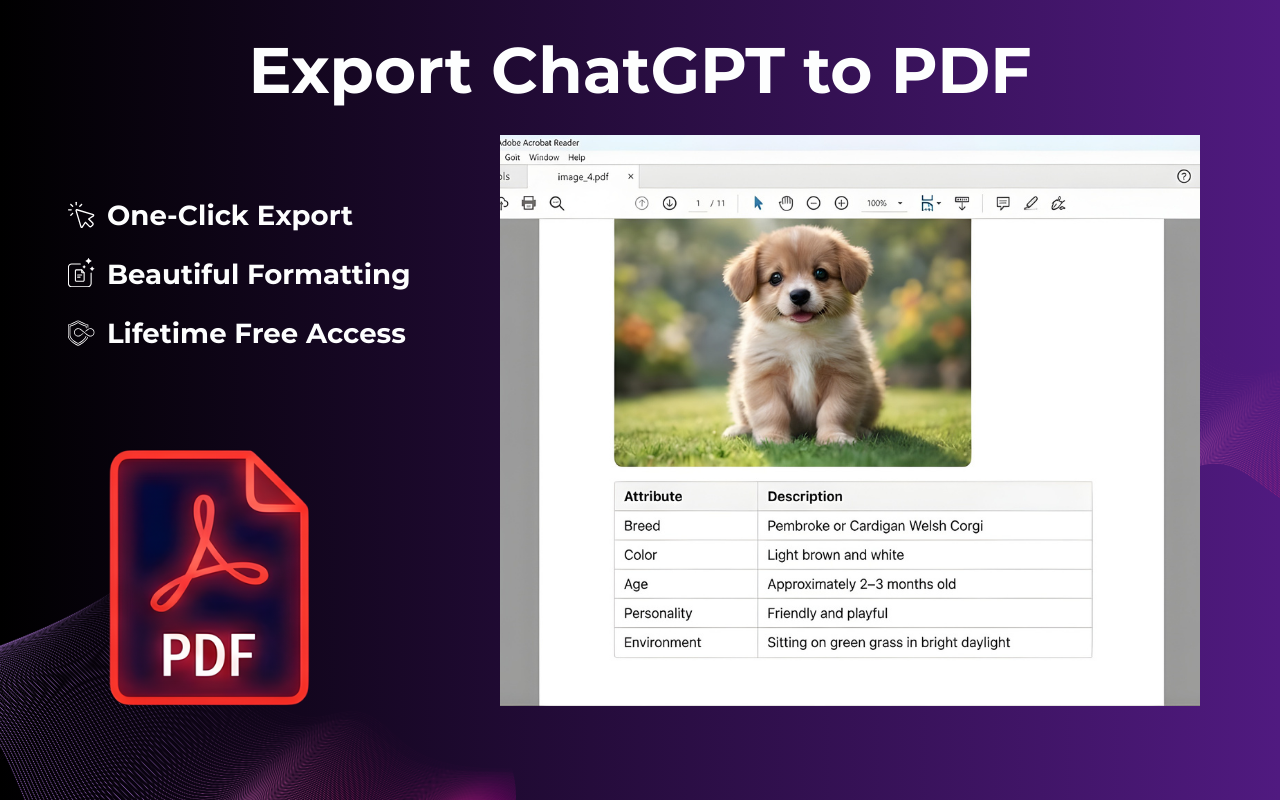
ChatGPT Exporter creates a polished, print-ready PDF — perfect for sharing and archiving.

Notion Ready

ChatGPT Exporter sends conversations directly to Notion as a searchable knowledge base.

Microsoft Word

ChatGPT Exporter exports to .docx format in seconds — ready to edit, redline, and finalize.

Google Docs

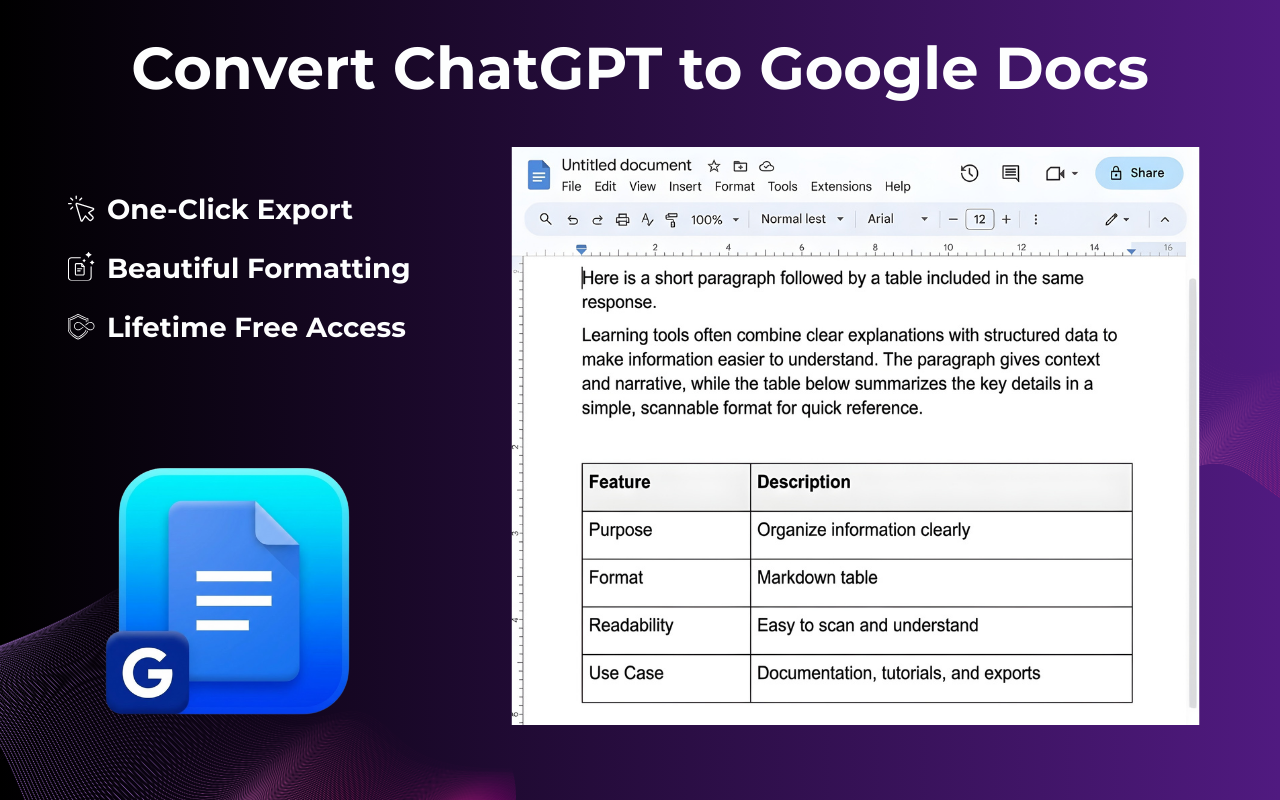
ChatGPT Exporter creates a Google Doc in your Drive, ready for real-time collaboration.

ChatGPT Exporter also supports Markdown and more export formats.

Why ChatGPT Exporter Is the Best Tool for ChatGPT Users

ChatGPT Exporter gives you everything you need to export ChatGPT conversation history like a pro — researchers, developers, and writers love it.

Export Your Entire ChatGPT Conversation

ChatGPT Exporter captures the full thread — every message, every response. Perfect for archiving long research sessions, saving client briefs, or backing up creative projects without missing a single detail.

ExportChatGPT full conversation export interface — capturing all messages from a long ChatGPT research session
ExportChatGPT partial selection tool — user selecting specific messages from a ChatGPT conversation to export as PDF or Word

Partial Export — Save Only What You Need

ChatGPT Exporter's precision selector lets you pick specific messages or sections. Ideal for extracting a single code snippet, the final answer, or a key summary from a long thread.

Custom Branding & Styling

ChatGPT Exporter lets you adjust font family, text size, and accent colors before downloading. Every exported document looks polished and on-brand.

ExportChatGPT premium customization panel — adjusting font family, text size and colors before exporting ChatGPT conversation
ChatGPT conversation exported with perfect formatting — bold text, headings, bullet lists and tables all preserved correctly

Perfect Formatting, Every Time

ChatGPT Exporter maintains the original ChatGPT look and feel. Bold text, headings, bullet lists, and tables all render correctly in PDF, Word, and Google Docs.

Code Blocks, Math & Images Supported

ChatGPT Exporter preserves syntax-highlighted code blocks, LaTeX math formulas, and inline images in every export. Your technical documentation stays fully functional and readable.

ChatGPT export with syntax-highlighted code blocks and LaTeX math formulas perfectly preserved in PDF and Word output

Ready to try ChatGPT Exporter?

Install ChatGPT Exporter Free →

What 1,000+ Users Say About ChatGPT Exporter

"ChatGPT Exporter is a must-have! I export ChatGPT conversations to PDF or Google Docs every day — formatting is always perfect and it saves me hours."

— Sarah J., Researcher

"ChatGPT Exporter handles code blocks and math flawlessly. If you need to export ChatGPT conversation reliably, this is the tool."

— David K., Software Engineer

"ChatGPT Exporter's Notion integration is brilliant. I export every session directly into my knowledge base — one click and it's all organized."

— Elena M., Content Creator

ChatGPT Exporter — Frequently Asked Questions

Everything you need to know about how to export ChatGPT conversation with ChatGPT Exporter.

What is ChatGPT Exporter?

ChatGPT Exporter is a free Chrome extension that lets you export ChatGPT conversation history to PDF, Word, Google Docs, or Notion in one click. It runs locally in your browser — your data is never sent to any external server.

How do I export a ChatGPT conversation with ChatGPT Exporter?

Open the chat on ChatGPT, click the ChatGPT Exporter icon in your toolbar, choose your format, and click Export. Your document is ready in under 10 seconds.

Is ChatGPT Exporter free?

Yes. ChatGPT Exporter is completely free to install from the Chrome Web Store. No credit card, no sign-up required.

Does ChatGPT Exporter work with the latest ChatGPT models?

Yes. ChatGPT Exporter is kept fully compatible with all ChatGPT updates so you can reliably export ChatGPT conversation content across all versions.

Can ChatGPT Exporter export long conversations?

Yes. ChatGPT Exporter is optimized for long threads — formatting stays clean and consistent whether your conversation is 10 messages or 1,000.

Can I choose which messages to export with ChatGPT Exporter?

Yes. ChatGPT Exporter's partial export feature lets you select only the messages you need — perfect for saving just the final answer, a key code block, or a specific section.

Is ChatGPT Exporter safe to use?

Absolutely. ChatGPT Exporter runs entirely locally in your browser. Your conversation data is never uploaded to any server — it goes straight from ChatGPT to your chosen format on your device.

Install ChatGPT Exporter and Start Saving Today

Join thousands of researchers, developers, and professionals who use ChatGPT Exporter to export ChatGPT conversations as PDF, Word, Google Docs, or Notion.

Install ChatGPT Exporter Free

Available on Chrome, Edge, and Brave · No sign-up · 100% private