Claude vs ChatGPT: Which AI Assistant Should You Use in 2026?
September 04, 20267 min read
The honest answer to Claude vs ChatGPT is not “one is always better.” Claude tends to shine when you need careful reasoning over long context, while ChatGPT is usually the more versatile everyday assistant across coding, images, voice, files, data, and agent-style work.
If you are choosing one paid AI assistant, compare them by the work you actually do. A developer debugging a large codebase, a founder writing investor updates, and a student using voice and image features all have different needs.
This comparison is based on the public product pages and model announcements available on September 4, 2026. Pricing and model access can change by country, account, and rollout, so treat this as a practical buying guide, not a permanent scoreboard.
1. Claude vs ChatGPT: Quick Verdict
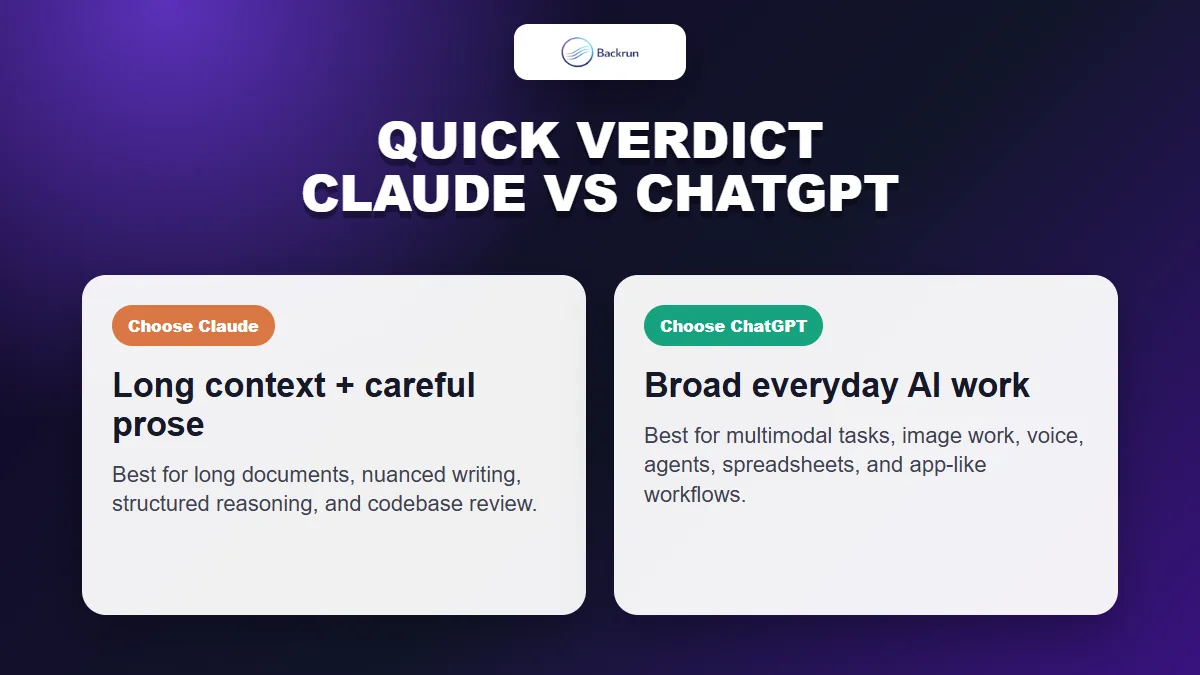
The best choice depends on the work: Claude is strong for long context and careful writing, while ChatGPT is broader for multimodal everyday workflows.
Choose Claude if your work is mostly long-form reading, careful writing, document analysis, code review, or keeping a large amount of context coherent. Anthropic's Claude pricing page lists a 200K context window across its individual tiers, and its Sonnet 4.6 announcement emphasizes long-context reasoning, coding, agent planning, knowledge work, and design.
Choose ChatGPT if you want a broader AI workspace. OpenAI's ChatGPT pricing page highlights tools such as advanced reasoning models, uploads, image creation, deep research, memory, projects, custom GPTs, Codex, ChatGPT Work, and scheduled tasks across its paid tiers.
My practical rule is simple: Claude feels better when the work is text-heavy and context-heavy; ChatGPT feels better when the workflow crosses formats and tools. If you are moving from one assistant to the other, this Backrun guide on how to transfer ChatGPT to Claude may also help preserve old context.
2. Claude vs ChatGPT for Coding
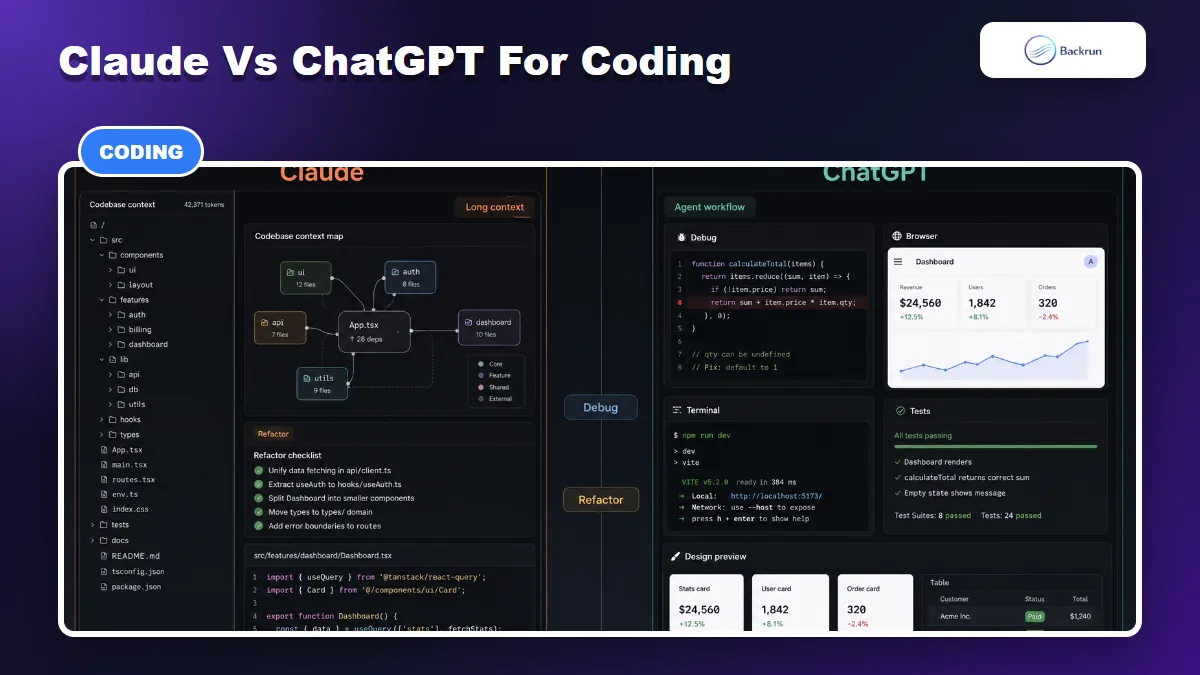
For coding, Claude often feels strong on long-context reasoning, while ChatGPT is especially useful when the workflow needs agent tools, previews, debugging, and multimodal support.
For developers, the comparison is close. The right choice depends less on “which model is smarter” and more on how you code.
Claude is especially strong when the task requires reading a lot before editing. That includes codebase review, refactoring plans, architectural reasoning, debugging across many files, and explaining complex existing systems. Anthropic says Claude Sonnet 4.6 improved across coding, computer use, long-context reasoning, and agent planning, and that it can support a 1M token context window in beta.
ChatGPT is especially strong when coding becomes an end-to-end workflow. OpenAI describes GPT-5.5 as strong at writing and debugging code, researching online, analyzing data, creating documents and spreadsheets, operating software, and moving across tools until a task is finished. In ChatGPT, the surrounding product matters: Codex, file handling, browser-style work, data analysis, and visual iteration can make the coding experience feel more complete.
For Claude vs ChatGPT for coding, I would choose Claude for long code review and reasoning-heavy planning. I would choose ChatGPT when I need the assistant to work across code, terminal output, browser previews, design feedback, and documentation in one loop.
Best test: give both tools the same real issue from your own repo. Ask them to read the relevant files, propose a fix, explain the risk, and define tests. The answer that is less confident-but-wrong is usually the better coding partner.
3. Claude vs ChatGPT for Everyday Use
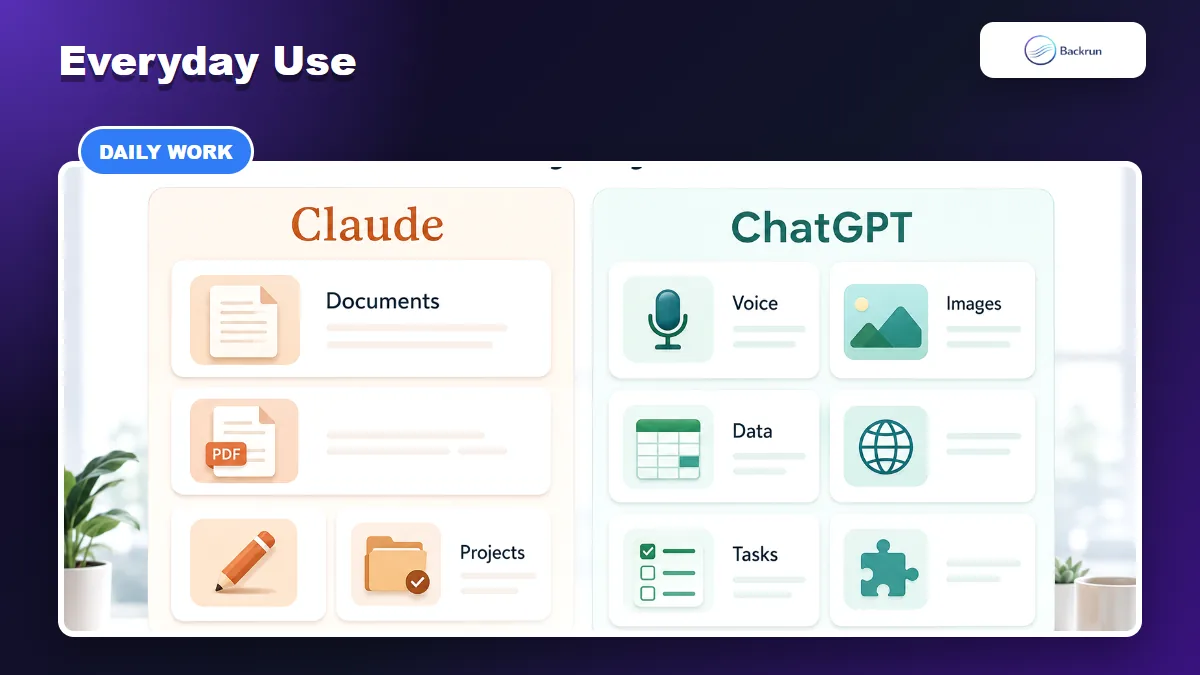
Everyday use comes down to workflow shape: Claude is calm and document-heavy, while ChatGPT covers a wider mix of voice, image, data, tasks, and app-style features.
Everyday use is where ChatGPT usually has the broader product surface. It is good when your day includes a messy mix of messages, files, images, voice, research, spreadsheets, small automations, and quick personal tasks.
ChatGPT's pricing page lists features such as uploads, image generation, voice, deep research, memory, projects, scheduled tasks, custom GPTs, Codex, and ChatGPT Work across plan levels. That makes it feel less like a single chatbot and more like a general AI workspace.
Claude is calmer and more document-centered. Its pricing page lists web, iOS, Android, desktop, web search, memory, projects on paid plans, artifacts, connectors, code execution, and Claude Code availability on paid individual plans. If your everyday work is reading long PDFs, organizing project notes, writing thoughtful responses, or analyzing documents, Claude can feel unusually comfortable.
For Claude vs ChatGPT for everyday use, pick ChatGPT if you want one assistant for many formats. Pick Claude if your “everyday” mostly means reading, writing, thinking, planning, and working with long documents.
4. Claude vs ChatGPT for Writing
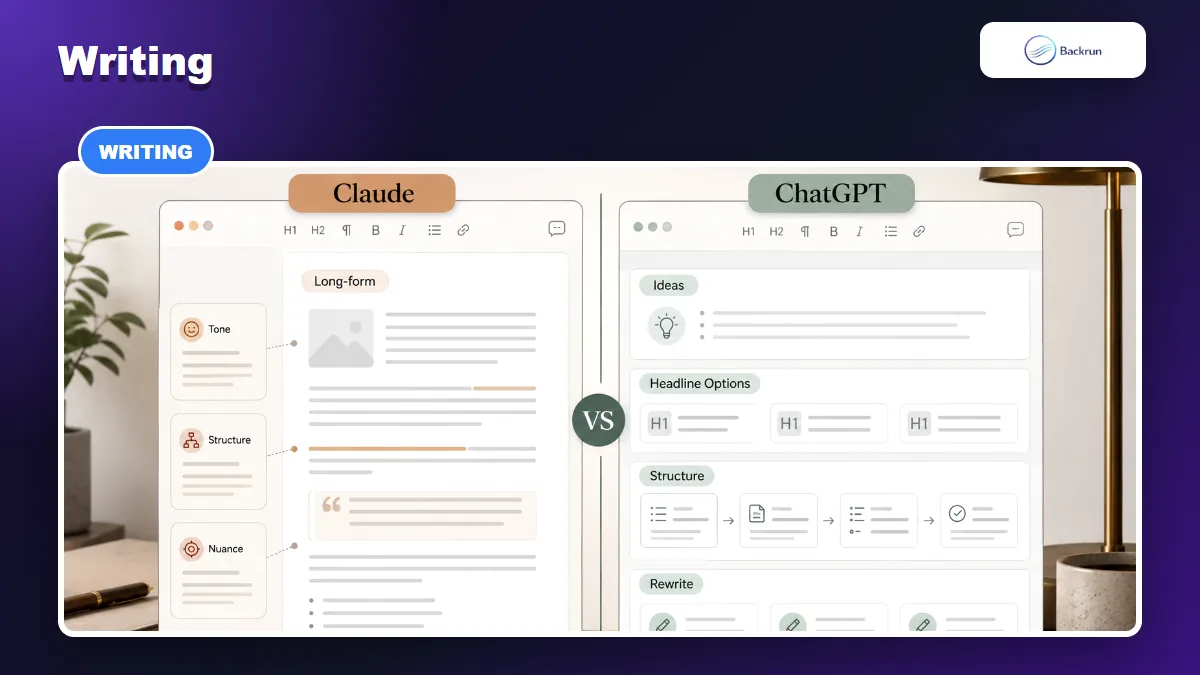
Claude is often easier to steer for long-form tone and structure, while ChatGPT is fast for ideation, rewriting, headlines, and cross-format content.
Both tools can write well, but they tend to feel different.
Claude is often easier to use for long-form writing that needs restraint. It is good at maintaining tone, following editorial constraints, and keeping structure readable across long drafts. For essays, policy docs, research summaries, executive memos, and sensitive rewrites, Claude often needs fewer “make this sound natural” corrections.
ChatGPT is very strong for idea generation and content operations. It is quick for headline variations, outlines, rewrite angles, short-form copy, campaign concepts, and turning one input into several formats. OpenAI positions GPT-5.5 as strong across professional work, research synthesis, analysis, and document-heavy tasks, especially when using plugins.
For Claude vs ChatGPT for writing, choose Claude when you care about nuance, voice, and long-form polish. Choose ChatGPT when you need many versions quickly, or when the writing task is connected to images, data, research, or workflow automation.
Experience note: the better writing assistant is the one you can steer. If you have a house style, paste examples and ask each tool to explain the style before drafting. The tool that notices the small constraints usually wins.
5. Claude vs ChatGPT Pricing
Pricing changes often, so the safest comparison is by plan shape and official pricing pages rather than old screenshots.
Claude vs ChatGPT pricing is not just a monthly fee comparison. It is a usage-limit, model-access, and workflow comparison.
As of the current official Claude pricing page, Claude has Free, Pro, Max, Team, and Enterprise tiers. Claude Pro is listed at $17/month with annual billing or $20 monthly. Claude Max starts from $100/month. Claude Team lists a Standard seat at $20 per seat/month annually or $25 monthly, and a Premium seat at $100 annually or $125 monthly.
ChatGPT's public pricing page lists Free, Go, Plus, Pro, Business, and Enterprise plan families, with paid plans priced per user per month. OpenAI's business pricing page lists ChatGPT Business Standard at $20/month annually or $25/month monthly, and Premium at $100/month annually or $125/month monthly. Individual prices can be shown differently by region or account state, so check the live ChatGPT pricing page before buying.
How to decide: if you only need a thoughtful writing and coding partner, Claude Pro may be enough. If you want a broad AI workspace with many built-in tools, ChatGPT Plus or Pro may make more sense. For teams, compare admin controls, connectors, data policy, and seat mix before comparing sticker price.
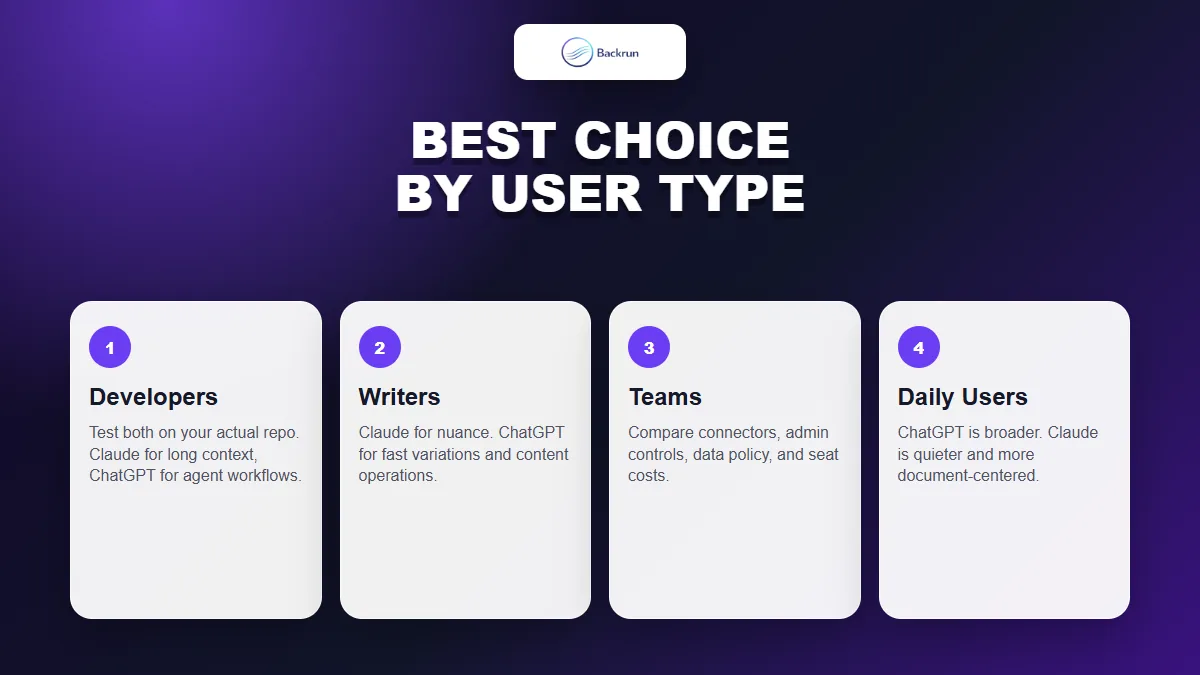
6. Best Choice by User Type
Most people do not need a permanent winner. They need the right assistant for the work in front of them.
Here is the practical version of the comparison.
User type
Better first choice
Why
Developer reviewing large repos
Claude
Long-context reasoning and careful code reading are major strengths.
Developer building across tools
ChatGPT
Codex-style workflows, files, previews, data, and research can matter more than one answer.
Long-form writer
Claude
Often easier to steer for voice, nuance, and structure.
Marketer or creator
ChatGPT
Fast ideation, images, rewrites, and multi-format output are strong.
Everyday personal use
ChatGPT
Broader feature set across voice, images, tasks, files, and memory.
Document-heavy knowledge work
Claude
Comfortable for reading, summarizing, and reasoning through long material.
If you can only choose one, start with the assistant that matches your most frequent paid use case. If you code and write long documents all day, Claude deserves a serious test. If your work jumps between research, images, data, documents, and automation, ChatGPT is usually the safer all-around subscription.
The smartest answer is not brand loyalty. Keep a small benchmark of your own tasks: one coding issue, one writing sample, one research task, one document analysis task, and one everyday workflow. Run both tools through the same set every few months. The winner can change as models and products change.