An export AI chat extension turns useful conversations into files you can edit, share, archive, or move into a knowledge base. The challenge is choosing one that supports your AI platforms and preserves the content you actually care about.
This comparison covers five current Chrome extensions with meaningfully different strengths. We checked their live Chrome Web Store listings, supported formats, platform coverage, privacy claims, and practical limitations on November 18, 2026.
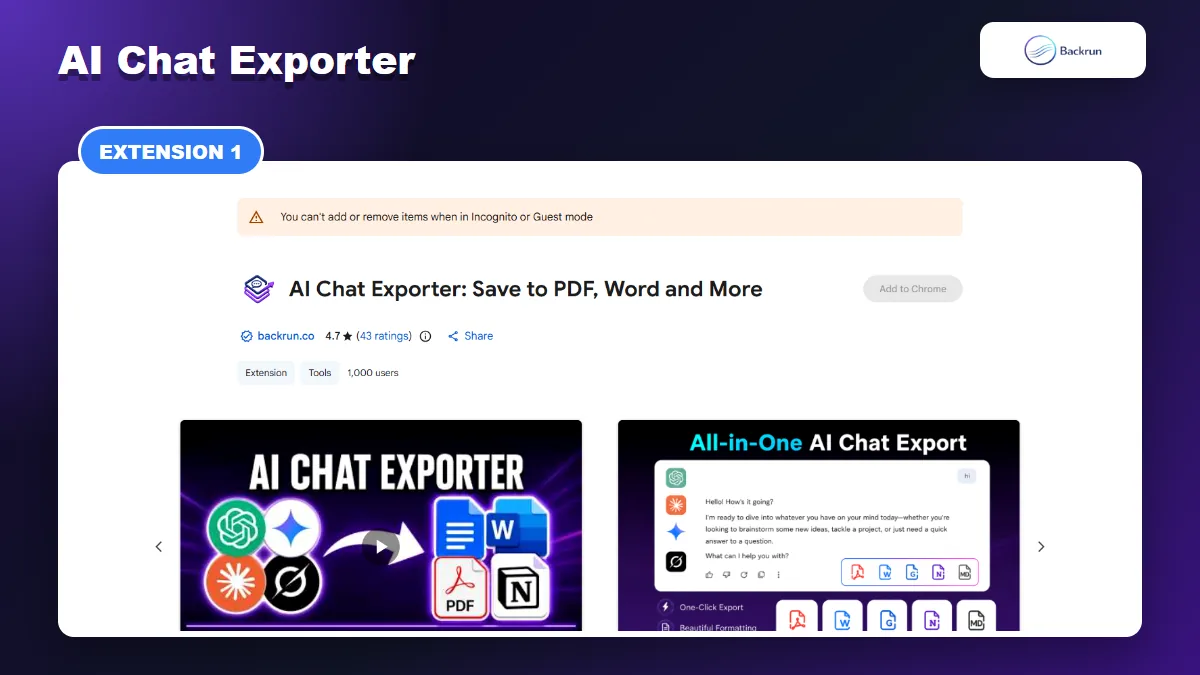
1. AI Chat Exporter
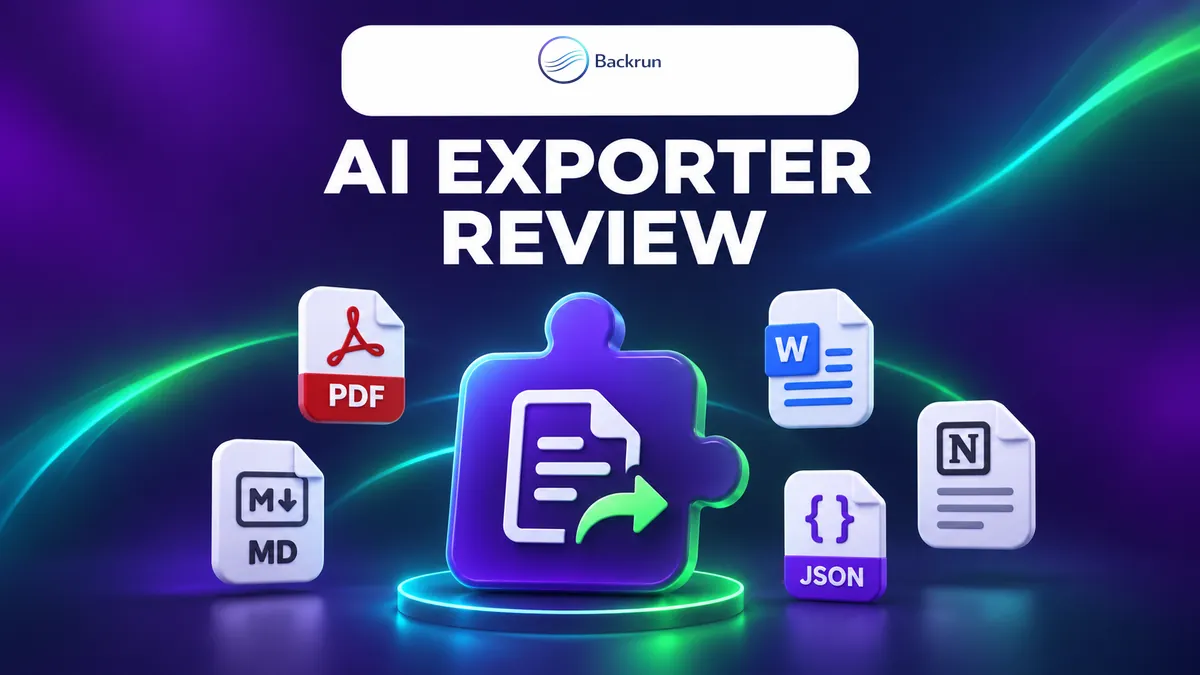
Backrun AI Chat Exporter covers ChatGPT, Gemini, Claude, and Grok with document and workspace destinations.
Best for Editable Documents and Workspace Exports
AI Chat Exporter is the most practical option in this list when the final destination is not just a local archive. It supports ChatGPT, Gemini, Claude, and Grok, then exports selected messages or a complete conversation to PDF, Word, Markdown, Google Docs, or Notion.
The distinction matters. A PDF is useful for sharing a finished copy, but Word and Google Docs are better when the content needs more editing. Notion and Markdown are more suitable for a searchable knowledge base.
This makes the extension particularly relevant for consultants, students, and content teams. They can keep the original conversation structure while moving the result into the application where review, collaboration, or publication actually happens. It also avoids the common extra step of exporting Markdown and converting it again.
What Stands Out
Selected-message export: remove failed prompts and keep only the useful exchange.
Editable destinations: Word and Google Docs reduce manual conversion.
Workspace destinations: Notion and Markdown fit documentation and note-taking workflows.
Formatting controls: font family, font size, and text color can be adjusted before export.
The current Chrome Web Store listing shows a 4.7 rating from 43 ratings and 1,000 users. Those figures are useful public signals, although your own formatting test is still more important than the rating alone.
Limits to Check
Because the extension supports several AI websites and cloud destinations, review the requested permissions and the privacy policy before using confidential material. Also load the entire conversation before exporting a long thread. Content that has not loaded in the page may be omitted by any browser-based exporter.
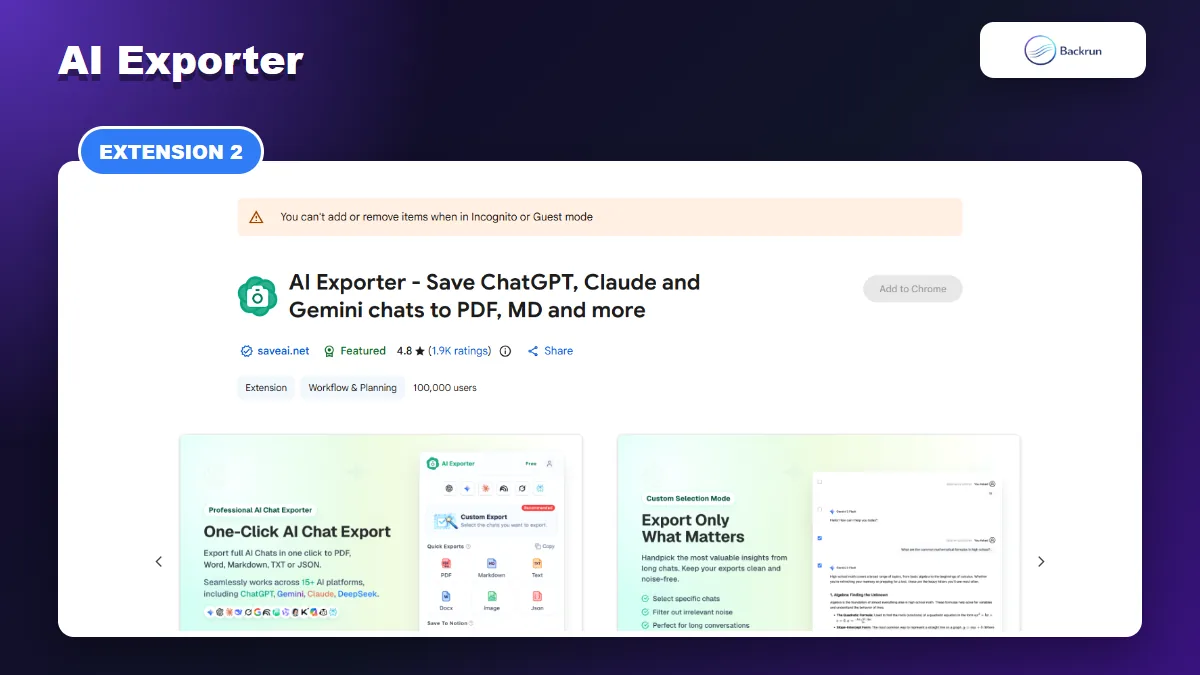
2. AI Exporter
AI Exporter focuses on broad platform coverage and a mature set of archiving features.
Best for Broad Platform Coverage
AI Exporter from saveai.net is the most established extension in this comparison by public adoption. Its listing shows 100,000 users, a 4.8 rating from about 1,900 ratings, and support for more than 16 AI sites.
It is designed as an archiving and knowledge-management tool rather than a simple download button. The listing covers PDF, Word, Markdown, TXT, JSON, image, and Notion workflows, along with conversation management features.
The breadth is most valuable when one project spans several assistants. A user can archive Claude research, a ChatGPT draft, and a Gemini comparison with one extension instead of maintaining a separate exporter for every platform. That convenience should be weighed against the broader site access such a tool may request.
What Stands Out
Many supported platforms: useful for people who move between several assistants.
Wide format selection: supports both readable documents and structured backups.
Knowledge-base workflows: Markdown, metadata, and Notion options suit research archives.
Mature listing: a large user base and many ratings provide more public feedback than newer tools.
Limits to Check
A larger feature set creates more settings, permissions, and pricing details to evaluate. Do not assume every output behaves the same on every supported AI platform. Test a chat containing headings, a table, code, an equation, images, and citations in the two formats you plan to use.
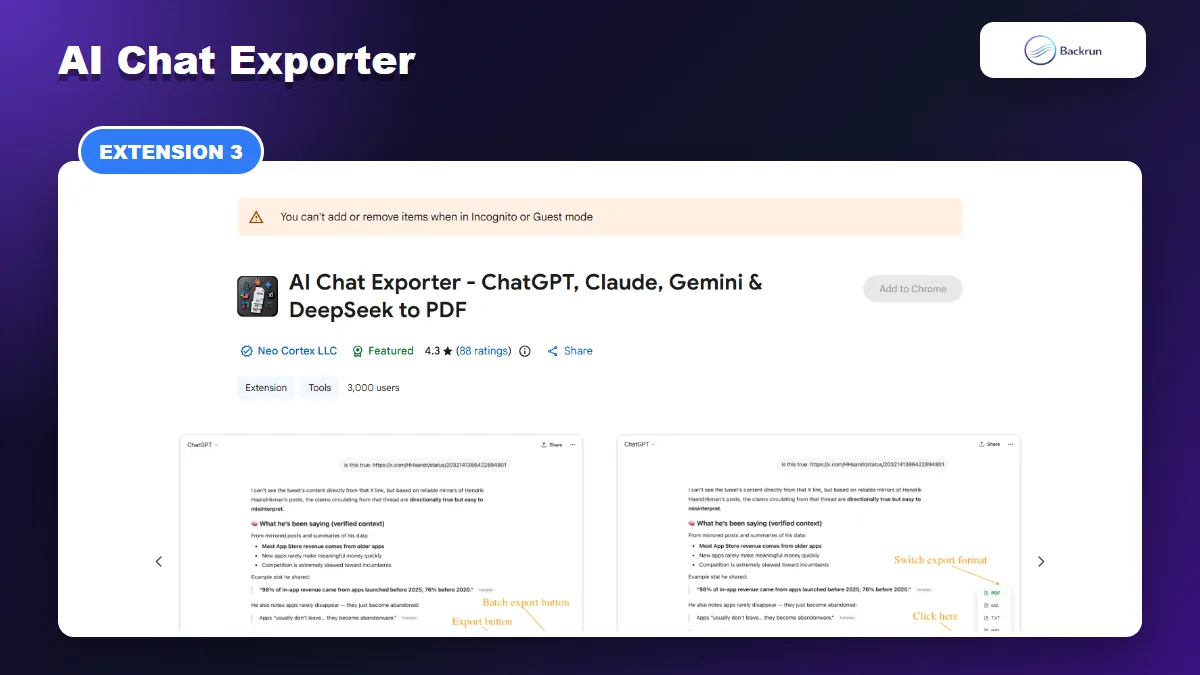
AI Chat Exporter from Neo Cortex focuses on clean PDF archives while also offering Markdown, JSON, and plain-text output. The listing names ChatGPT, Claude, Gemini, DeepSeek, and Grok, and highlights batch export for users who want to archive more than one conversation.
Its current listing is marked Featured and shows 3,000 users with a 4.3 rating from 88 ratings. The product emphasizes preservation of code syntax, LaTeX math, tables, images, links, and long conversations.
Batch export is different from exporting one open chat. It can save time during a migration or scheduled backup, but it also increases the amount of conversation data processed in one operation. Test the duplicate detection and file naming before running it across a large account.
What Stands Out
Batch export: useful when building a larger offline archive.
Technical formatting: code, math, tables, and attachments are central to the product claim.
Export history: helps users locate files they have already generated.
Optional cloud backup: the Pro feature mentions Google Drive, Dropbox, Notion, and Yandex Disk.
Limits to Check
The listing says Markdown, JSON, TXT, and image exports run locally, while high-quality PDF rendering uses a temporary server request. That distinction may be unacceptable for confidential chats even if the developer says files are not stored. Check organizational policy before enabling cloud backup or server-rendered PDF workflows.
4. ChatSave
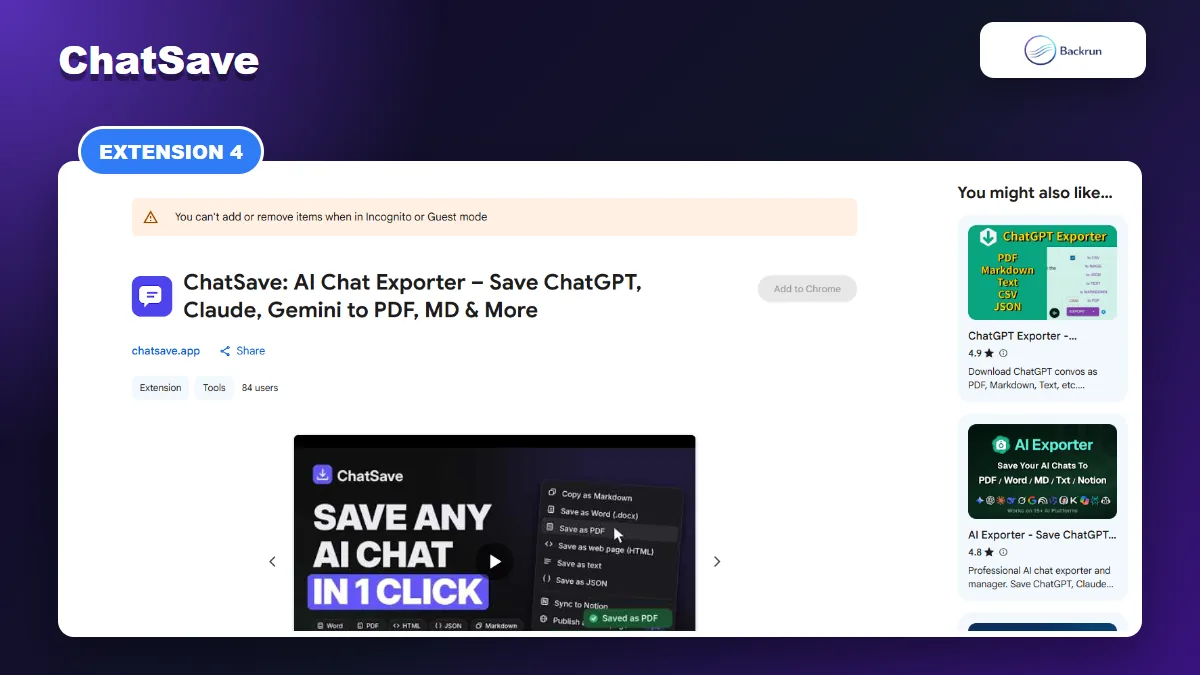
ChatSave offers local conversion to document formats and a direct Notion destination.
Best for a Free Local Workflow
ChatSave positions itself as a free exporter with no account, no watermark, and local conversion. Its listing covers ChatGPT, Claude, Gemini, Grok, DeepSeek, and additional assistants, with PDF, Word, Markdown, HTML, plain text, JSON, and Notion destinations.
The extension adds an export button beside replies and can also export the whole conversation from its toolbar icon. Its listing says long chats are automatically scrolled and loaded before export, which addresses a common source of incomplete files.
The HTML option is worth noting because it creates a portable page that can retain more visual structure than plain text. Word remains the better choice for editing, while Markdown is easier to index in a local knowledge base. The right format depends on what you intend to do after downloading.
What Stands Out
No sign-up: useful for occasional exports without creating another account.
HTML output: a self-contained web page can preserve a conversation for offline viewing.
Local conversion claim: the listing says conversations do not leave the computer.
Direct Notion option: helpful for users building a structured workspace.
Limits to Check
ChatSave is newer and currently has a much smaller public user base than AI Exporter. Treat its no-limits and privacy statements as product claims to verify. Review the site permissions, inspect the privacy disclosure, and start with a non-sensitive chat before adopting it for routine work.
5. Chat Exporter
Chat Exporter is a focused offline option for Markdown archives across five AI platforms.
Best for Markdown-Only Archives
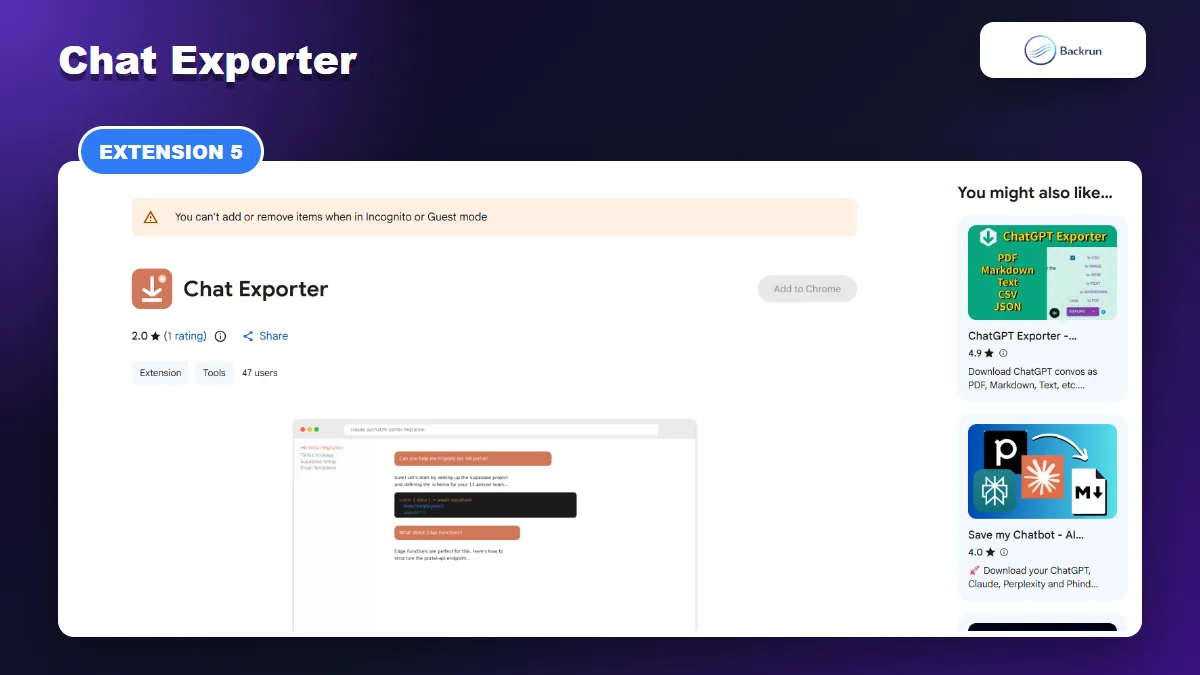
Chat Exporter takes a deliberately narrow approach: it exports AI conversations as Markdown. The extension supports Claude, ChatGPT, Gemini, Grok, and Perplexity, making it relevant to Obsidian, GitHub, documentation repositories, and local text-based knowledge systems.
The listing says it adds a floating export button, auto-scrolls to capture the whole conversation, and creates a file with front matter containing the title, date, URL, and message count.
That metadata is useful when hundreds of chats are stored in one folder or Obsidian vault. It supports sorting, searching, and automation without opening every file. For users who never need a polished document, a focused Markdown exporter can be more efficient than an all-in-one extension.
What Stands Out
Focused output: fewer choices make the workflow straightforward.
Platform-aware export: the listing mentions Claude artifacts, ChatGPT Canvas and Deep Research, Gemini citations, Grok X posts, and Perplexity sources.
Useful metadata: front matter makes exported chats easier to organize and query.
Offline processing claim: the listing says data does not leave the browser.
Limits to Check
This extension is not suitable when the final deliverable must be PDF, Word, Google Docs, or Notion. Its current public rating is also based on very little feedback. Choose it for a Markdown-first workflow, not because it promises the broadest feature set.
Quick Recap
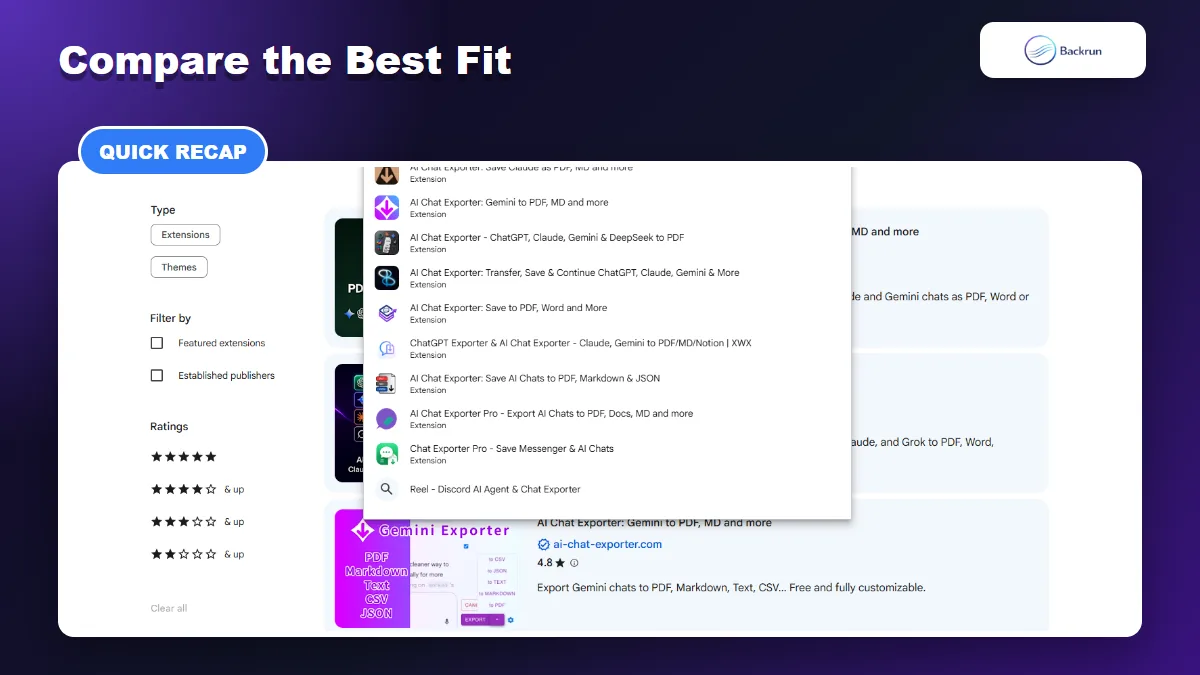
The best exporter depends on your AI platforms, required file format, privacy policy, and volume.
Which Extension Fits Which Workflow?
Extension
Best Fit
Main Formats
Main Caution
AI Chat Exporter
Editable documents and workspace exports
PDF, Word, Markdown, Google Docs, Notion
Review multi-site and cloud permissions
AI Exporter
Broad platform coverage and mature archiving
PDF, Word, Markdown, TXT, JSON, image, Notion
Large feature and settings surface
Neo Cortex AI Chat Exporter
PDF and batch archives
PDF, Markdown, JSON, TXT
PDF can use temporary server rendering
ChatSave
Free local conversion
PDF, Word, Markdown, HTML, TXT, JSON, Notion
Newer listing with limited public feedback
Chat Exporter
Markdown knowledge bases
Markdown
No document or cloud destinations
How to Test Before Committing
Use the same synthetic conversation in every extension you are considering. Include a heading, nested list, table, code block, LaTeX equation, image, citation, and long response. Check whether the final file contains every message, whether links still work, and whether the output can be edited in your destination app.
Our Practical Pick
Choose AI Chat Exporter when you regularly move content into Word, Google Docs, or Notion. Choose AI Exporter when broad platform coverage and a mature archive matter most. Neo Cortex is stronger for batch PDF workflows, ChatSave is appealing for free local conversion, and Chat Exporter is the simplest option for Markdown-only users.
Whatever you install, follow Chrome's extension safety guidance: review permissions, limit site access where possible, keep the extension updated, and remove it if you no longer use it.