ChatGPT Exporter Review: Features, Pricing, Privacy, and Limits
November 17, 20268 min read
ChatGPT Exporter is built for one practical job: turning a ChatGPT conversation into a file you can keep, search, share, or reuse. It supports PDF, Markdown, text, CSV, and JSON, with selective message export and detailed PDF controls.
This review examines the current Chrome Web Store listing, official screenshots, feature description, and privacy disclosure. It focuses on what the extension actually offers, where it is useful, and what you should test before using it with important conversations.
1. ChatGPT Exporter at a Glance
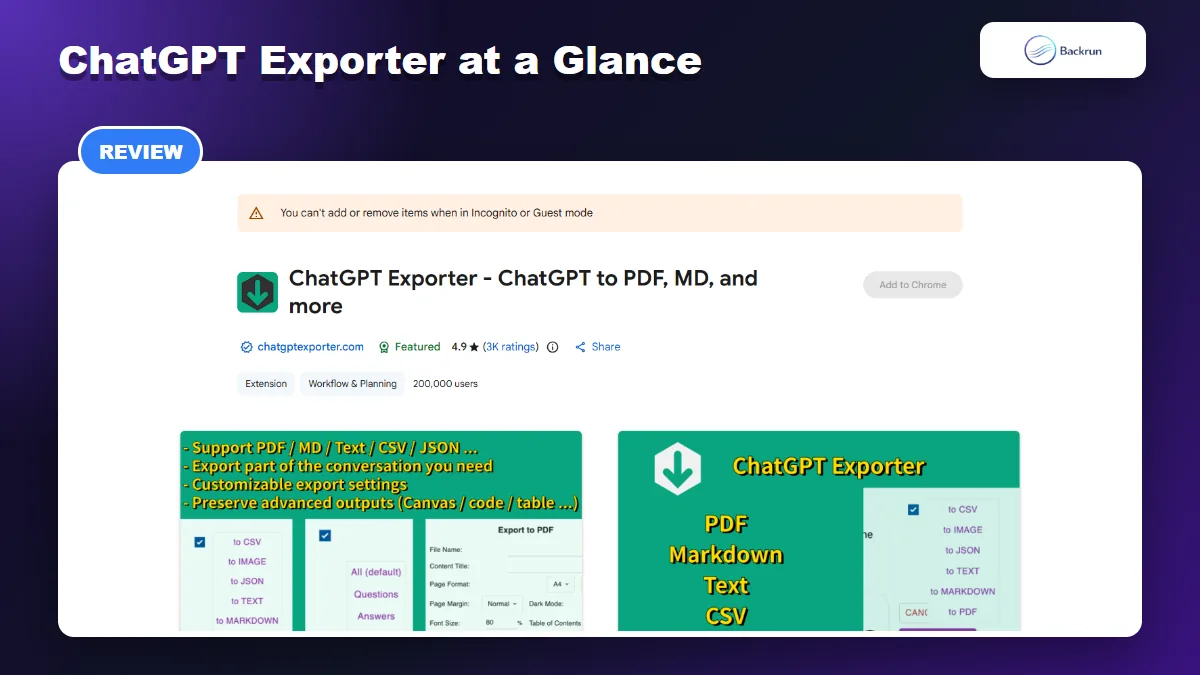
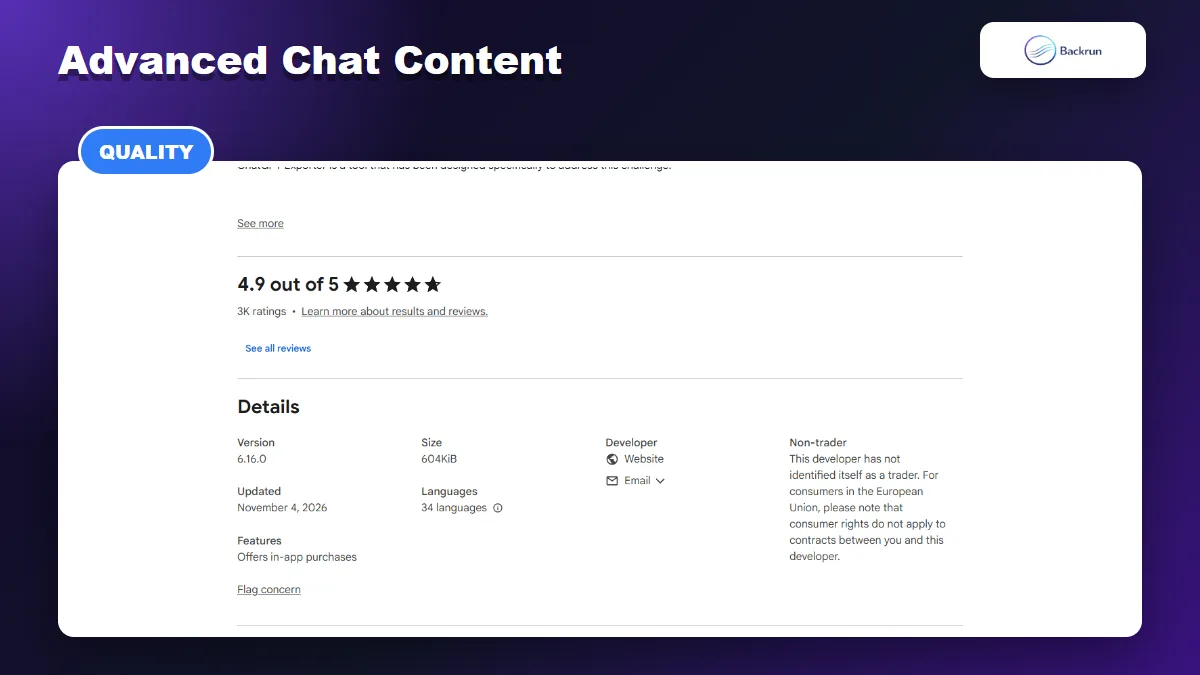
The Chrome Web Store lists ChatGPT Exporter as a Featured extension with 200,000 users.
What the Extension Is Designed to Do
ChatGPT Exporter converts a ChatGPT conversation into reusable local files. The extension is more flexible than browser printing because it can export structured data, isolate selected messages, and apply document settings before a PDF is generated.
Its strongest use cases are archiving research, moving answers into a Markdown knowledge base, retaining structured records in JSON or CSV, and producing a cleaner PDF for sharing. It is not a Word, Google Docs, or Notion exporter, so users who need those destinations should compare alternatives before installing.
Current Listing Snapshot
Listing name
ChatGPT Exporter - ChatGPT to PDF, MD, and more
Publisher website
chatgptexporter.com
Version reviewed
6.16.0
Last updated
November 4, 2026
Users
200,000
Rating
4.9 from about 3,000 ratings
Size
604 KiB
Languages
34
The listing marks the extension as Featured. A large user base and frequent updates are useful trust signals, but they do not replace testing with the specific tables, formulas, citations, and long chats in your workflow.
2. Export Formats and PDF Customization
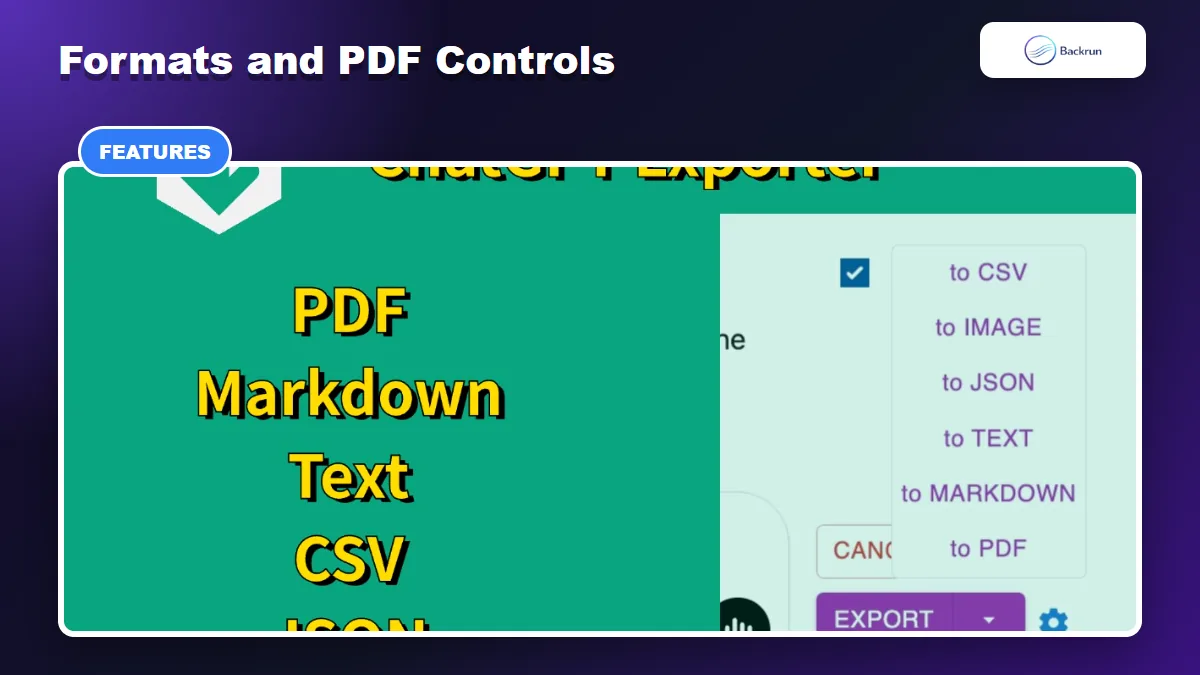
The extension supports PDF, Markdown, text, CSV, and JSON, plus detailed PDF controls.
Formats You Can Download
The extension supports PDF, Markdown, TXT, CSV, and JSON. Each format solves a different problem. PDF is best for a fixed visual record, Markdown fits Obsidian and documentation repositories, TXT provides a lightweight copy, CSV helps with tabular analysis, and JSON preserves a machine-readable structure.
This range is useful because a single conversation may need more than one output. You can keep a Markdown copy for editing and a PDF copy for presentation, or retain JSON as a structured backup while sharing only the readable document.
Choose the format according to what happens next. Markdown is easier to version, search, and edit in a note-taking system. PDF is better when recipients should see the same layout. CSV is useful only when the exported conversation maps cleanly to rows and columns, while JSON is most valuable for developers who plan to transform the data with code. Exporting every chat to every format creates unnecessary files without improving the archive.
PDF Controls That Stand Out
The PDF panel is the most configurable part of ChatGPT Exporter. The listing describes controls for the filename, document title, page size, orientation, margins, theme, page numbers, font scale, font family, table of contents, user details, timestamps, page breaks, and CJK fonts. It also includes options related to web sources and research content.
These settings make the tool more useful than a one-click print command. A researcher can retain citations and timestamps, while someone preparing a client document can remove personal details and use a cleaner layout.
What Is Free
According to the listing, Markdown, TXT, JSON, and CSV remain free. PDF includes three free exports per day, with additional use tied to the paid offering. PDF also requires signing in to the extension, while the other listed formats do not. Pricing and quotas can change, so confirm the current terms inside the product before adopting it for a team.
3. How Selective Export Works
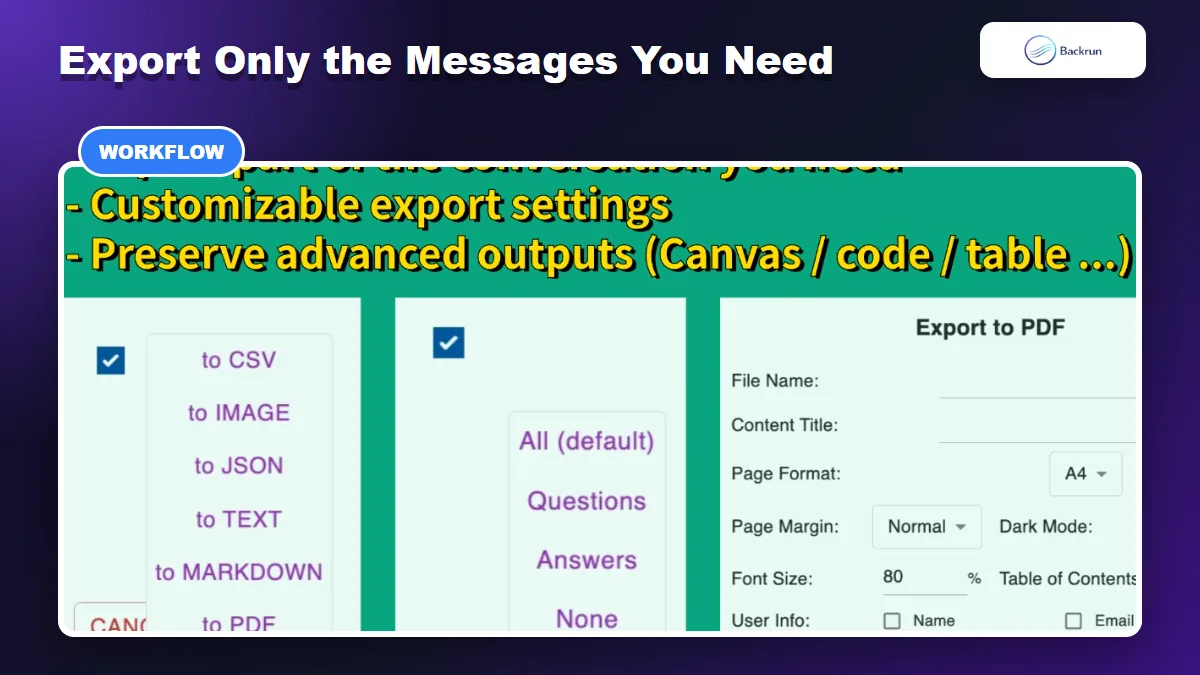
Users can export an entire conversation or select only the messages they need.
Choose Individual Messages
Selective export is one of the extension's most practical features. Instead of saving an entire thread filled with retries and abandoned prompts, you can keep only the messages that support the final result.
Install ChatGPT Exporter and review its requested access.
Open the ChatGPT conversation you want to save and load the relevant messages.
Activate the export controls from the page or extension interface.
Select individual messages, or use Shift-click to choose a range when appropriate.
Choose PDF, Markdown, TXT, CSV, or JSON and apply the available settings.
Review the exported file against the original conversation.
Export Long Chats Without Extra Clutter
For long research sessions, message selection can reduce cleanup substantially. Keep the final prompt, answer, citations, and follow-up clarification, while excluding brainstorming that no longer matters. The result is easier to read and less likely to expose irrelevant details.
Where the Workflow Can Fail
ChatGPT can load older content dynamically. Before exporting a long thread, scroll through it and confirm that the required messages are visible. Also check equations, code blocks, tables, images, footnotes, and source links after export. Interface changes on ChatGPT can temporarily affect any browser extension that reads page content.
4. Deep Research, Canvas, Code, and Equations
The listing describes support for Canvas, equations, code, tables, citations, and web sources.
Advanced Content It Claims to Preserve
The listing says ChatGPT Exporter can preserve Canvas output, mathematical notation, code blocks, tables, Deep Research citations, web sources, and thought-process sections exposed by the interface. Group conversations and anonymous chats are also listed as supported.
That feature set matters because plain copy and paste often damages technical formatting. Markdown export is especially useful for code and headings, while PDF is more appropriate when the visual hierarchy and citations must remain stable.
A Practical Formatting Test
Do not judge export quality using a short paragraph. Create a non-sensitive test conversation containing a heading, nested list, table, code block, LaTeX equation, citation, external link, and long answer. Export it to both PDF and Markdown, then compare every element with ChatGPT.
This test reveals whether the extension handles your real content correctly. It also helps you choose the right format: Markdown may preserve structure better for editing, whereas PDF may produce a more consistent document for readers.
Pay special attention to content near page breaks and the end of long responses. Confirm that fenced code remains separate from prose, tables keep the expected number of columns, equations are readable, and citation links still point to the correct sources. If the exported file will support a decision, publication, or client deliverable, compare it line by line before treating it as the authoritative copy.
5. Pricing, Privacy, and Limitations
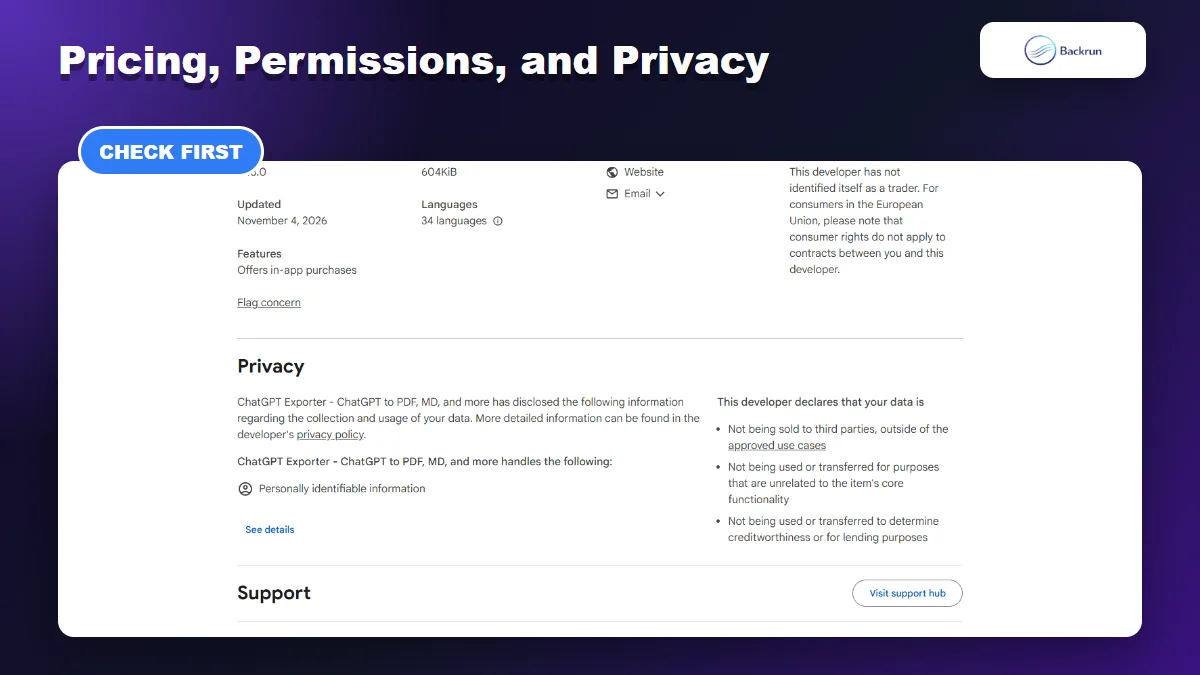
The privacy section explains data handling and distinguishes PDF processing from browser-based formats.
Free and Paid Limits
The generous part of the free tier is access to Markdown, TXT, CSV, and JSON. The main restriction is PDF, which the listing limits to three free exports per day. Occasional users may never reach that limit; frequent PDF users should evaluate the paid plan before depending on the extension.
Local vs Server Processing
The developer states that PDF content is processed temporarily on a server and deleted immediately after generation, while other formats are handled in the browser. This distinction matters for confidential work. Even temporary processing can conflict with an employer's data policy, client agreement, or regulatory requirements.
Permissions and Risk
The Chrome Web Store disclosure says the extension handles personally identifiable information. This does not prove misuse, but it is a reason to review the privacy policy, limit site access where possible, and avoid testing with sensitive chats. Chrome's extension management guidance explains how to inspect and control extension access.
For workplace use, separate convenience from authorization. A tool may work correctly while still being unsuitable for confidential source code, customer records, legal material, or unpublished research. Check whether your organization permits browser extensions to read AI conversations and whether temporary PDF processing is acceptable. When the answer is unclear, export a synthetic test conversation rather than real data.
Strengths
Five useful export formats
Selective message and range export
Detailed PDF customization
Support for technical and research content
Large user base and frequent updates
Limitations
No direct Word, Google Docs, or Notion destination
Only three free PDF exports per day
PDF uses temporary server processing
Output still requires manual verification
ChatGPT interface changes can affect compatibility
6. Final Verdict: Is ChatGPT Exporter Worth Using?
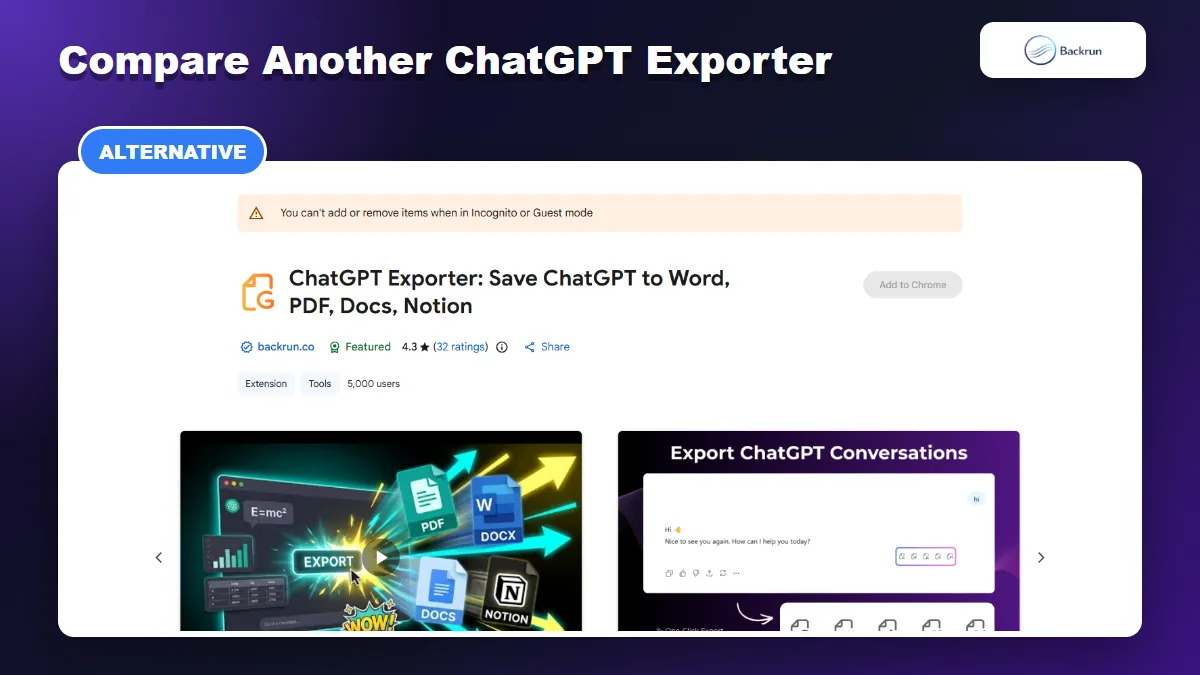
Backrun offers an alternative for users who need Word, Google Docs, or Notion destinations.
Who Should Install It
ChatGPT Exporter is a strong choice for users who want PDF or Markdown, need selective message export, and regularly archive code, tables, equations, or Deep Research output. Its compact size, mature listing, and detailed PDF settings make it more capable than a simple print shortcut.
Who May Prefer a Simpler Option
It is less suitable when your destination is Microsoft Word, Google Docs, or Notion, or when company policy does not allow temporary server processing for PDF generation. Users who only need an occasional plain-text copy may not need an extension at all.
Compare a Backrun Alternative
For a workflow centered on editable document destinations, compare Backrun's ChatGPT Exporter and its Chrome Web Store listing. It supports selected messages or full conversations and adds Word, Google Docs, and Notion destinations alongside PDF.
The best choice depends on the output you actually need. Use the reviewed ChatGPT Exporter for flexible local formats and detailed PDF controls; compare Backrun when direct document and workspace exports are more important.