Chrome Extension — Free to Install

The Best Gemini Exporter
to Save Every Conversation

Stop losing valuable AI insights from Google Gemini. Export Gemini chat history to PDF, Word, Google Docs, or Notion with a single click — perfectly formatted, no copy-paste needed.

⭐ Trusted by 1,000+ Gemini users worldwide

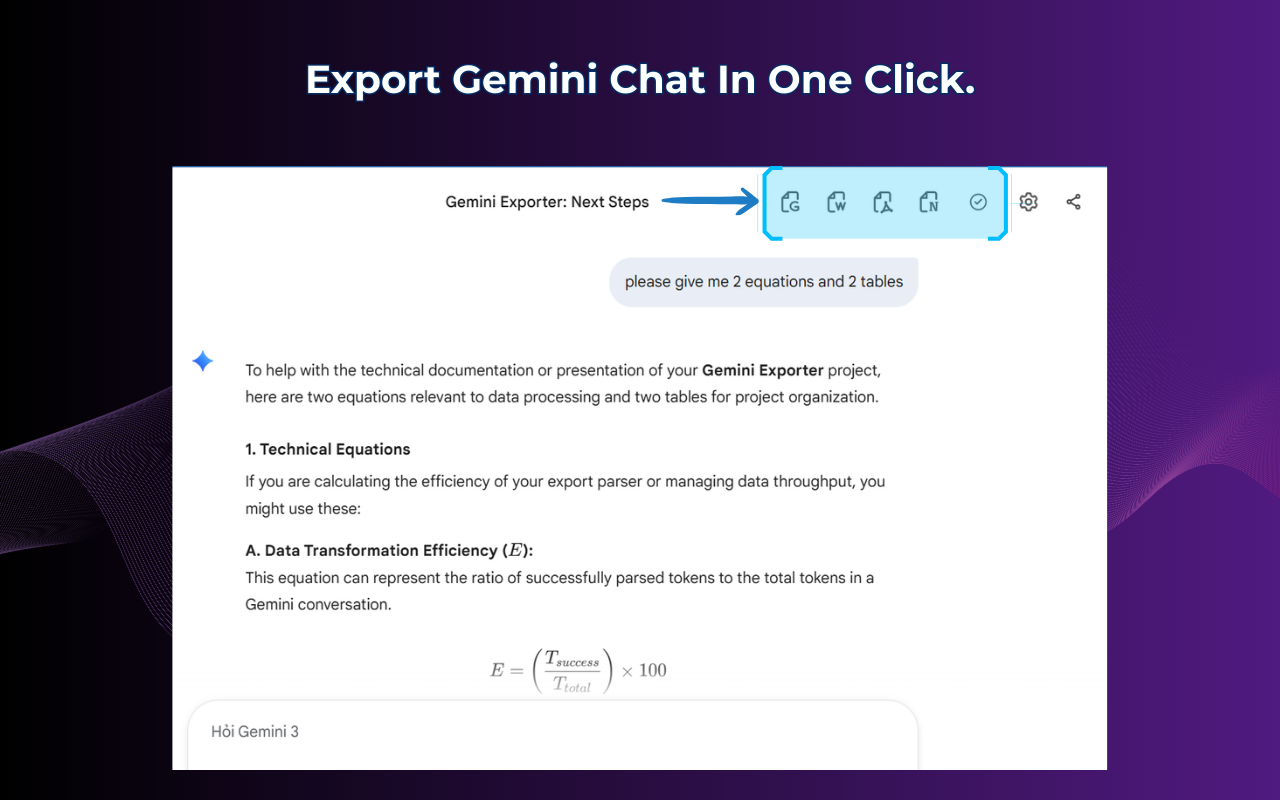
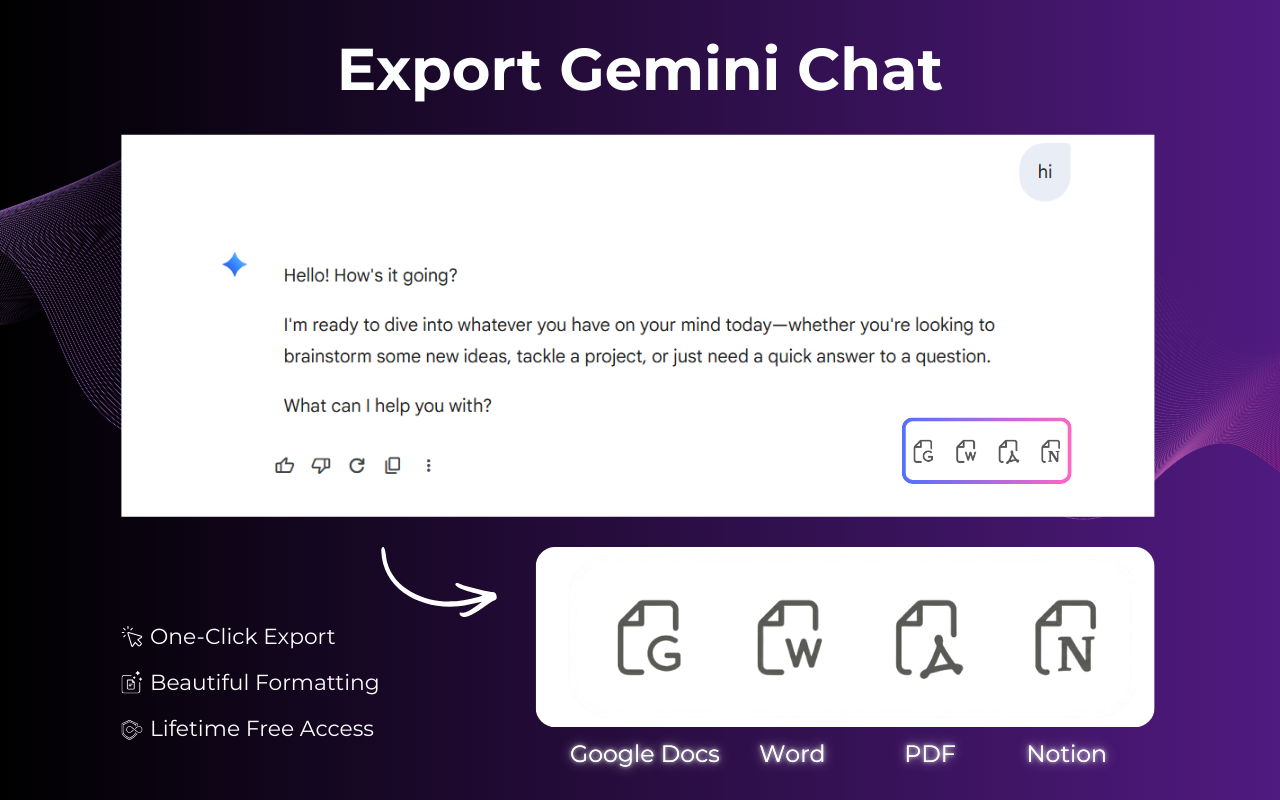
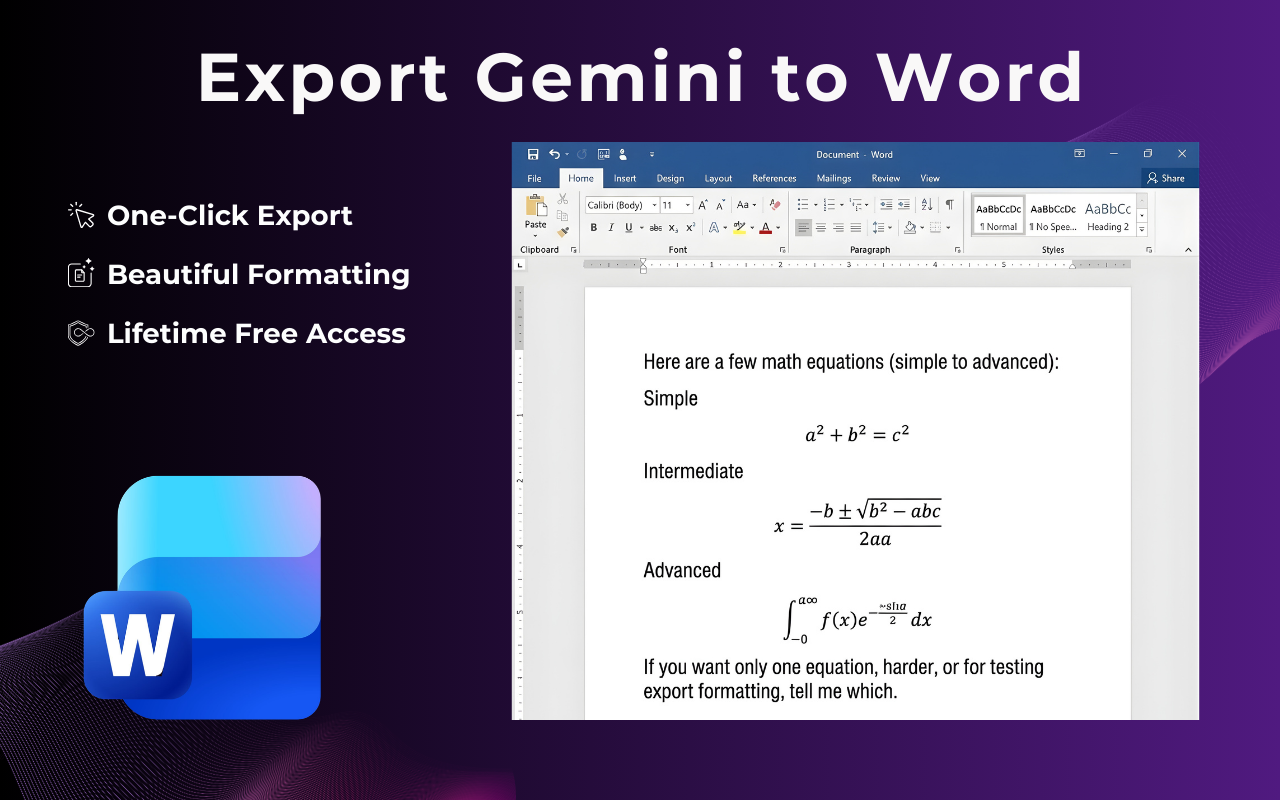
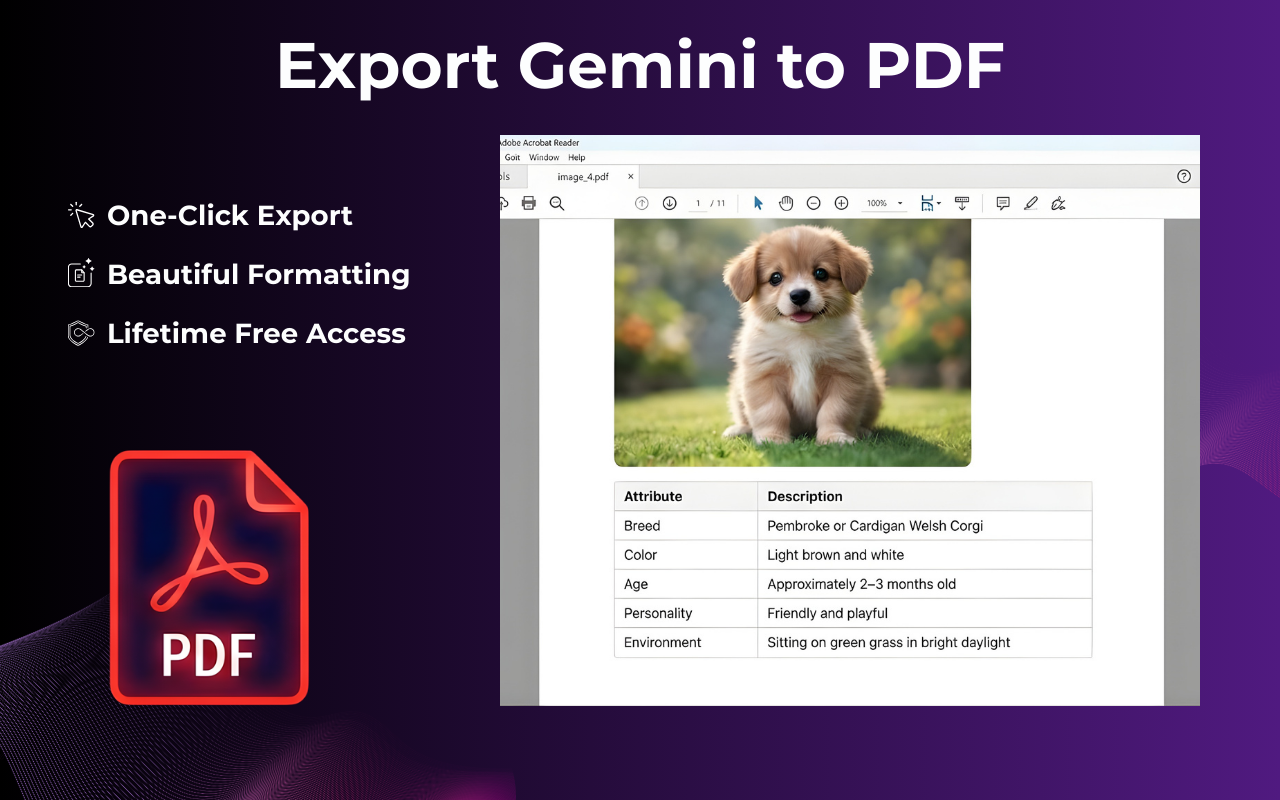
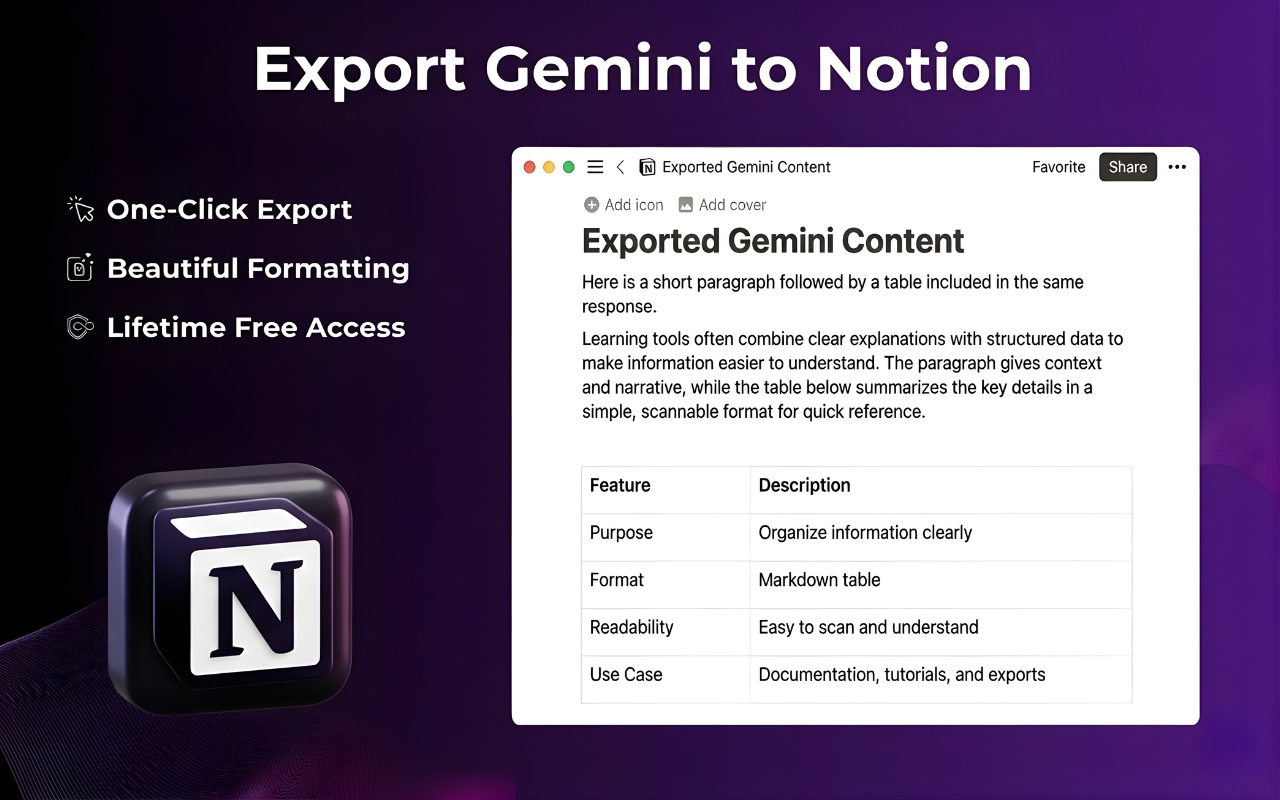
Gemini Exporter Chrome extension interface showing export options for PDF, Word, Google Docs and Notion Gemini Exporter customization panel with font and color settings before exporting conversation Preview of Gemini chat exported to Microsoft Word .docx format with preserved formatting Gemini conversation exported to PDF with code blocks and LaTeX math formulas preserved Gemini chat exported to Notion as a structured knowledge base page

How to Export Gemini Chat

Follow these 5 easy steps to export your entire Gemini conversation — PDF, Word, Docs, or Notion in seconds.

  1. 1

    Open any Gemini conversation

    Go to gemini.google.com and navigate to the chat you want to save or export.

  2. 2

    Click the Gemini Exporter icon

    Use the floating button or the Chrome toolbar icon to open the Gemini export menu.

  3. 3

    Choose your export format

    Select PDF, Word, Google Docs, or Notion depending on your workflow.

  4. 4

    Customize (Optional)

    Adjust fonts, colors, and layout to create a polished, professional document that matches your brand.

  5. 5

    Download or send instantly

    Your Gemini chat export is ready in seconds — no watermarks, no account required.

Video tutorial: How to export Gemini chat to PDF, Word, Google Docs or Notion in one click using Gemini Exporter Chrome extension

Supported Export Formats

Choose how you want to save and share your Gemini export data — 4 formats supported.

PDF

Export Gemini conversation to PDF — print-ready & shareable.

Microsoft Word

Gemini to Word converter — edit and redline in .docx format.

Google Docs

Export Gemini chat to Google Docs for real-time collaboration.

Notion

Gemini to Notion — turn chats into a searchable knowledge base.

All formats preserve code blocks, LaTeX math, tables, and images — exactly as displayed in Gemini.

Powerful Features for Every Gemini User

Everything you need to export Gemini chat history like a pro — researchers, developers, and content creators love it.

Export Entire Gemini Conversation

Capture your complete Gemini chat history from the very first message to the last response — perfect for archiving research sessions, saving client briefs, or backing up long creative projects.

  • ✓ Full thread — no messages skipped
  • ✓ Works with Gemini Advanced & free tier
  • ✓ Instant one-click export Gemini chat
Gemini Exporter showing full conversation export option — all messages from a Gemini research session captured
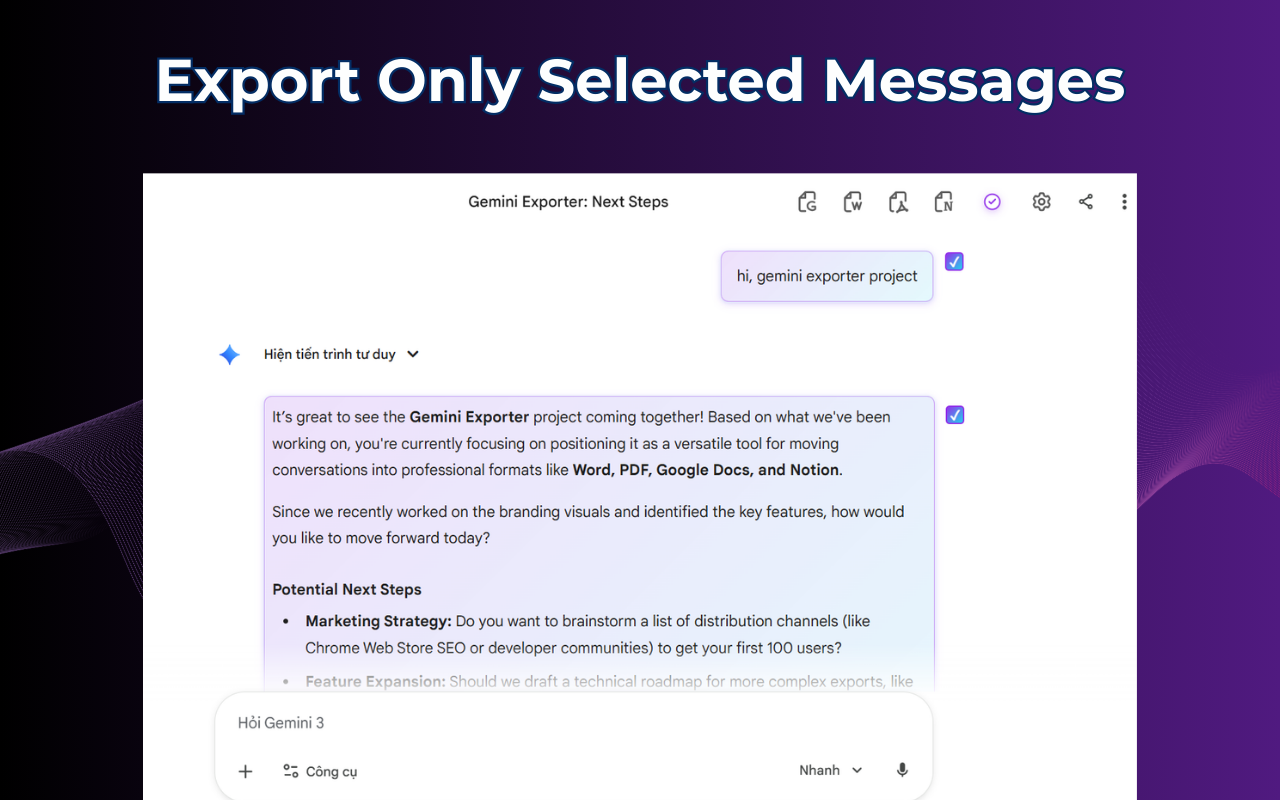
Gemini Exporter partial selection tool — user selecting specific messages from a long Gemini conversation to export

Partial Selection — Export Only What You Need

Don't need the full thread? Use the precision selector to pick specific messages or sections. Ideal for extracting a single code snippet or a key summary from a long Gemini session.

  • ✓ Select individual messages
  • ✓ Perfect for client-ready snippets
  • ✓ Export specific Gemini responses instantly

Premium Customization

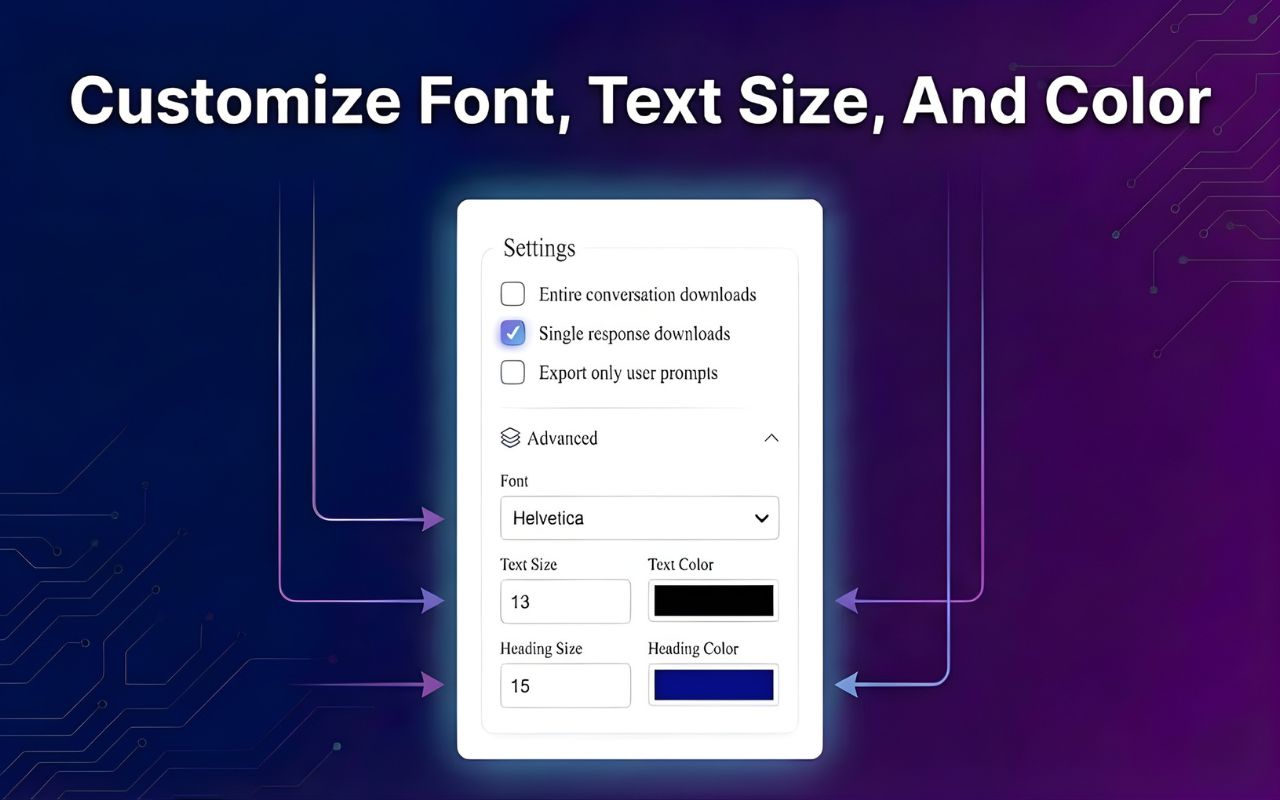
Make your exported documents truly yours. Adjust font family, text size, and accent colors before downloading. Whether for a client report or personal knowledge base, your document will look polished.

  • ✓ Custom fonts & colors
  • ✓ Brand-ready output
  • ✓ Works for all formats — PDF, Word & Docs
Gemini Exporter premium customization panel — adjusting font family, text size and accent colors before downloading the exported document

Ready to export your Gemini conversations?

Free Chrome extension — works with Gemini, Gemini Advanced & Gemini for Google Workspace.

Get Gemini Exporter Free →

Trusted by 1,000+ Gemini Users

Real people who export Gemini chat every day — here's what they say.

"Finally a proper Gemini to PDF extension that doesn't break code blocks or math formulas. I export research sessions every day — it's become essential."

— James R., Data Scientist

"I use it to export Gemini chat to Google Docs and share with my team instantly. The formatting is perfect — looks like I spent an hour writing it myself."

— Priya S., Product Manager

"The Gemini to Notion export is brilliant. I build my entire second brain from Gemini sessions — one click and everything is in Notion, perfectly structured."

— Carlos M., Content Strategist

Frequently Asked Questions

Everything about how to export Gemini chat — answered.

Start Exporting Your Gemini Chats Today

Join thousands of researchers, developers, and professionals who use Gemini Exporter to save every valuable AI conversation — as PDF, Word, Google Docs, or Notion.

Get Gemini Exporter Free

Available on Chrome, Edge & Brave · No sign-up required · 100% private