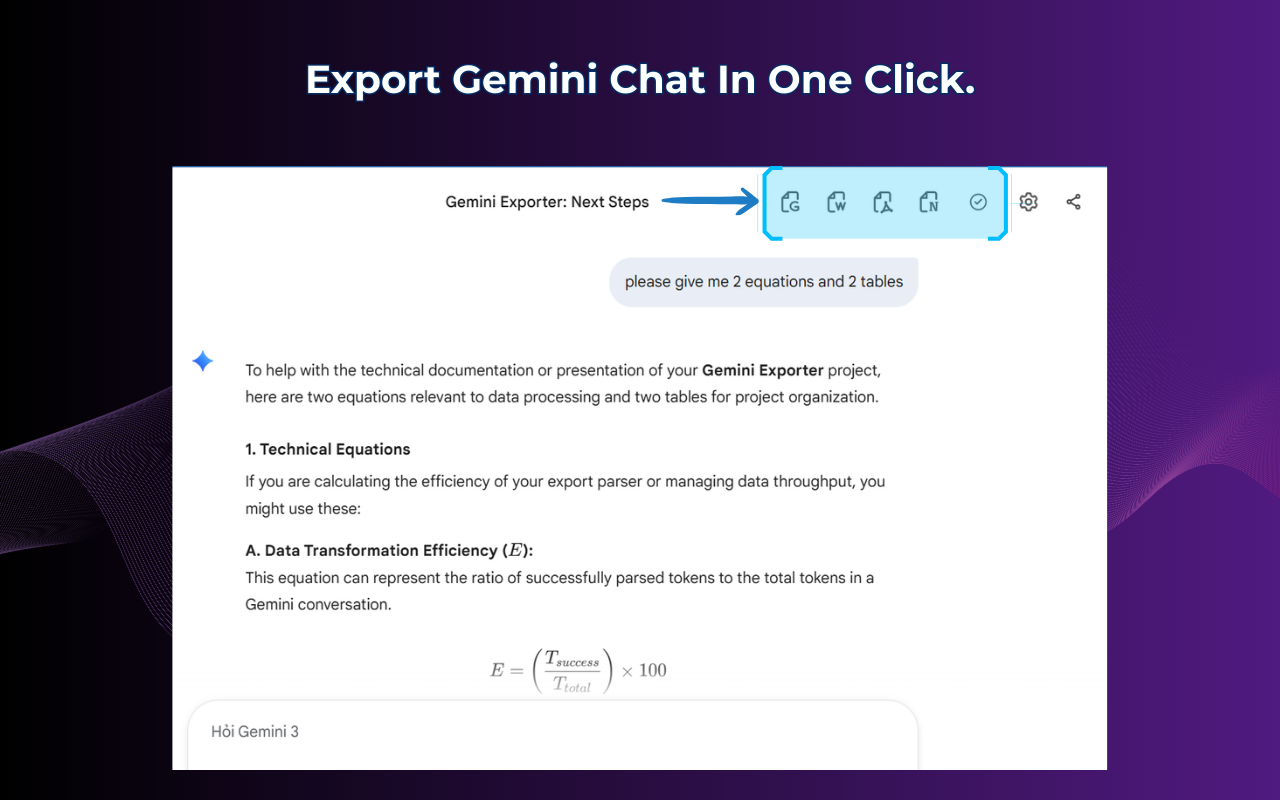
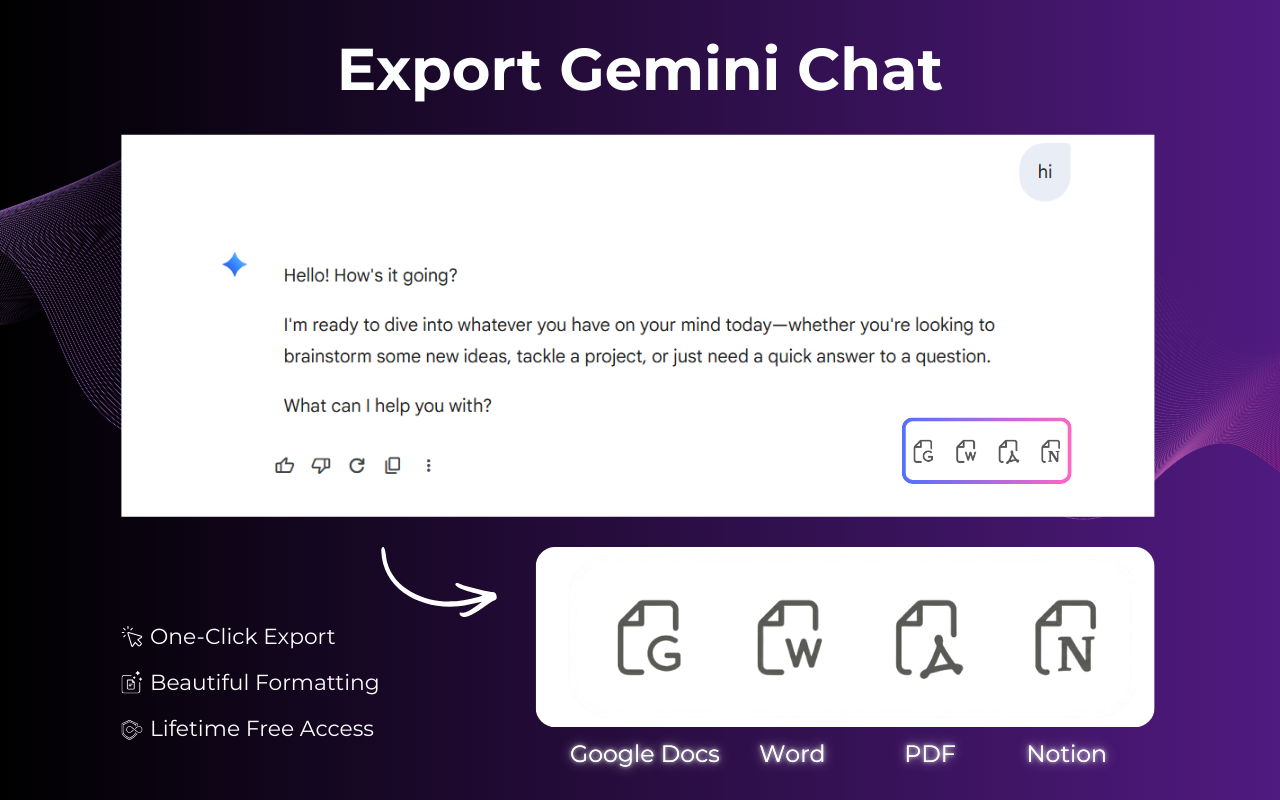
The cleanest Gemini to Word Extension for Chrome. Export full chats, code blocks, tables, and math formulas directly to .docx — edit-ready in Microsoft Word in seconds.
★★★★★ 4.9 / 5 · 1,200+ active users · Zero data sent to servers
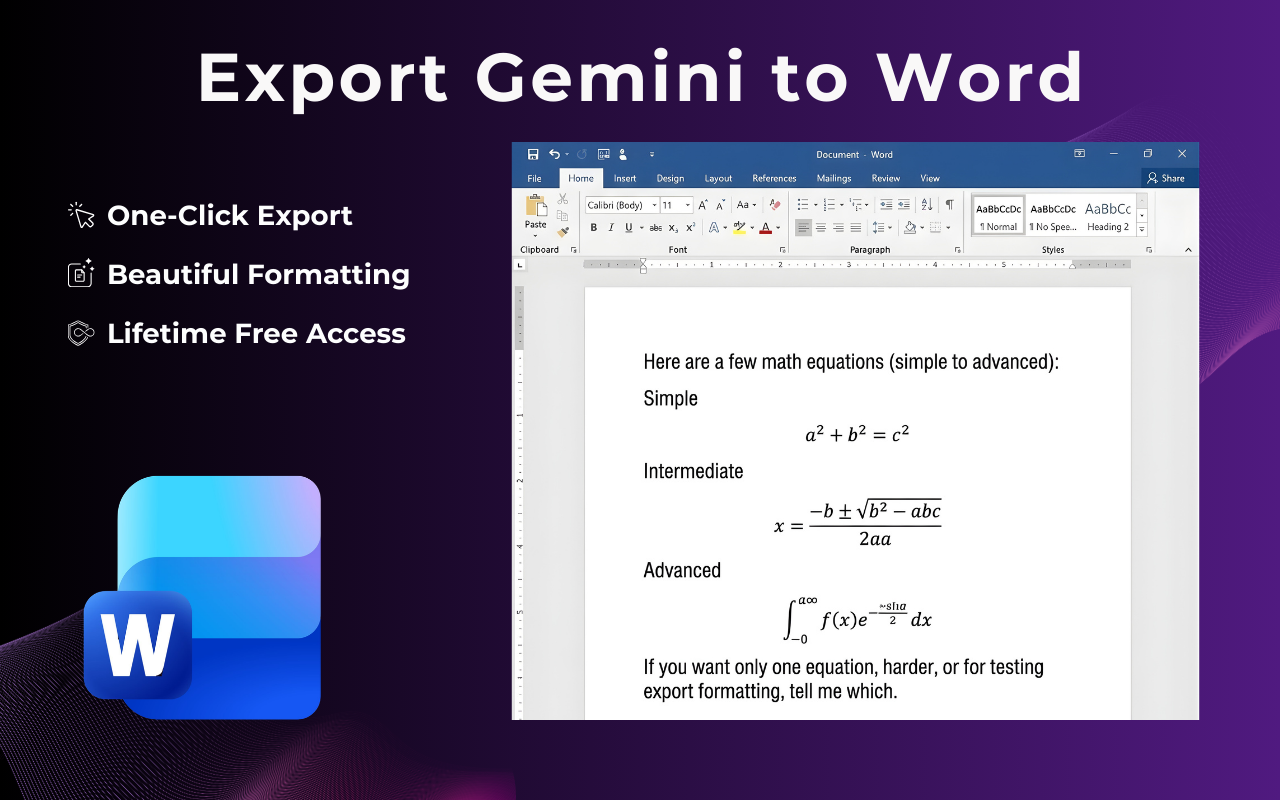
Live preview — what your Word export looks like
No learning curve. No copy-pasting. Your Gemini to Word conversion is ready before your coffee gets cold.
Visit gemini.google.com and open any conversation — a research thread, a coding session, or a brainstorm.
Hit the Gemini Exporter icon in your Chrome toolbar. A clean panel opens with Word (.docx) selected as the default format.
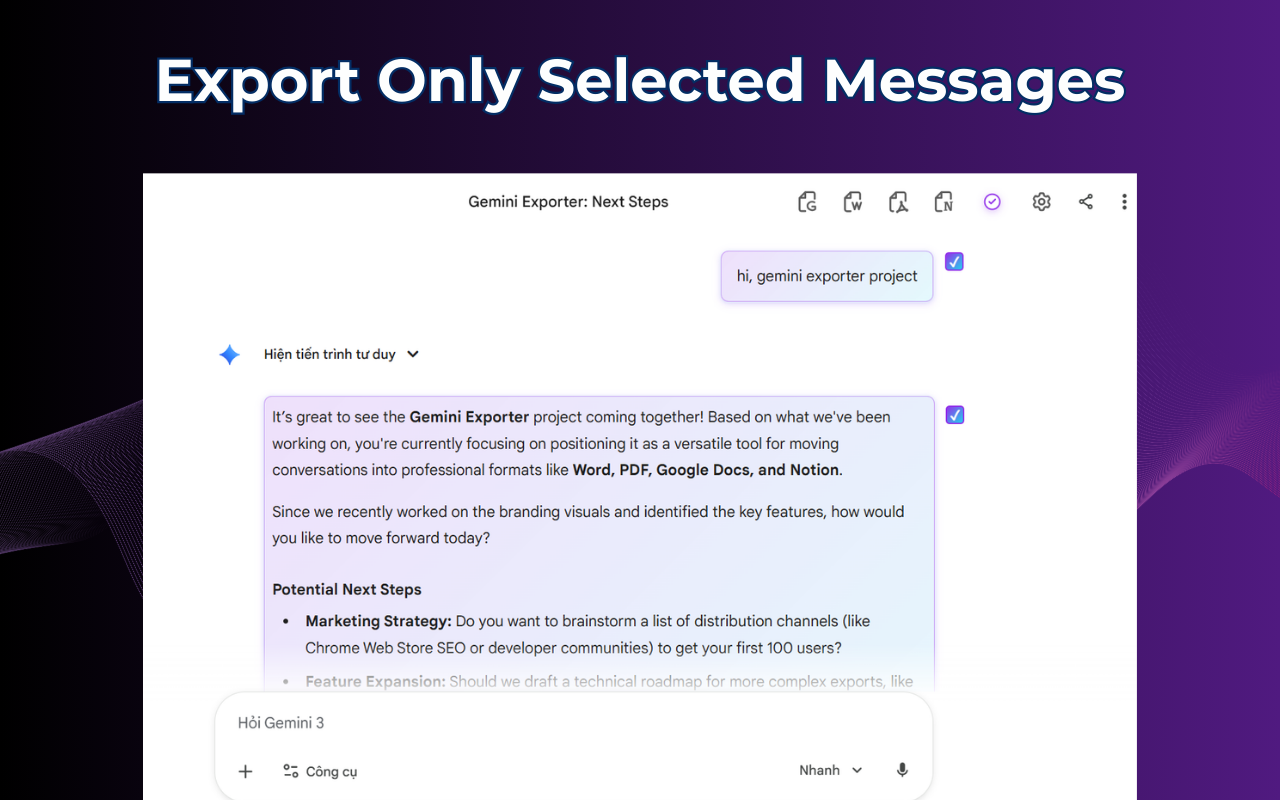
Export the full conversation, a date range, or cherry-pick individual messages. You decide the scope.
Your Word file downloads instantly — headings, code blocks, tables, and bold text all preserved. Open in Word and start editing.
Watch 2-min tutorial
Built specifically for the Gemini-to-Word workflow — not a generic exporter bolted onto another tool.
Our conversion engine maps every Gemini element to its native Word equivalent. Gemini headings become Word heading styles. Bold stays bold. Bullet lists stay bulleted. You get a document that looks hand-crafted, not machine-exported.
Long Gemini thread but only need that one brilliant response? Use message-level selection to export just the parts that matter. Create a focused Word document without the back-and-forth.
Your Gemini conversations never leave your browser. The .docx file is generated entirely on your device — no cloud upload, no server, no logs.
Equations written by Gemini are converted to Word's native equation objects — fully editable in the Equation Editor, not just images.
Choose from 6 Word document templates — academic, business, minimal, technical, client-ready, and dark mode — before downloading.
Even thousand-message Gemini threads convert to Word in under 3 seconds. No loading bar anxiety, no timeout errors.
Free forever for basic use — install in 30 seconds, no sign-up.
See how our Gemini to Word converter stacks up against manual workarounds and generic tools.
| Feature | Gemini Exporter (us) | Copy & Paste | Generic Exporter | Print to PDF → Convert |
|---|---|---|---|---|
| Native .docx output | ✓ | ✗ | ✓ | ✗ |
| Code blocks preserved | ✓ | ✗ broken | ✗ often | ✗ |
| Tables preserved | ✓ | ✗ | ✗ sometimes | ✗ |
| LaTeX math equations | ✓ editable | ✗ | ✗ | ✗ image only |
| Partial message selection | ✓ | ✗ manual | ✗ | ✗ |
| Word heading styles (TOC) | ✓ | ✗ | ✗ | ✗ |
| Zero data sent to servers | ✓ 100% local | ✓ | ✗ usually uploads | ✓ |
| Time to export | < 3 seconds | 5–20 min | ~10 seconds | 10–30 min |
From solo researchers to enterprise teams — here's how people use Gemini Exporter every day.
Run multi-turn research sessions in Gemini, then export the entire conversation to Word. Annotate, restructure, and cite directly inside your existing documents.
Export Gemini coding sessions — code snippets, architecture explanations, and debugging threads — to Word docs for internal wikis or client handoffs.
Turn Gemini brainstorming sessions and strategy outlines into polished Word deliverables. Apply a client-ready template and send — no reformatting required.
Save Gemini tutoring sessions, essay outlines, and study explanations as Word documents. Reference them offline or submit them as study notes.
Keep a Word-based audit trail of Gemini-assisted drafting. Preserve the exact conversation that informed a decision — formatted and ready to archive.
Use Gemini to ideate, outline, and draft. Export to Word when it's time to polish. All your headings, lists, and structure arrive exactly as laid out in Gemini.
Real reviews from users who need Gemini to Word — not just a nice-to-have.
"I do all my research in Gemini, then hand deliverables to clients in Word. This extension eliminated the 30-minute reformatting session I used to dread. Tables arrive perfectly, code blocks look professional."
"As a PhD student, I live in Word. Being able to export Gemini's literature explanations and citations directly to .docx — with headings that show up in the navigation pane — is genuinely transformative."
"Our legal team uses Gemini Advanced for contract drafting assistance. Gemini Exporter gives us a clean Word document with every exchange logged. Exactly what we needed for compliance documentation."
Install Gemini Exporter and turn your next Gemini conversation into a polished Word document — in under 10 seconds, completely free.
Add to Chrome — It's FreeChrome · Edge · Brave · No account · No data collection · Open-source core