Chrome Extension — Free to Install

The #1 Claude Exporter
to Save Every Claude Chat

Stop losing valuable work from Anthropic Claude. Export Claude chat history, code sessions, and research directly to PDF, Word, Google Docs, or Notion in one click — perfectly formatted, no copy-paste needed.

⭐ Trusted by 500+ Claude users worldwide

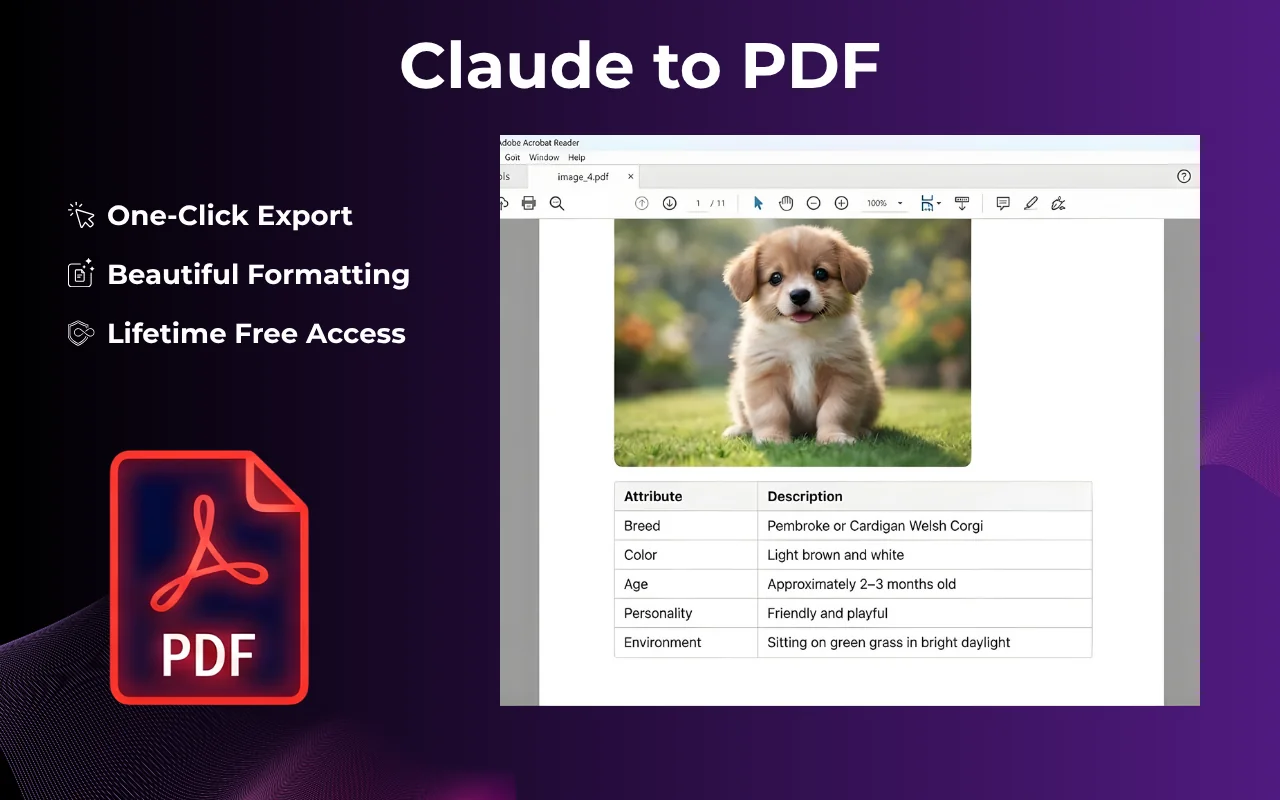
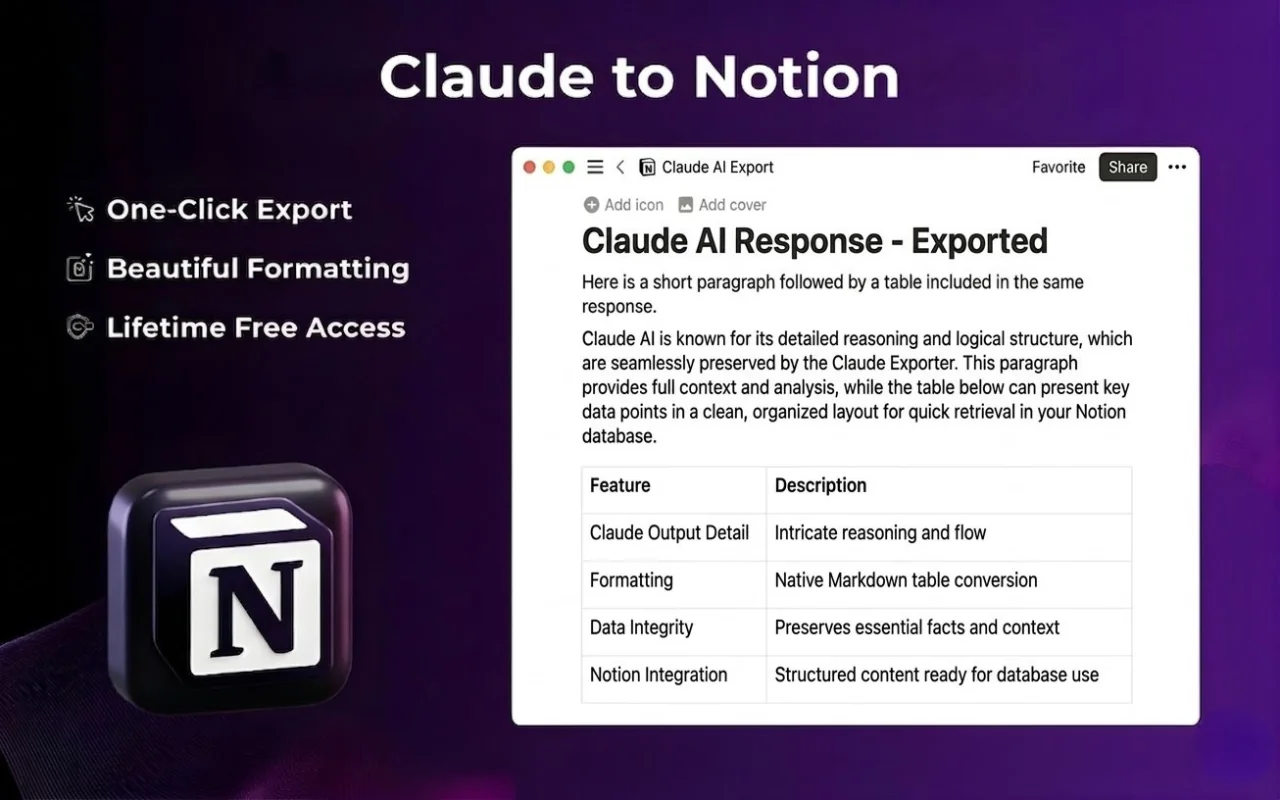
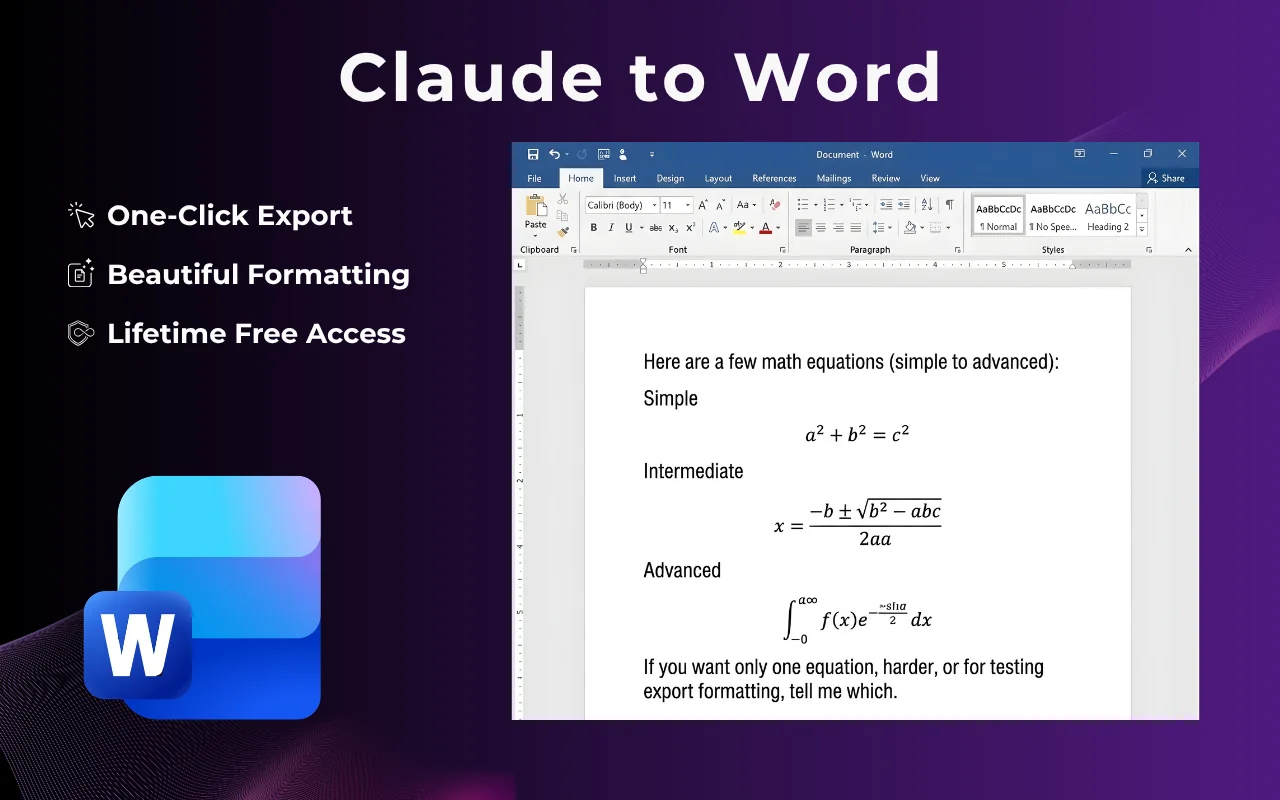
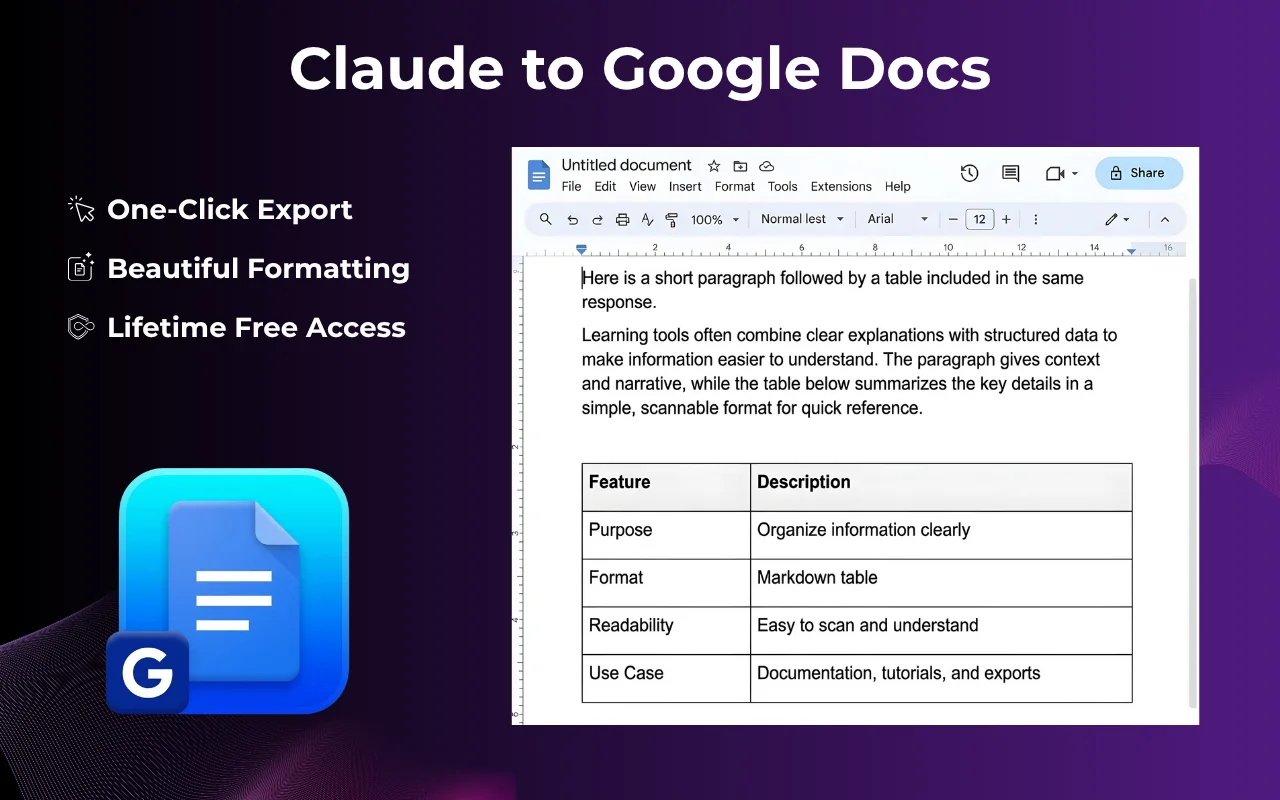
Claude Exporter Chrome extension — export Claude conversation to PDF, Word, Google Docs, Notion Claude Exporter panel — choose export format for Claude chat Claude chat exported to PDF with preserved code blocks and formatting Claude conversation exported to Notion as a structured knowledge base Claude chat exported to Microsoft Word .docx format Claude conversation exported to Google Docs for team collaboration

Used by professionals across

Research Engineering Content Consulting Education Finance

How to Export Claude Chat

5 steps to export your entire Claude conversation — PDF, Word, Docs, or Notion in under 10 seconds.

  1. 1

    Open any Claude conversation

    Go to claude.ai and open the conversation, code session, or research thread you want to save.

  2. 2

    Click the Claude Exporter icon

    Use the floating button or Chrome toolbar icon to open the Claude export panel.

  3. 3

    Choose your export format

    Select PDF, Word, Google Docs, or Notion — depending on where you work.

  4. 4

    Customize (Optional)

    Adjust fonts, colors, and layout before exporting — great for client reports and documentation.

  5. 5

    Download or send instantly

    Your Claude chat export is ready in seconds — no watermarks, no account required.

Tutorial: How to export Claude chat to PDF, Word, Google Docs or Notion using Claude Exporter Chrome extension

Supported Export Formats

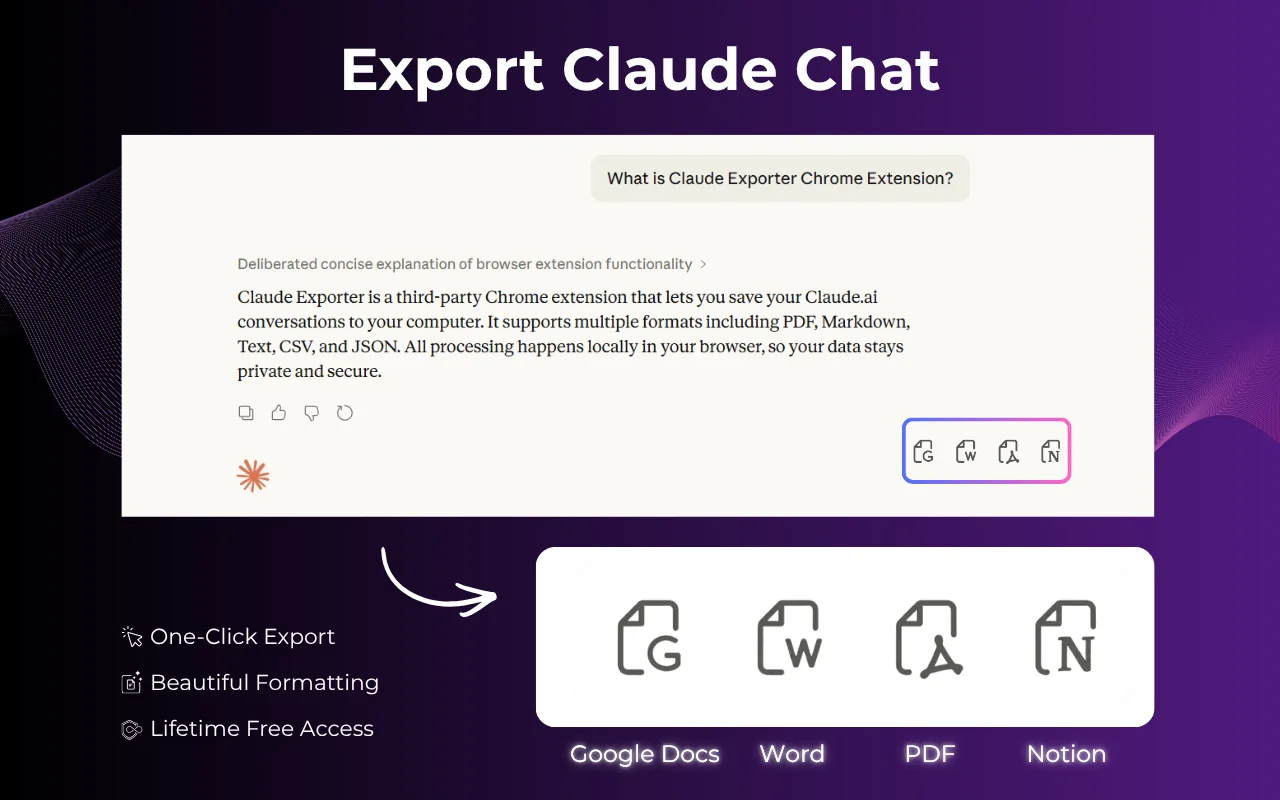
Export Claude conversations to 4 formats — all with code, tables, and math preserved.

PDF

Export Claude chat to PDF — print-ready, shareable, no watermarks.

Microsoft Word

Claude to Word converter — edit and redline in .docx format.

Google Docs

Export Claude chat to Google Docs for team collaboration.

Notion

Claude to Notion — build a searchable AI knowledge base.

All formats preserve code blocks, syntax highlighting, LaTeX math, tables, and images — exactly as shown in Claude.

Built for Claude Power Users

Export Claude conversation history like a pro — developers saving code sessions, researchers archiving analyses, consultants sharing AI-generated reports.

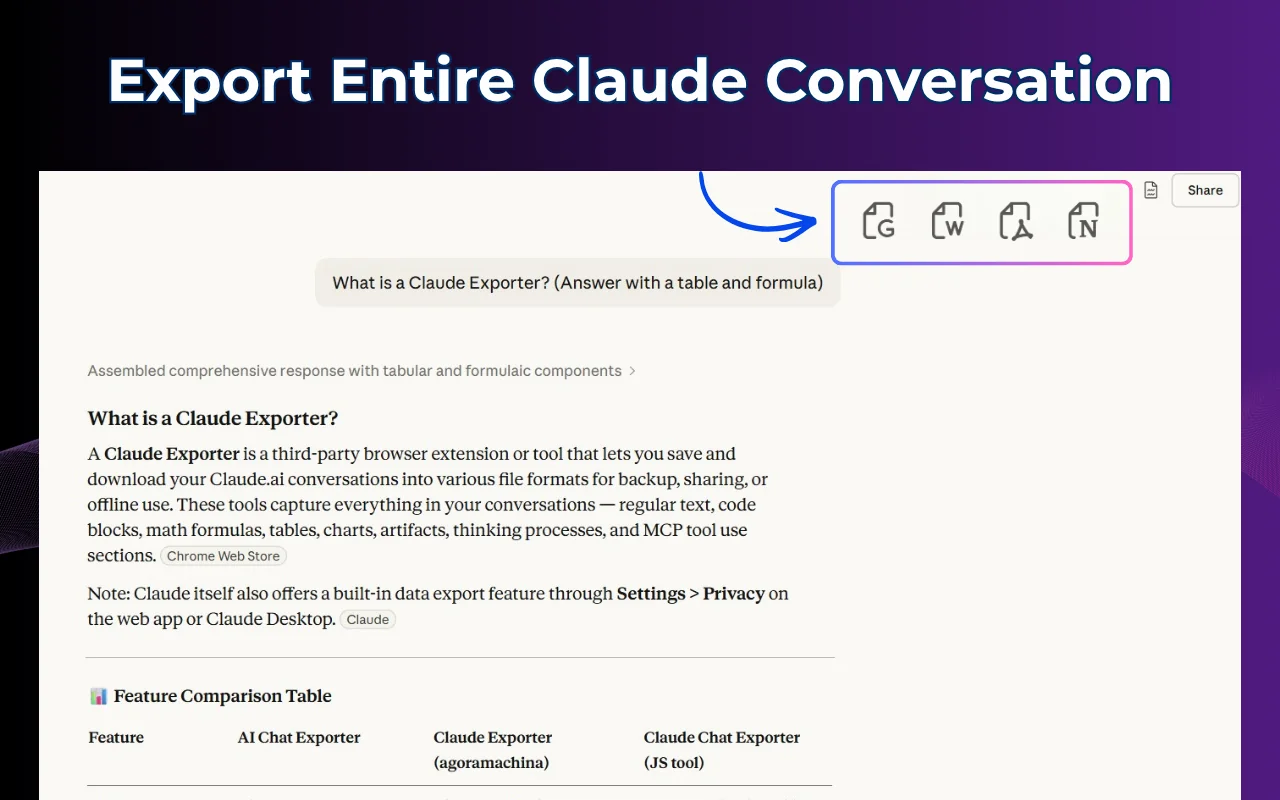
Export Entire Claude Conversation

Capture your complete Claude chat from the very first prompt to the final response — ideal for archiving code sessions, saving client deliverables, or backing up long research threads with Claude.

  • ✓ Full conversation — every message captured
  • ✓ Works with Claude.ai, Claude Pro & API conversations
  • ✓ One-click export Claude chat history instantly
Claude Exporter full conversation export — entire Claude.ai session captured and ready to download
Save Claude code session — developer exporting Python, JavaScript and other code blocks from Claude to Word document

Save Claude Code Sessions with Syntax Highlighting

Developers love Claude Exporter for one reason: it saves your entire code session — every snippet, explanation, and iteration — with syntax highlighting perfectly preserved in the exported document.

  • ✓ Code blocks with syntax highlighting retained
  • ✓ Perfect for technical documentation & code review
  • ✓ Export Claude code session to Word, PDF, or Docs

Partial Export & Premium Customization

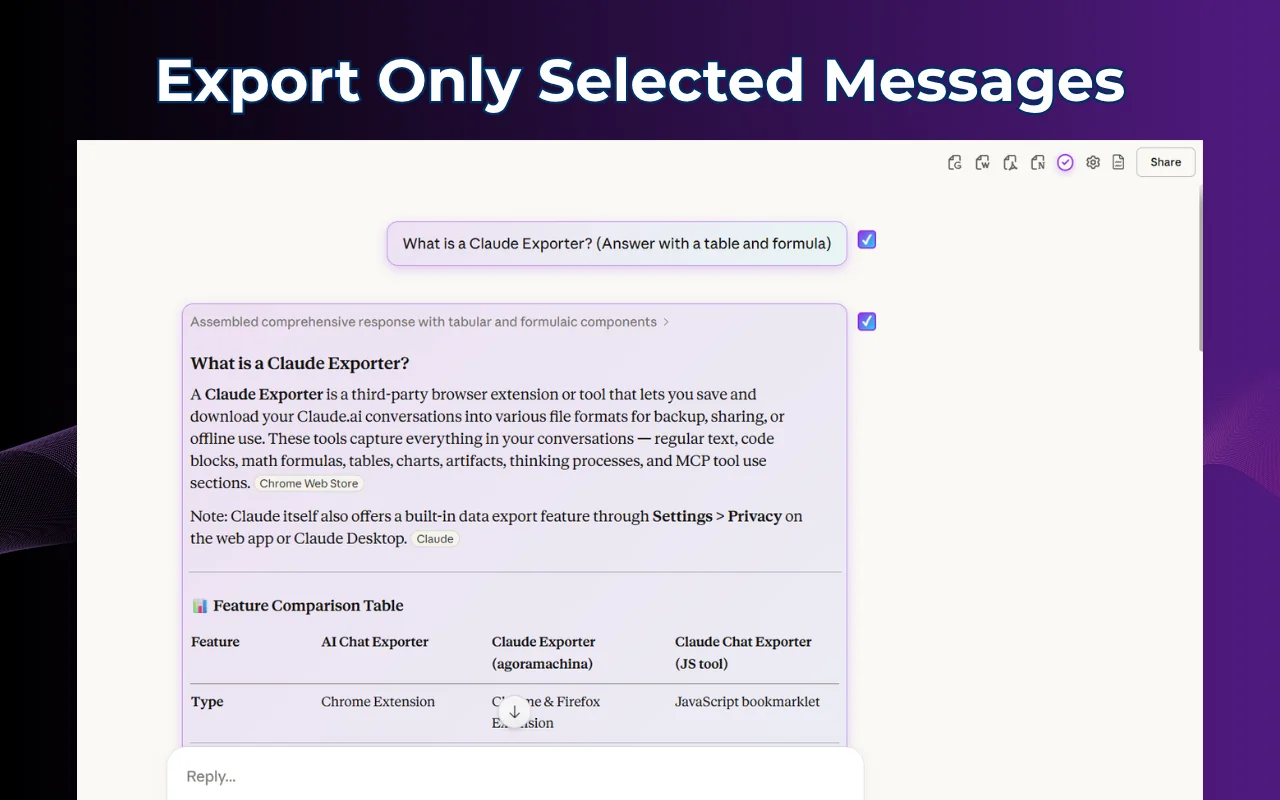
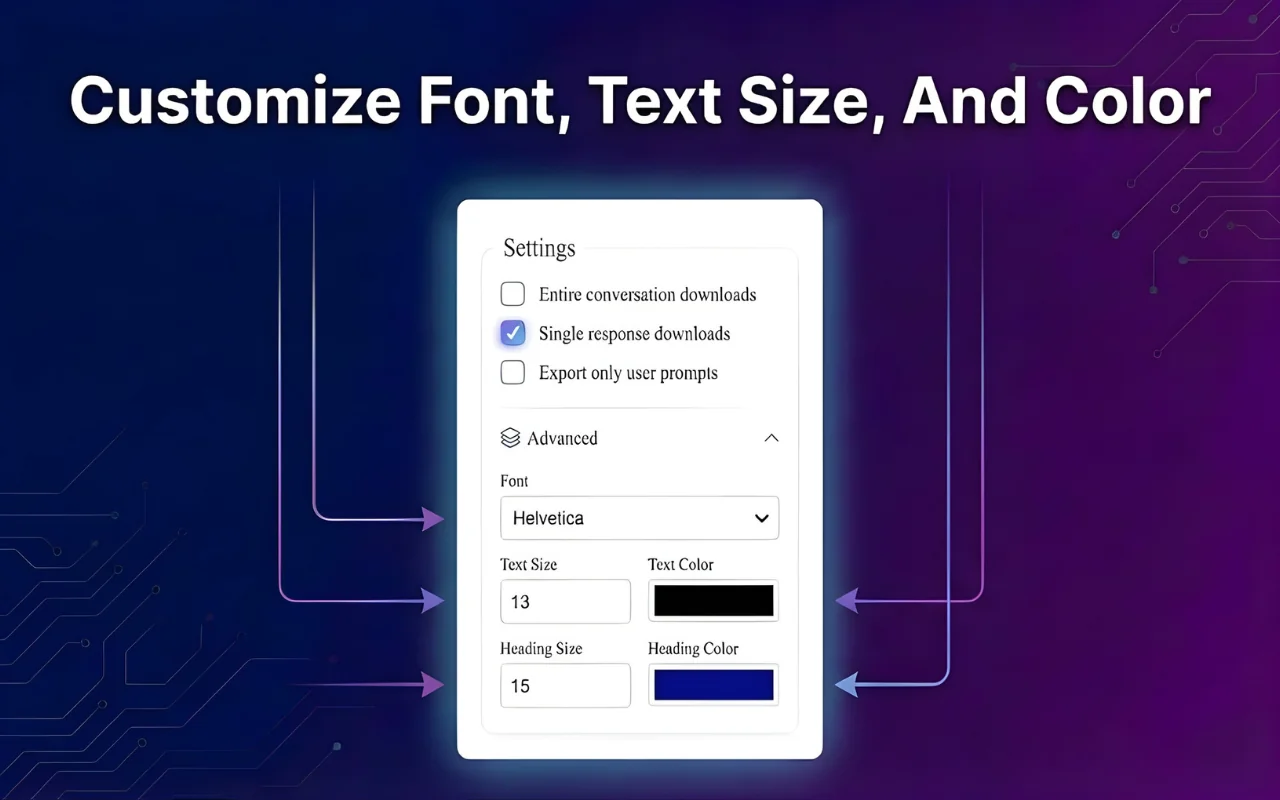
Don't need the full thread? Select specific messages from your Claude conversation. Then customize fonts, colors, and layout to make your exported document look polished and brand-ready before downloading.

  • ✓ Select specific Claude messages to export
  • ✓ Custom fonts, colors & layout — brand-ready output
  • ✓ Works for PDF, Word & Google Docs formats
Claude Exporter customization — adjust fonts, colors and select specific Claude messages to export

Ready to export your Claude conversations?

Free Chrome extension — works with Claude.ai, Claude Pro, and Claude for Teams.

Get Claude Exporter Free →

Trusted by 500+ Claude Users

Real people who export Claude conversations every day — here's what they say.

"Finally I can save Claude code sessions properly. The syntax highlighting stays intact in the Word doc — I send these to clients as technical documentation all the time."

— Alex T., Full-stack Developer

"I export Claude conversations to Google Docs and share research summaries with my team instantly. The formatting is flawless — looks like a proper report, not a chat dump."

— Mia K., Research Analyst

"The Claude to Notion export is a game-changer. My entire second brain is built from Claude sessions — one click and everything lands in Notion, perfectly structured."

— Daniel P., Content Strategist

Frequently Asked Questions

Everything about how to export Claude chat — answered.

What is Claude Exporter and how does it work?

Claude Exporter is a Chrome extension that lets you export Claude chat history to PDF, Word, Google Docs, or Notion in one click. It reads the conversation directly from your browser — no data is sent to external servers. Works on claude.ai with any Claude model.

How do I export my entire Claude conversation?

Open the chat on claude.ai, click the Claude Exporter icon in your Chrome toolbar, choose "Export Entire Conversation", pick your format (PDF, Word, Docs, or Notion), and click Export. Done in under 10 seconds.

Can I save Claude code sessions to Word or PDF?

Yes — this is one of Claude Exporter's best features. Your code blocks, syntax highlighting, and inline explanations are all preserved when you save Claude code sessions to Word, PDF, or Google Docs.

Is Claude Exporter free?

Yes! Install from the Chrome Web Store at no cost and start exporting immediately. No credit card, no sign-up required. A Pro tier with advanced customization is also available.

Can I export Claude chat to Google Docs directly?

Yes. The export Claude to Google Docs feature creates a properly formatted Google Doc in your Drive — ready to share or collaborate on immediately.

Does Claude Exporter work with Claude Pro and Claude Teams?

Yes. Claude Exporter is compatible with all Claude tiers — free, Pro, and Teams. We keep the extension updated with every Claude UI change.

Is my Claude data private?

Absolutely. Claude Exporter runs entirely locally in your browser. Your conversation data is never sent to any external server — it goes directly from Claude to your chosen export format on your own device.

Can I export only part of a Claude conversation?

Yes. Use the partial export feature to select only the messages you need — perfect for saving just the final code output, a summary, or a specific section from a long Claude chat.

Start Exporting Your Claude Chats Today

Join thousands of developers, researchers, and consultants who use Claude Exporter to save every valuable AI conversation — as PDF, Word, Google Docs, or Notion.

Get Claude Exporter Free

Available on Chrome, Edge & Brave · No sign-up required · 100% private