Chrome Extension, Free to Install

Export ChatGPT to Google Docs
in One Click with Zero Copy-Paste

The fastest ChatGPT to Google Docs Extension for Chrome. It saves any ChatGPT conversation directly into Google Docs with code blocks, tables, and formatting perfectly preserved.

⭐ Trusted by 5,000+ ChatGPT users worldwide

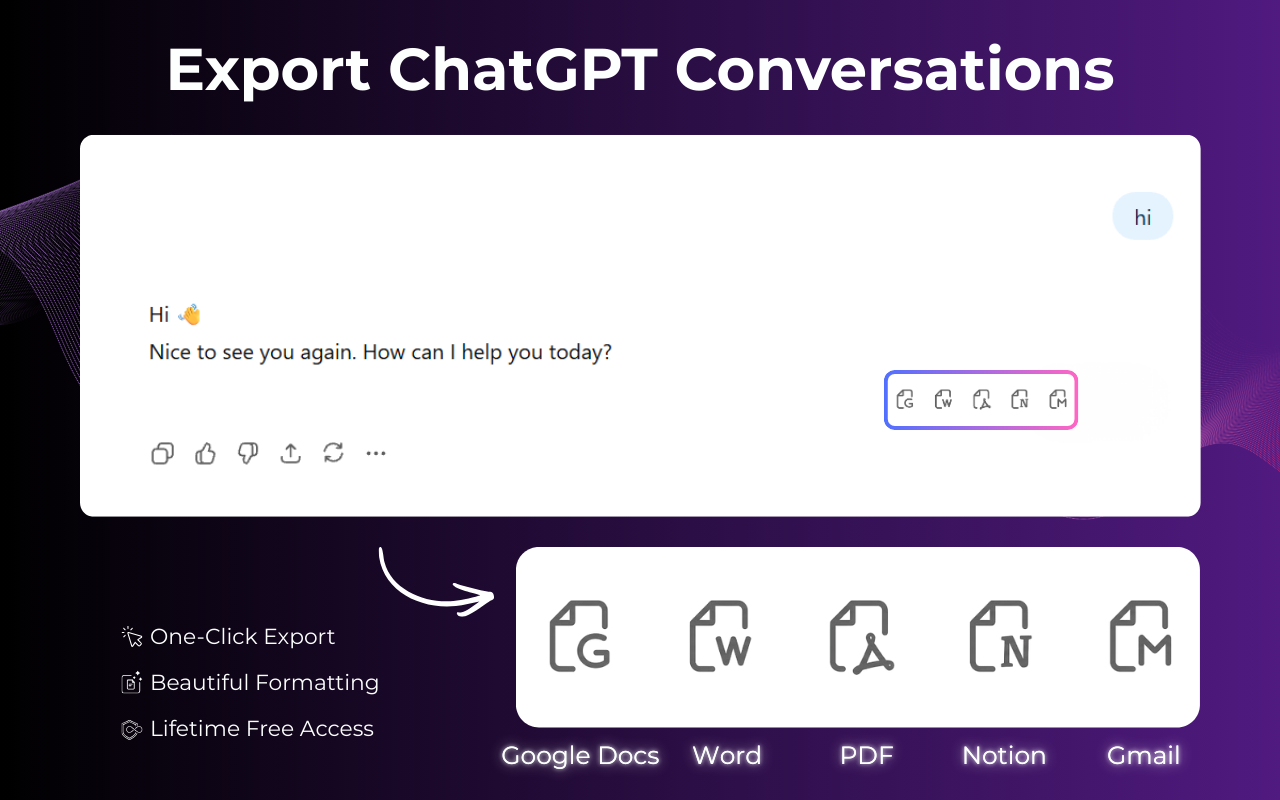
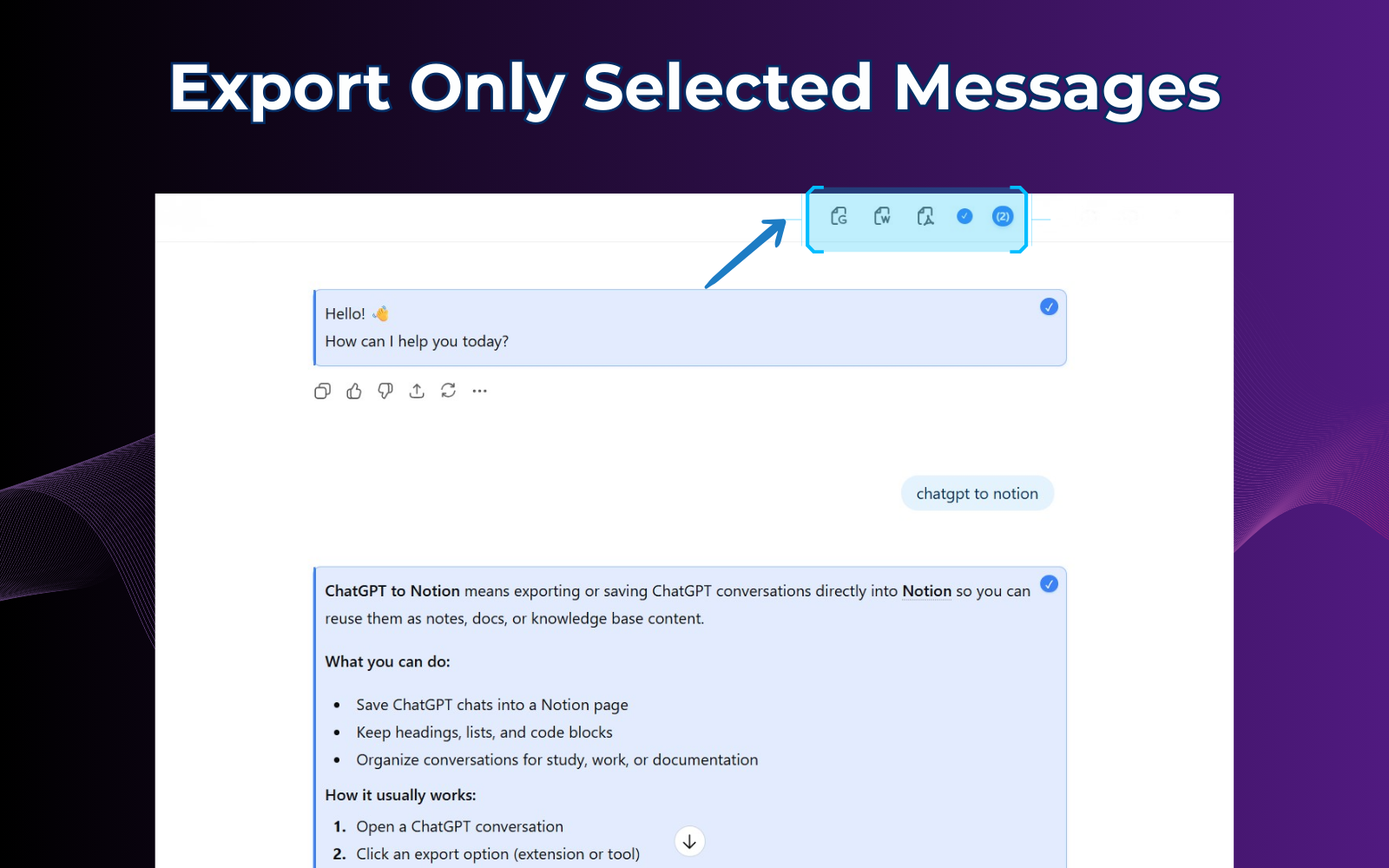
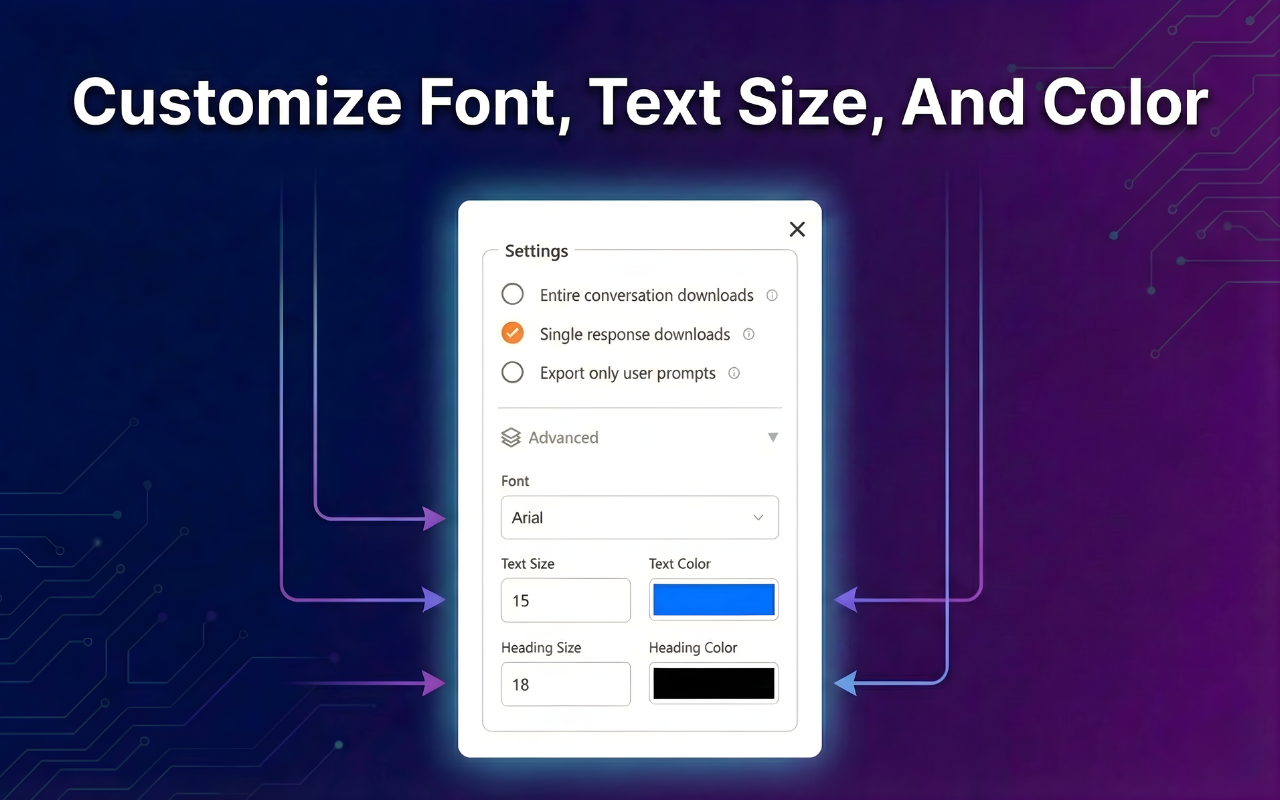
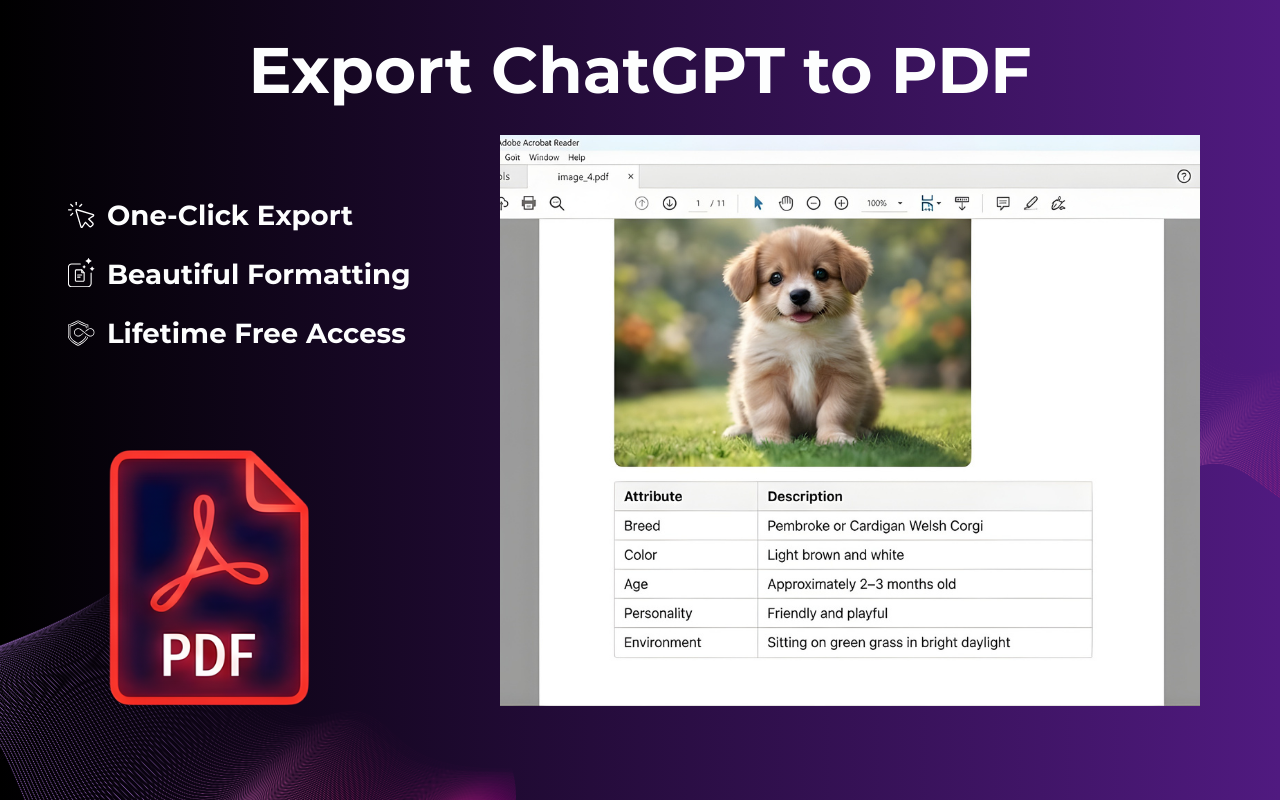
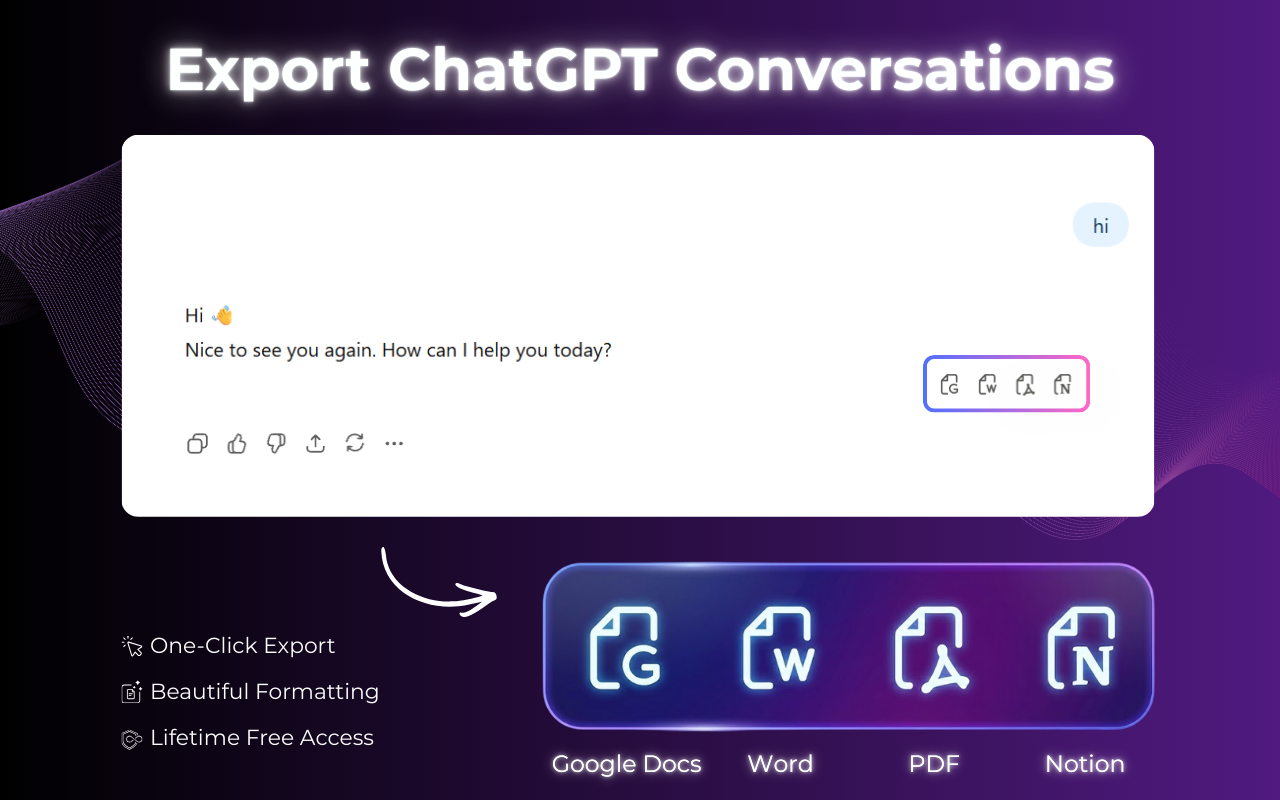
ChatGPT to Google Docs Extension overview showing export options Full ChatGPT conversation captured and exported to Google Docs Partial message selection tool for targeted Google Docs export Customization panel for font and color settings before exporting to Google Docs ChatGPT conversation with code blocks and LaTeX math exported to Google Docs

How to Export ChatGPT to Google Docs

Follow these 4 simple steps and your ChatGPT conversation lands in Google Docs in under 10 seconds.

  1. 1

    Open any ChatGPT conversation

    Go to chat.openai.com and open the conversation you want to save to Google Docs. It works with any chat, whether short or long.

  2. 2

    Click the ChatGPT to Google Docs Extension icon

    Find the floating export button on the page or click the extension icon in your Chrome toolbar to open the export panel.

  3. 3

    Select Google Docs

    Click "Google Docs" in the format picker and the extension will create a new document in your Google Drive automatically.

  4. 4

    Your Google Doc is ready instantly

    A new Google Doc is created in your Drive with the full conversation, perfectly formatted and ready to share or edit with your team.

Video tutorial: How to export ChatGPT to Google Docs in one click using the Chrome extension
1K+
Active Users
<10s
To Export
Google Doc in seconds

Why Export ChatGPT to Google Docs?

Google Docs is where teams work, and sending ChatGPT outputs there means instant collaboration without messy copy-pasting or broken formatting.

Real-time Team Collaboration

Share your ChatGPT research, drafts, and outputs with teammates instantly so everyone can edit the same Google Doc without sending email attachments.

Perfect Formatting, Every Time

Code blocks, headers, bullet lists, bold text, and tables from ChatGPT are preserved exactly in Google Docs. No manual cleanup needed.

Saved to Your Drive Forever

Google Drive stores your exported ChatGPT chats securely so you can search, organize, and access them years later even if your ChatGPT history has been deleted.

Every Google Doc created by this extension preserves code blocks, LaTeX math, numbered lists, tables, and bold/italic text exactly as ChatGPT generated them.

Built for Anyone Who Uses ChatGPT with Google Docs

Everything you need to move ChatGPT conversations into Google Docs quickly, cleanly, and without any reformatting work.

Direct ChatGPT to Google Docs Export

Export any ChatGPT conversation straight into a new Google Doc in your Drive. The document is created automatically, formatted, titled, and ready for your team to collaborate on within seconds.

  • ✓ Creates a new Google Doc in your Drive instantly
  • ✓ Preserves all ChatGPT formatting including headings, code blocks, and tables
  • ✓ Works with GPT-4o, GPT-4, GPT-3.5, and all ChatGPT models
Full ChatGPT conversation exported to Google Docs with all messages captured from start to finish
Partial message selection tool for choosing specific ChatGPT responses to export to Google Docs

Select Specific Messages to Export

Don't need the entire conversation? Use the message selector to pick exactly which ChatGPT responses go into your Google Doc. Perfect for extracting just the final answer, a code snippet, or a key section from a long research session.

  • ✓ Select individual messages with checkboxes
  • ✓ Export only ChatGPT answers, only your prompts, or both
  • ✓ Ideal for client-ready Google Docs deliverables

Code, Math, and Tables Land Perfectly in Google Docs

Even the most technical ChatGPT outputs land cleanly in Google Docs. Syntax-highlighted code blocks, LaTeX math formulas, and data tables all render correctly in the exported Google Doc so your team can read and collaborate on them right away.

  • ✓ Syntax-highlighted code blocks render correctly in Google Docs
  • ✓ LaTeX math formulas are preserved and readable in Google Docs
  • ✓ Tables and bullet lists keep their structure in the exported Google Doc
ChatGPT conversation with code blocks and LaTeX math formulas perfectly preserved in Google Docs export

Start exporting ChatGPT to Google Docs right now

Free Chrome extension that sends any ChatGPT conversation straight to Google Docs with no sign-up required.

Get ChatGPT to Google Docs Extension Free →

ChatGPT to Google Docs Extension vs Copying and Pasting Manually

See why thousands switched from tedious copy-pasting to one-click Google Docs export.

Feature ChatGPT to Google Docs Extension Manual Copy-Paste
Export to Google Docs✓ 1 click✗ Multiple steps
Preserves code blocks✓ Perfect✗ Often broken
Keeps headings & tables✓ Always✗ Formatting lost
Full conversation in one doc✓ Automatic✗ Tedious scrolling
Saves directly to Google Drive✓ Automatic✗ Manual upload
Time to exportUnder 10 seconds5–20 minutes

Loved by ChatGPT Power Users

Real users who export ChatGPT to Google Docs every single day.

"I was spending 20 minutes manually copying ChatGPT outputs into Google Docs every morning. Now I hit one button and it's done in seconds. The formatting is flawless, including code blocks and headers."

— Marcus T., Software Engineer

"My whole content workflow runs through ChatGPT and Google Docs. This extension connects the two instantly. I click export and my editor has the draft in seconds with all the formatting intact."

— Anita K., Content Director

"I asked ChatGPT to draft a project proposal and had it in Google Docs in under a minute. The headings, bullet points, and tables all came through perfectly. My manager thought I typed it up myself."

— Sandra L., Operations Manager

Frequently Asked Questions

Everything you need to know about exporting ChatGPT to Google Docs, answered.

How do I export ChatGPT to Google Docs?

Install the ChatGPT to Google Docs Extension, open any conversation on chat.openai.com, click the floating export button or the toolbar icon, select Google Docs, and click Export. A new Google Doc is created in your Drive in under 10 seconds.

Is the ChatGPT to Google Docs extension free?

Yes. The core export feature including ChatGPT to Google Docs is completely free with no account or credit card required. Just install from the Chrome Web Store and start exporting immediately.

Does it preserve code blocks when exporting to Google Docs?

Yes. Code blocks, syntax-highlighted code, LaTeX math formulas, tables, bullet lists, numbered lists, bold, italic, and heading formatting are all preserved exactly in the exported Google Doc.

Does it work with ChatGPT Plus and GPT-4?

Yes. ChatGPT to Google Docs Extension works with all ChatGPT plans — Free, Plus, and Team — and all models including GPT-4o, GPT-4, and GPT-3.5. We update the extension with every ChatGPT UI change.

Can I export only part of a ChatGPT conversation to Google Docs?

Yes. Use the partial export feature to select specific messages using checkboxes. Only the selected messages will appear in your exported Google Doc, which makes it perfect for client deliverables or targeted summaries.

Is my ChatGPT data private when using this extension?

Absolutely. The extension runs entirely locally in your browser. Your conversation data is never sent to any external server and goes directly from ChatGPT to your Google Drive.

Does it work on Microsoft Edge and Brave?

Yes. ChatGPT to Google Docs Extension is available on Chrome, Microsoft Edge, Brave, and any Chromium-based browser that supports the Chrome Web Store.

Does the extension work on any ChatGPT conversation?

Yes. The ChatGPT to Google Docs Extension works on any conversation in chat.openai.com including short exchanges, long research threads, and conversations with code, math, or tables. It also works across all ChatGPT plans including Free, Plus, and Team.

Stop Copy-Pasting. Start Exporting.

Join 5,000+ ChatGPT users who send conversations directly to Google Docs in one click with perfect formatting and zero copy-paste.

Add to Chrome for Free

Available on Chrome, Edge & Brave · No sign-up · No watermarks · 100% private