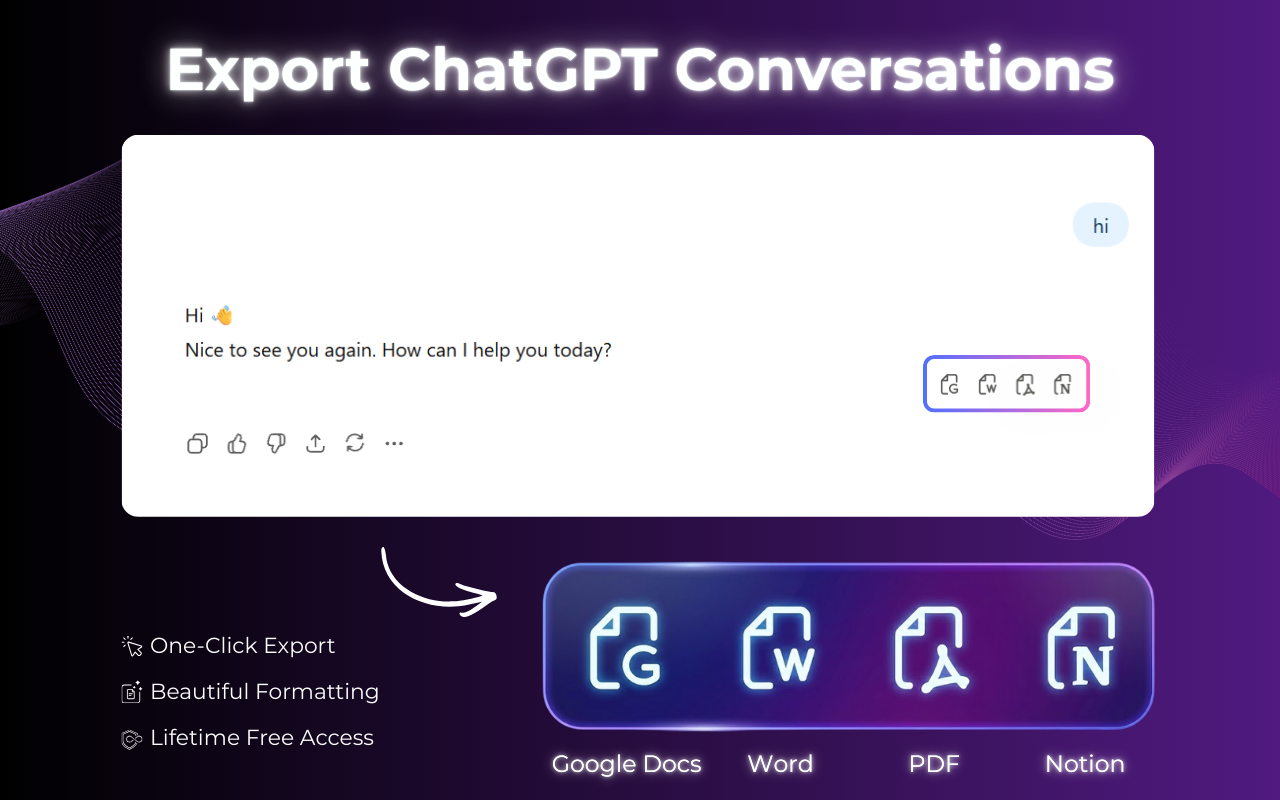
The fastest ChatGPT to PDF Chrome extension for converting your AI conversations. Save full ChatGPT chats — with code blocks, tables, and equations — as beautiful, print-ready PDFs in seconds.
★★★★★ 4.8 / 5 · 3,200+ active users · 100% local — zero data uploads
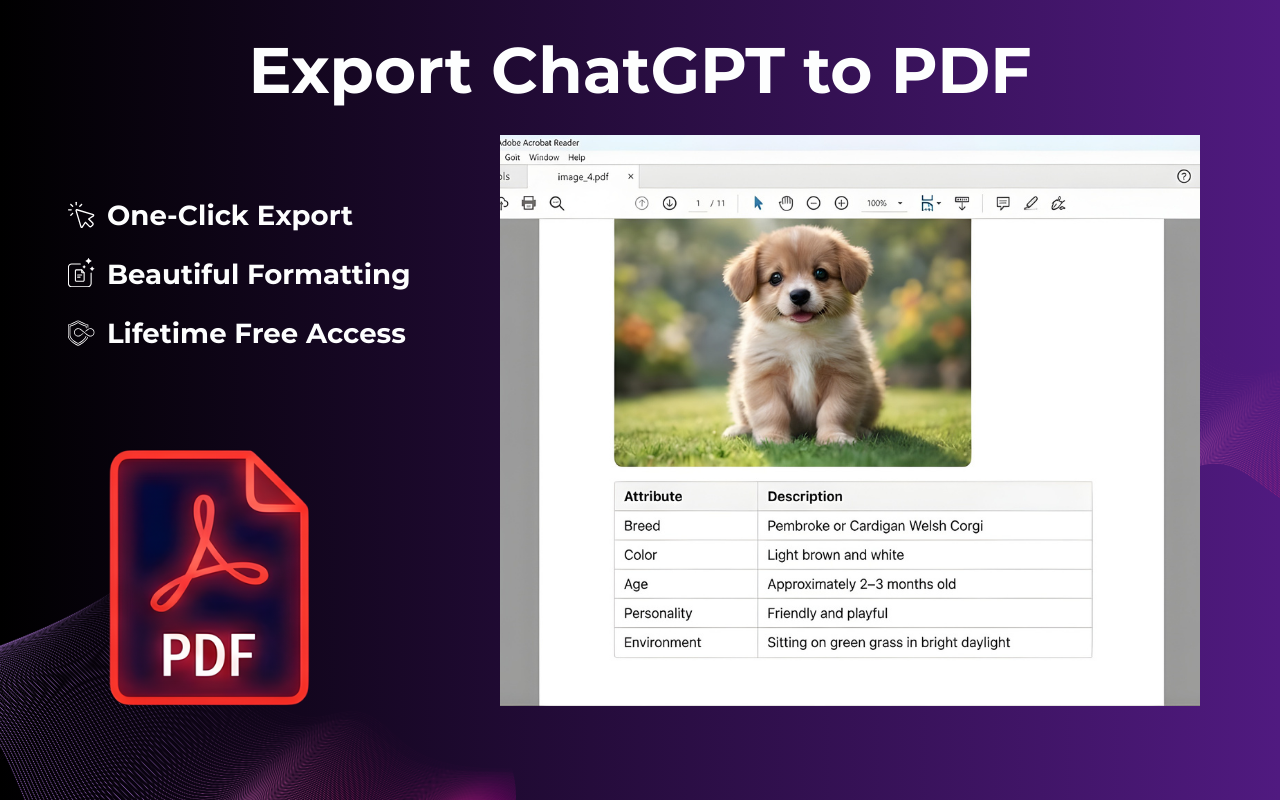
Convert any ChatGPT conversation to a polished PDF in under 60 seconds. No account required, no learning curve.
Visit chat.openai.com and open any ChatGPT thread — code sessions, research, brainstorms, or drafts. Any conversation works.
Hit the ChatGPT to PDF Extension icon in your Chrome toolbar. A clean export panel opens instantly with PDF selected by default.
Export your full ChatGPT conversation, a specific date range, or individual messages. You control the scope — grab everything or just the highlights.
The ChatGPT to PDF Extension delivers a polished, print-ready PDF to your device in under 3 seconds. All code, tables, and math perfectly rendered.
Watch the 2-min walkthrough
Built specifically for ChatGPT output — not a generic HTML-to-PDF tool. Everything is optimized for exporting AI conversations.
Our ChatGPT to PDF Extension reads ChatGPT's interface directly and converts every element to its PDF-native equivalent. Headings stay headings. Code looks like professional code. Your ChatGPT export looks hand-designed, not dumped.
Long ChatGPT thread but only need specific answers? Select individual messages to export just what matters. Create focused PDFs without the messy back-and-forth.
Your ChatGPT conversations never leave your browser. Everything is processed locally — no cloud, no servers, zero data tracking or storage.
ChatGPT equations are rendered beautifully in your PDF — not raw text, not blurry images, but perfectly typeset mathematics.
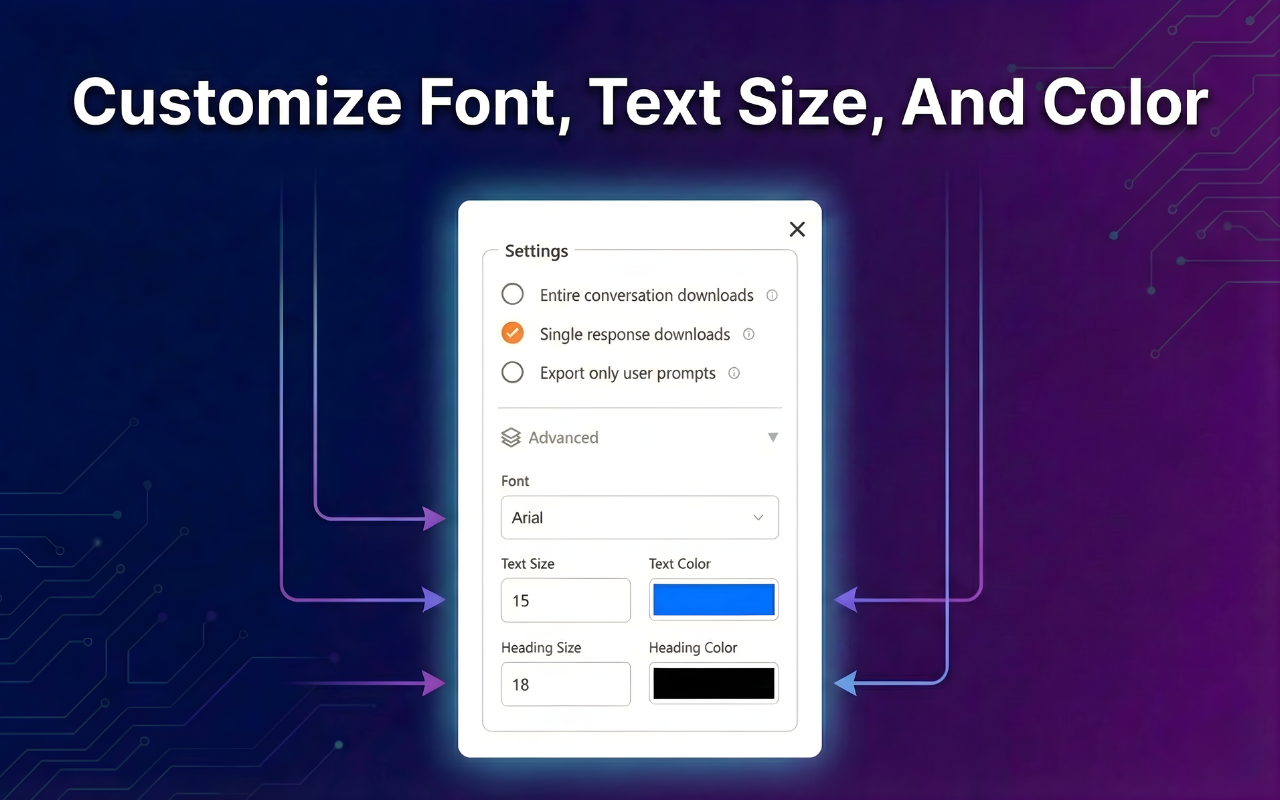
Choose from Academic, Minimal, Dark, Technical, and Business themes. Control fonts, margins, headers, and color accents before downloading.
Even massive ChatGPT conversations (500+ messages) export to PDF in under 3 seconds. Zero lag, no timeouts, instant download.
Free forever for basic use — install in 30 seconds, no account needed.
From students to developers to consultants — here's how people use ChatGPT Exporter to save, share, and archive their conversations.
Save ChatGPT study sessions, tutoring conversations, and essay feedback as PDFs. Share offline, print them, or upload to your LMS.
Export ChatGPT coding sessions, architecture discussions, and debugging threads as PDFs for internal wikis and onboarding documentation.
Use ChatGPT for literature reviews, analysis, and research. Export to PDF for annotations, citations, and research proposal attachments.
Turn ChatGPT strategy sessions into client-ready PDF deliverables. Apply Business theme and send directly — no reformatting needed.
Draft with ChatGPT, export to PDF to review offline, share with editors, or archive your creative process with every heading intact.
Maintain audit trails of ChatGPT-assisted drafting. Archive timestamped PDFs of conversations that informed important decisions.
Install ChatGPT Exporter and turn your next ChatGPT conversation into a polished, shareable PDF — in under 5 seconds, completely free, with zero data collection.
Add to Chrome — It's FreeNo account · No data collection · Instant install