5 Grok to PDF Extensions That Actually Work in 2026
October 21, 20267 min read
A good Grok to PDF extension should do more than print a browser tab. It should preserve headings, lists, tables, code, equations, images, and links while letting you choose exactly which parts of a conversation belong in the file.
We checked the current Chrome Web Store listings and kept five tools that explicitly support Grok and PDF. The right Grok to PDF extension depends on whether you value selective export, detailed page controls, local processing, batch backups, or support for several AI platforms.
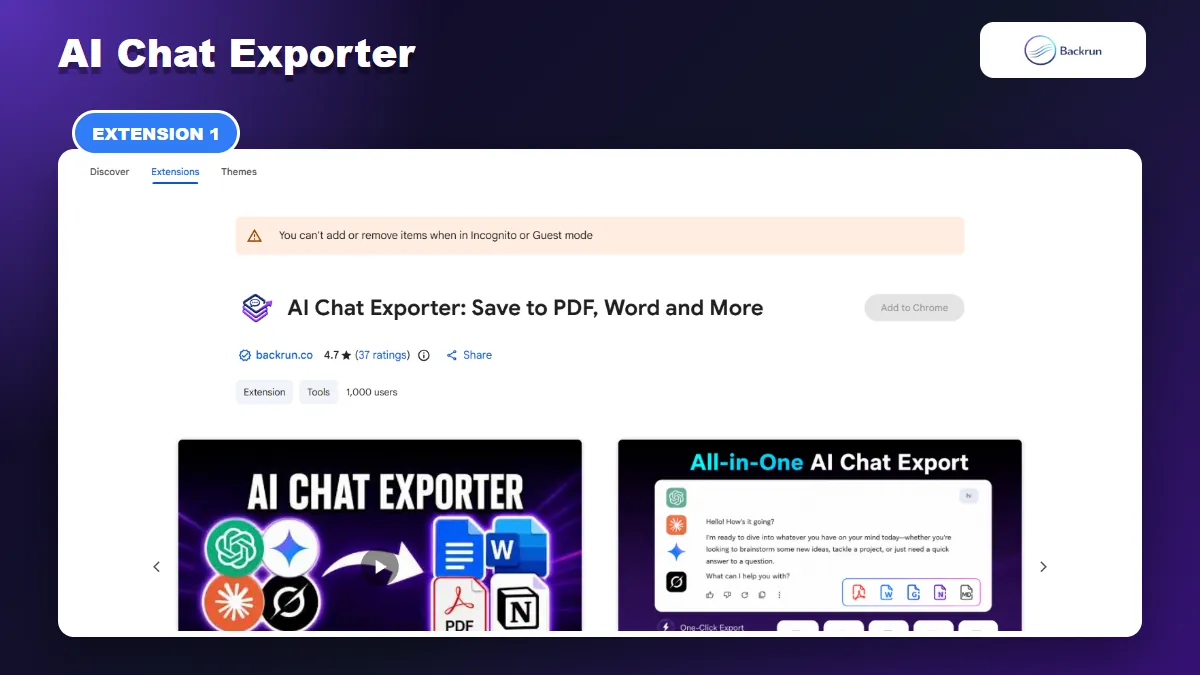
1. AI Chat Exporter
AI Chat Exporter can save selected Grok messages or the complete conversation as a PDF.
AI Chat Exporter is the most practical option when you use Grok alongside ChatGPT, Gemini, or Claude. Its current Chrome Web Store listing supports PDF, Word, Markdown, Google Docs, and Notion, so you do not need a different exporter for every assistant.
Best for: users who want one consistent export workflow across several AI tools and need to remove irrelevant messages before creating the PDF.
The export process is simple:
Install AI Chat Exporter from the Chrome Web Store.
Open grok.com and load the conversation you want to save.
Select the useful messages, or choose the full thread when the prompts are important context.
Choose PDF as the destination.
Adjust the font family, font size, and text color when needed, then export the document.
Review the finished PDF for tables, formulas, code indentation, images, and source links.
Selected-message export is the important advantage here. Long Grok threads often include abandoned prompts, repeated research instructions, and partial answers. Removing those turns creates a shorter PDF that is easier for a client or teammate to read.
Formatting and privacy: the listing describes support for headings, lists, code, tables, equations, links, images, and other structured content. It also says local file exports are processed on the device. Even so, test a non-sensitive conversation first and inspect the extension permissions before using it with company material.
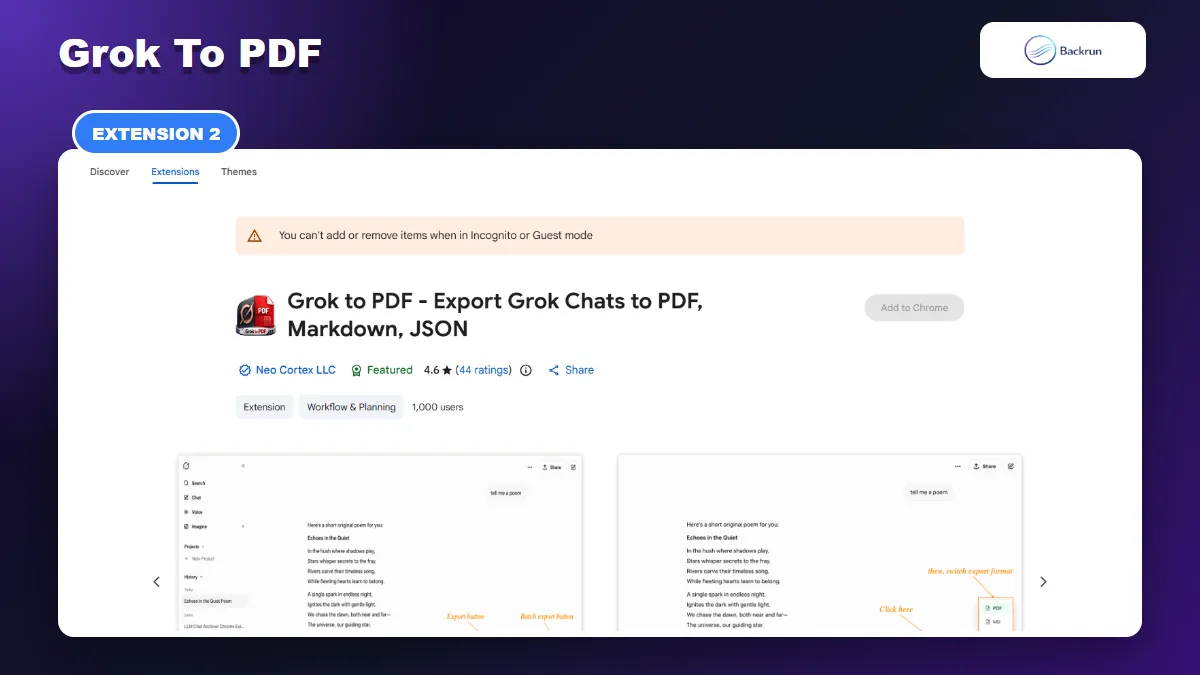
2. Grok to PDF
Grok to PDF focuses on local PDF archiving, long conversations, and batch export.
Grok to PDF from Neo Cortex is a focused exporter for users who primarily need PDF, Markdown, JSON, or plain-text archives. At the time of our check, the listing showed a Featured badge, a 4.6 rating from 44 reviews, and more than 1,000 users.
Best for: frequent local backups, long conversations, and users who want to export several chats instead of handling each one separately.
Its current feature set includes:
One-click PDF export for the conversation currently open in Grok.
Batch export when multiple discussions need to be archived together.
Offline processing for local exports.
Rich-content preservation for code syntax, tables, LaTeX, images, attachments, headings, and links.
Optional cloud sync on paid plans for users who want automatic backups.
The local-first claim makes this extension worth considering for research notes and personal archives. However, cloud sync is a separate workflow with a different data path. If you enable it, review the destination account, authorization scope, and current privacy policy rather than assuming every feature remains completely local.
Practical limitation: the free plan includes daily exports, while unlimited exports and extra settings are paid features. Run a long conversation with a table, formula, code block, and image before deciding whether its PDF layout is reliable enough for regular use.
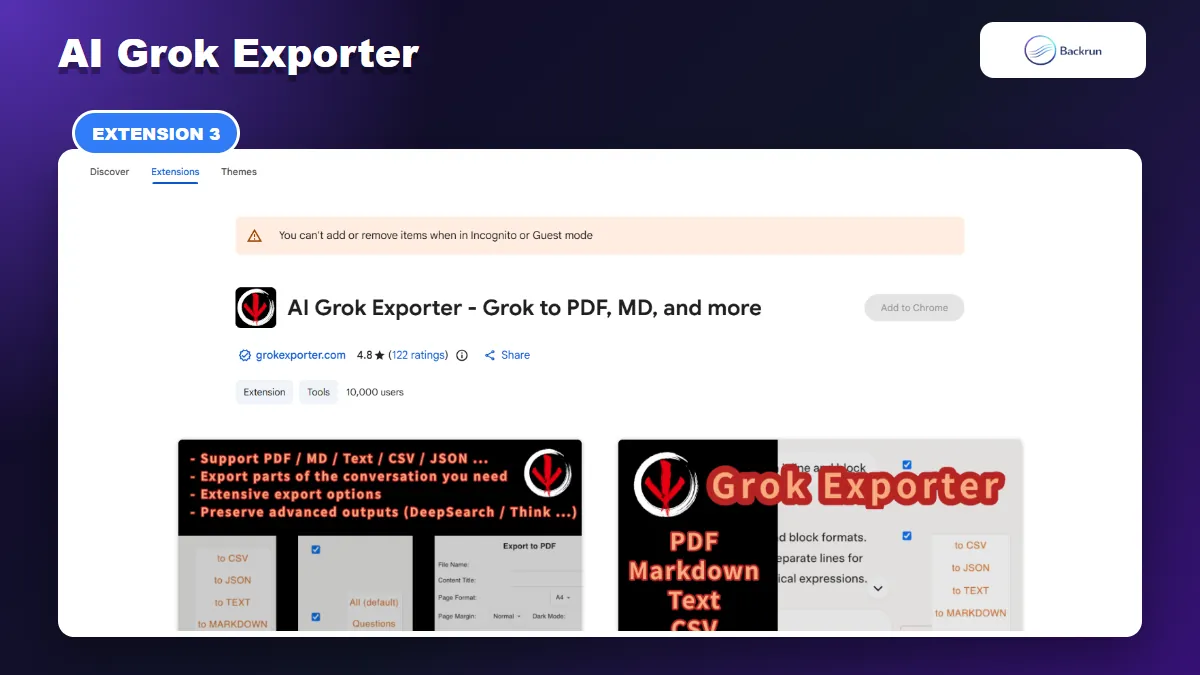
3. AI Grok Exporter
AI Grok Exporter offers detailed page, typography, image-quality, and table-of-contents controls.
AI Grok Exporter has the deepest PDF customization in this comparison. Its listing currently shows a 4.8 rating from 122 reviews and 10,000 users, giving it the largest public usage sample among the five tools covered here.
Best for: polished reports where page size, orientation, margins, typography, timestamps, and document structure matter.
Before exporting, you can control:
Page setup: choose common paper sizes, portrait or landscape orientation, and margin width.
Typography: select a font family and adjust the size for readability or file length.
Navigation: add and style a table of contents for long research sessions.
Metadata: include timestamps, the original conversation link, user details, or page numbers.
Images: trade file size for fidelity by selecting an image-quality level.
Content selection: choose individual turns, select a range with Shift-click, or export the complete discussion.
The extension also claims support for Deep Research references, web sources, inline citations, generated images, code, tables, and mathematical formulas. Those are useful capabilities, but complex Grok outputs can change when the site interface changes. Check the PDF after every major Grok update rather than relying on an old successful export.
Practical limitation: PDF export requires an extension account after the free trial allowance. The many settings also make it slower than a one-click tool when you only need a quick personal archive.
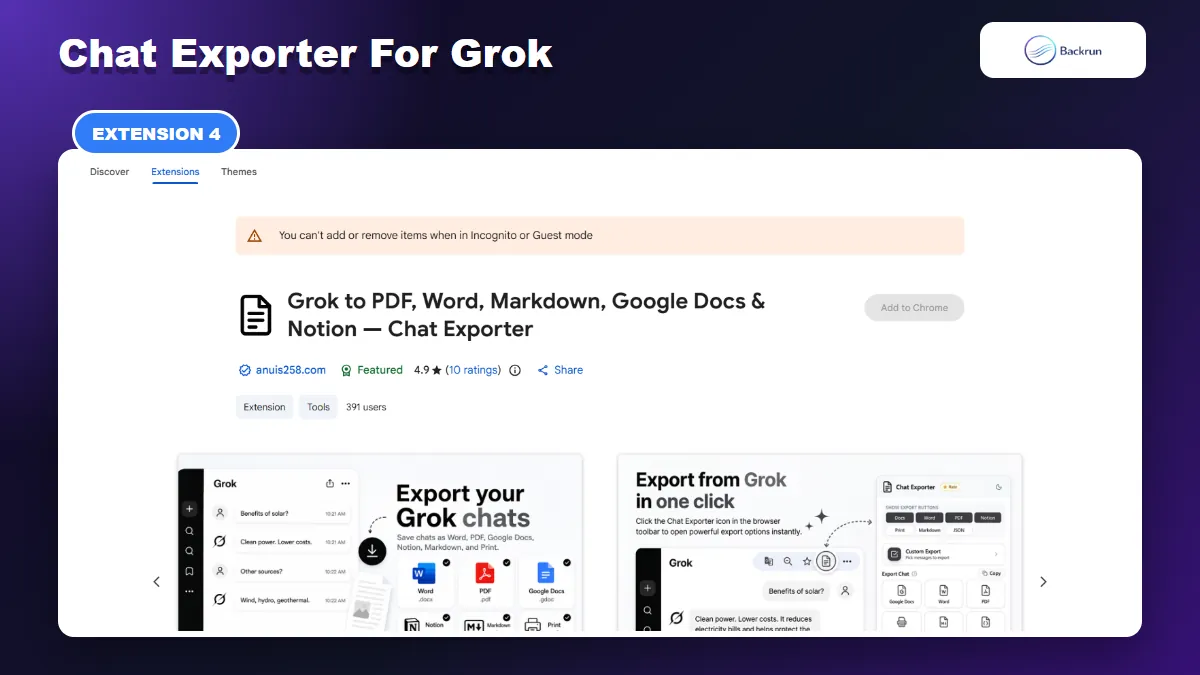
4. Chat Exporter for Grok
Chat Exporter for Grok handles single replies, selected messages, or a full thread.
Chat Exporter for Grok combines a straightforward PDF workflow with Word, Markdown, Google Docs, Notion, JSON, and print options. Its listing currently carries a Featured badge and a 4.9 rating from 10 reviews.
Best for: people who want Grok-specific controls under each reply and may need the same conversation in several document formats.
You can export content in three useful scopes:
One response: use the control beneath an individual Grok answer.
Selected messages: open Custom Export, search the loaded conversation, and tick the turns you need.
Full conversation: use the global export control when the prompt history belongs in the PDF.
The listing says PDF output keeps images, code, tables, equations, and DeepSearch citations while removing browser controls and Grok's “Thought for” interface block. Document styling includes font family, size, heading color, alignment, and prompt appearance.
Privacy note: the listing explains that Markdown and JSON are generated locally, while PDF, Word, Google Docs, Notion, and print use a conversion service. That distinction matters for confidential work. Review the current policy and avoid sending sensitive chats until the service model is acceptable to your organization.
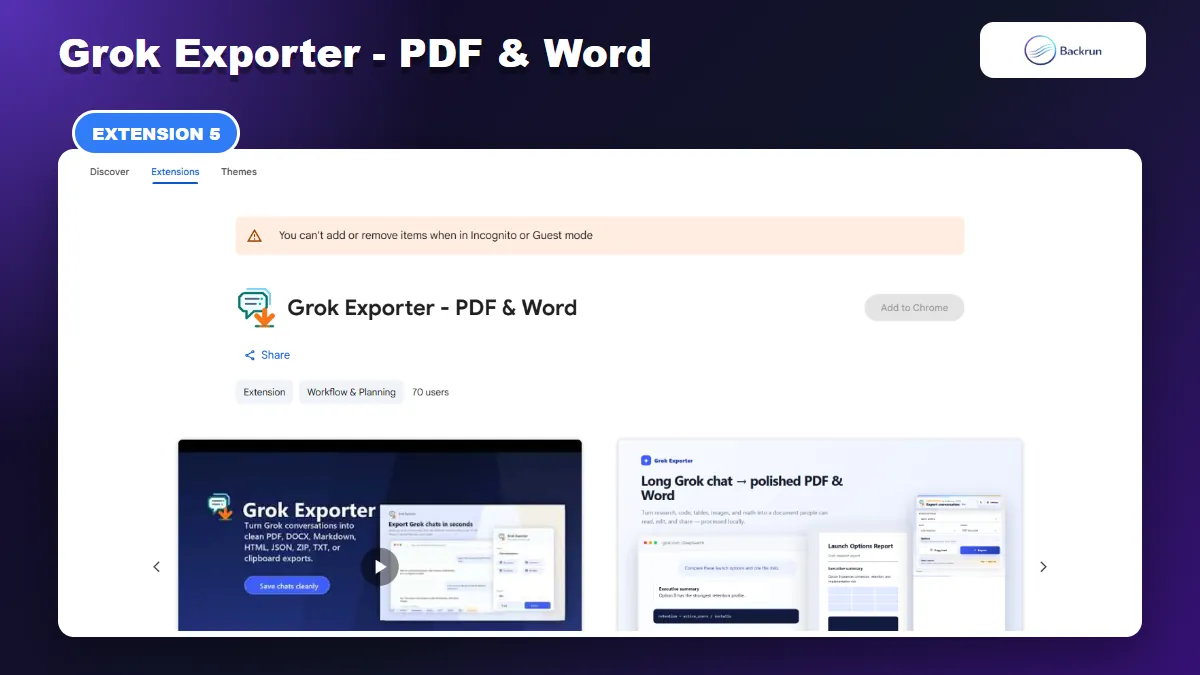
5. Grok Exporter - PDF & Word
Grok Exporter creates local PDF and Word files and includes selectable message ranges.
Grok Exporter - PDF & Word is a newer local exporter aimed at readable PDFs and editable Word documents. The listing says it runs on Grok pages at grok.com and the Grok route on x.com, while conversation content stays out of the licensing service.
Best for: users who need both a shareable PDF and an editable DOCX copy, or who want to combine several Grok conversations into a single document.
Its workflow supports:
The latest answer, full thread, message range, or checkbox selection.
PDF page controls such as paper size, orientation, margins, cover pages, headers, footers, and a table of contents.
Editable Word export with document structure retained.
Batch output as one Word file or a ZIP containing separate Markdown files.
Local generation for conversation exports, with images fetched only when an export embeds them.
The free tier covers PDF, Word, text, and clipboard export with limits on conversation length, selection size, and watermark removal. Pro increases those limits and unlocks additional formats and larger batches.
Practical limitation: this listing had 70 users and no public rating when checked, so its real-world track record is still small. Test it carefully before purchasing an upgrade or building a team workflow around it.
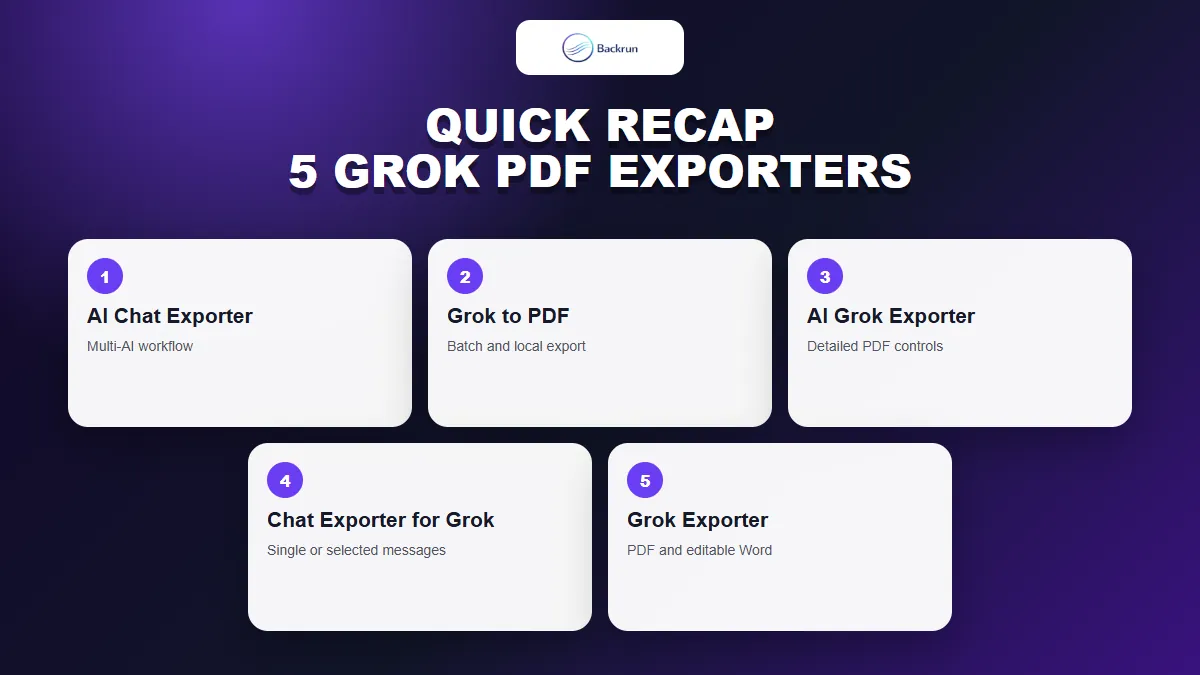
Quick Recap
Choose a Grok PDF exporter by selection controls, formatting depth, privacy model, and the formats you need after PDF.
Extension
Best fit
Standout feature
Main caution
AI Chat Exporter
One workflow across several AI platforms
Selected messages plus PDF, Word, Docs, Markdown, and Notion
Verify permissions and complex formatting
Grok to PDF
Regular local and batch backups
Offline export and long-chat support
Unlimited use and cloud sync may require Pro
AI Grok Exporter
Presentation-ready documents
Detailed page, typography, and metadata controls
PDF requires sign-in after trial exports
Chat Exporter for Grok
Grok-specific export buttons
Single reply, custom selection, or full thread
PDF uses a conversion service
Grok Exporter - PDF & Word
Local PDF plus editable DOCX
Message ranges and batch document output
Small public user and review sample
For most mixed-AI workflows, AI Chat Exporter is the easiest Grok to PDF extension to start with. Choose AI Grok Exporter when document design matters, Grok to PDF for repeated archives, Chat Exporter for Grok for reply-level controls, or Grok Exporter when an editable Word copy is equally important.
Whichever tool you install, follow Google's guidance for managing Chrome extensions, begin with a non-sensitive test chat, and compare every table, equation, code block, image, and link with the source. For non-extension alternatives, see our step-by-step guide to exporting Grok to PDF.