A Grok Exporter Chrome Extension lets you save Grok conversations as files you can archive, edit, share, or reuse without manually copying each response.
This is especially useful for long research threads, code explanations, DeepSearch results, tables, and draft documents that are difficult to manage inside the Grok chat interface.
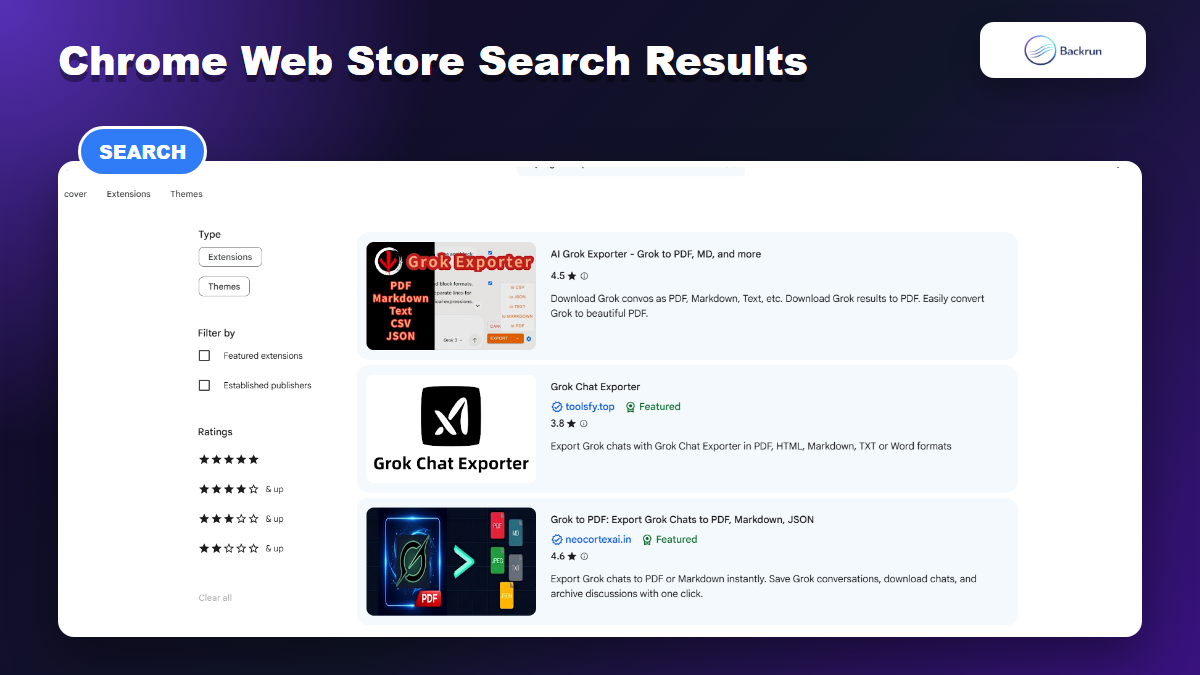
The Chrome Web Store has several Grok exporter extensions, so the right choice depends on format support, privacy, and how much of the chat you need to preserve.
In this roundup, we compare five Chrome extensions based on export formats, formatting quality, privacy, and support for complete or selected conversations. We include both Grok-only exporters and all-in-one AI chat exporters that clearly support Grok.
A Grok-only extension may be enough if you mainly use grok.com. A multi-platform exporter is more practical if you regularly work across Grok, ChatGPT, Claude, and Gemini.
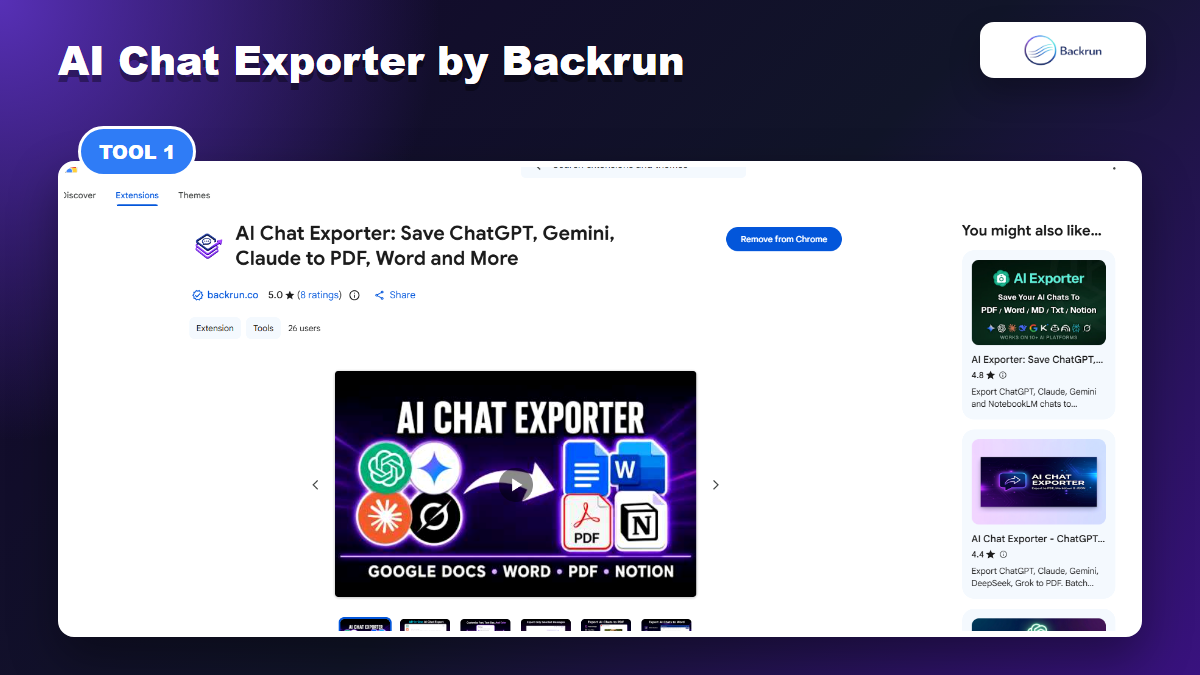
1. AI Chat Exporter by Backrun
Backrun AI Chat Exporter supports Grok alongside ChatGPT, Gemini, and Claude, with exports to document and workspace formats.
AI Chat Exporter by Backrun is the best fit if you do not want a separate exporter for every AI assistant. The Chrome Web Store listing says it supports ChatGPT, Gemini, Claude, and Grok, with export options for PDF, Word, Google Docs, and Notion; the Backrun product page also describes Markdown as part of the broader workflow.
Best for: Users looking for one Grok Exporter Chrome Extension that can also handle conversations from ChatGPT, Gemini, and Claude through a consistent export interface
Useful formats: PDF for sharing, Word for editing, Google Docs for collaboration, Notion for knowledge management, and Markdown workflows from the Backrun product page.
Good workflow: export the full Grok chat when you need context, or selected messages when you only need the final answer.
Practical check: test a Grok thread that includes a table, code block, and links before using it for client work.
Watch out for: some workspace exports may require signing into the destination service. That is normal, but it is still worth checking the permission screen carefully.
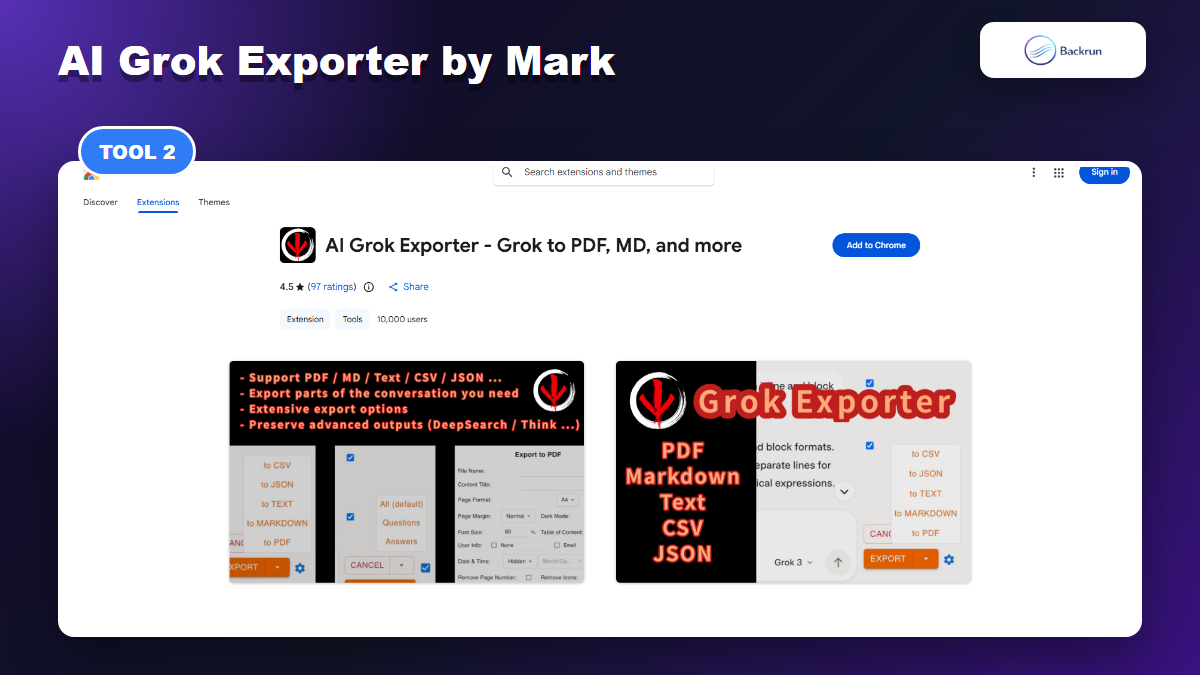
2. AI Grok Exporter by Mark
AI Grok Exporter by Mark is a Grok-focused option for PDF, Markdown, text, CSV, JSON, and related export workflows.
AI Grok Exporter by Mark is one of the most visible Grok-specific options in Chrome Web Store search results. The listing describes exports to PDF, Markdown, text, CSV, JSON, and more, with support for saving specific sections of a conversation.
Best for: people who mainly use Grok and want a dedicated extension rather than a multi-AI exporter.
Useful formats: PDF and Markdown for most documentation workflows, plus CSV or JSON when you need structured data.
Good workflow: use it for long Grok research conversations where you may not need every prompt and reply.
Practical check: verify whether DeepSearch and Think-style outputs remain readable after export.
Watch out for: the listing says it handles personally identifiable information. That does not automatically make it unsafe, but it does mean you should review the privacy policy and avoid testing with private data first.
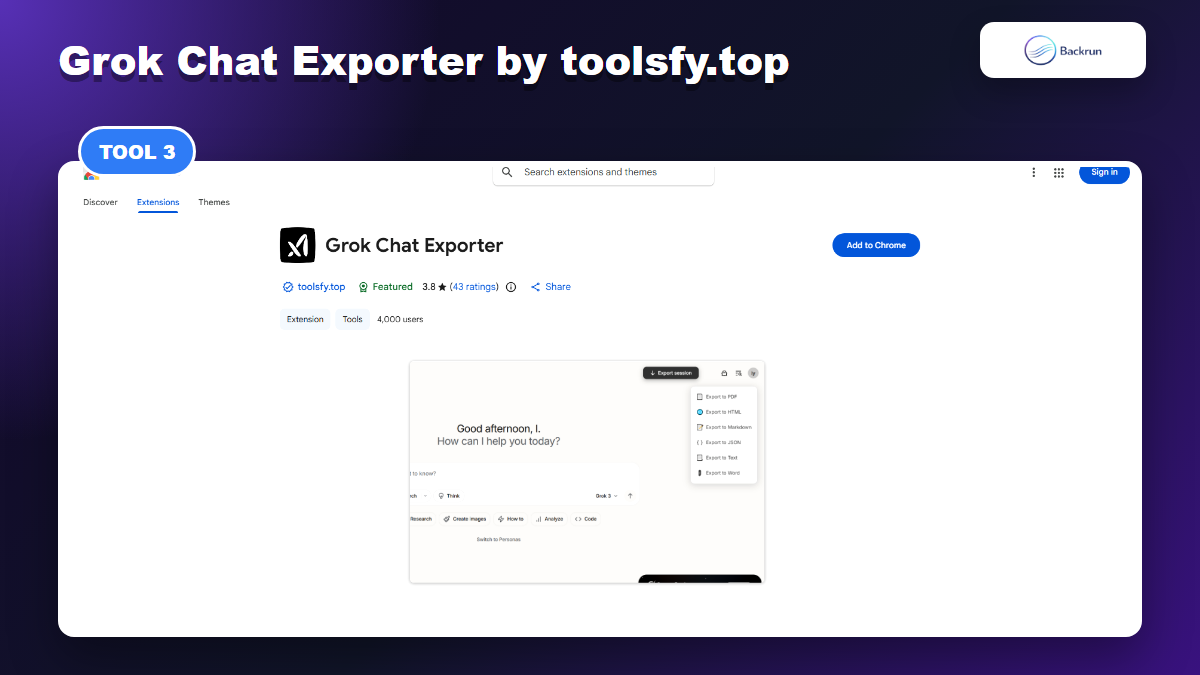
3. Grok Chat Exporter by toolsfy.top
Grok Chat Exporter by toolsfy.top is a focused Grok exporter with PDF, HTML, Markdown, TXT, JSON, and Word-style workflows.
As a Grok Exporter Chrome Extension, it offers a straightforward workflow for choosing a format and downloading the current conversation.
Best for: users who want broad local file formats from Grok without extra collaboration destinations.
Useful formats: HTML for web-style viewing, Markdown for developer notes, JSON for processing, and Word/PDF for business documents.
Good workflow: export a Grok answer to Markdown first when you plan to keep editing in VS Code, Obsidian, or GitHub.
Practical check: open both the PDF and Word exports because formatting quality can differ by format.
Watch out for: ratings are mixed, so treat it as a tool to test rather than a tool to trust immediately. If your main goal is Markdown, Backrun also has a separate guide on Grok to Markdown.
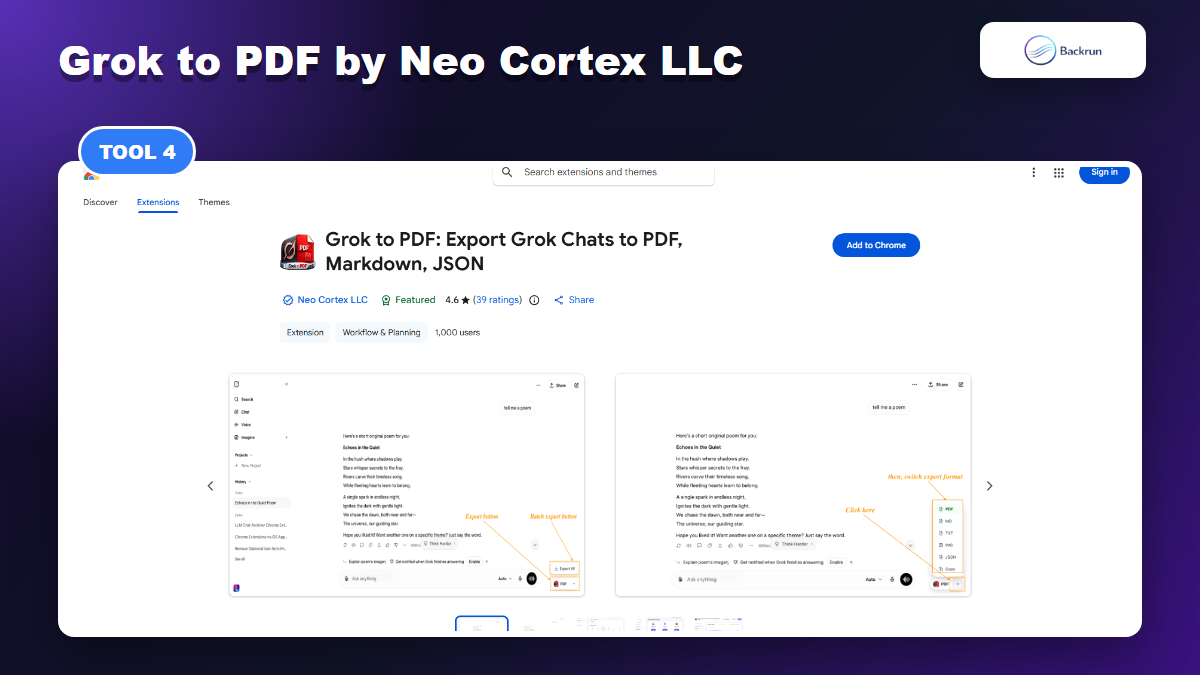
4. Grok to PDF by Neo Cortex LLC
Grok to PDF by Neo Cortex LLC focuses on saving Grok chats as PDF, Markdown, JSON, and plain text.
Grok to PDF by Neo Cortex LLC is a focused option for saving Grok chats as PDF, Markdown, JSON, or plain text. The listing emphasizes clean exports for code, images, math, links, and long chats, plus a privacy-first claim that the data stays on the device.
Best for: users whose main output is a clean PDF or Markdown archive rather than Google Docs, Word, or Notion.
Useful formats: PDF for client-ready sharing, Markdown for notes, JSON for structured archives, and plain text for quick backups.
Good workflow: use it when the final output should be a readable archive, not a collaborative workspace document.
Practical check: inspect page breaks in long PDFs and confirm images or math are preserved.
Watch out for: it is narrower than all-in-one exporters. If you need Word, Google Docs, or Notion, compare it with Backrun before choosing.
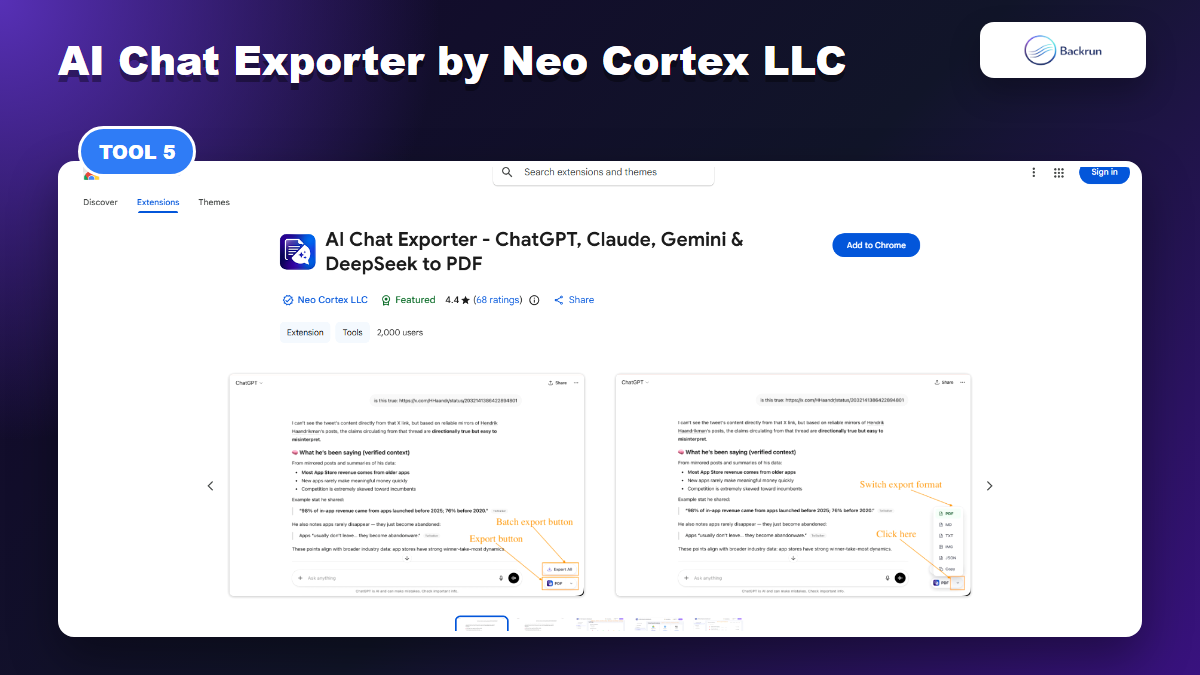
5. AI Chat Exporter by Neo Cortex LLC
AI Chat Exporter by Neo Cortex LLC is a multi-platform exporter that includes Grok support for PDF, Markdown, JSON, and plain text.
AI Chat Exporter by Neo Cortex LLC is a multi-platform exporter that includes Grok alongside ChatGPT, Claude, Gemini, and DeepSeek. The listing focuses on PDF, Markdown, JSON, and plain text exports, with batch export and optional cloud sync features in its Pro tier.
Best for: users who want one exporter for several AI platforms but mainly care about PDF and Markdown-style archives.
Useful formats: PDF for polished archives, Markdown for documentation, JSON for structured reuse, and plain text for simple backups.
Good workflow: batch-export important AI conversations when you are consolidating research from several assistants.
Practical check: decide whether you actually need cloud sync before enabling any Pro or external-backup feature.
Watch out for: this is a broader AI exporter, not a Grok-only tool. That is useful if you use several assistants, but unnecessary if Grok is your only export source.
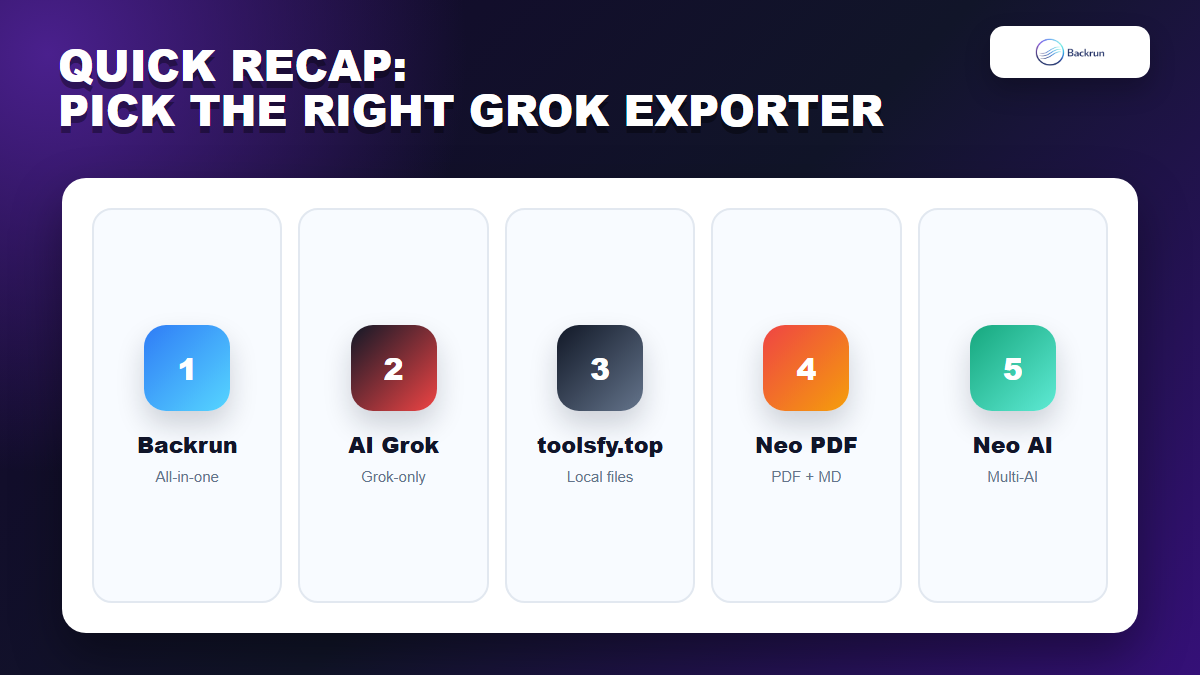
Quick Recap
This quick recap helps you choose the Grok Exporter Chrome Extension that best fits your workflow.
Extension
Publisher
Best Fit
Main Formats
AI Chat Exporter
Backrun
All-in-one AI export across Grok, ChatGPT, Gemini, and Claude
PDF, Word, Google Docs, Notion, Markdown workflow
AI Grok Exporter
Mark
Dedicated Grok export with broad file types
PDF, Markdown, text, CSV, JSON
Grok Chat Exporter
toolsfy.top
Local file exports for Grok-only workflows
PDF, HTML, Markdown, TXT, JSON, Word
Grok to PDF
Neo Cortex LLC
PDF and Markdown archives
PDF, Markdown, JSON, text
AI Chat Exporter
Neo Cortex LLC
Multi-platform PDF and Markdown export
PDF, Markdown, JSON, text
Choose PDF when you need a shareable archive. Choose Word, Google Docs, Notion, or Markdown when you plan to edit or reuse the exported content. JSON is more suitable for structured archives and technical workflows.
AI Chat Exporter is the most practical option when Grok is only one part of a workflow that also includes ChatGPT, Claude, or Gemini. A Grok-only extension may be sufficient when most of your work stays inside grok.com.
Before exporting sensitive conversations, review the extension publisher, permissions, privacy declaration, and data-processing method. Test the tool with non-sensitive content before using it with client data, private prompts, internal documents, or unreleased code.
Ultimately, the best Grok Exporter Chrome Extension is the one that preserves your chat structure, supports the formats you need, and fits your actual workflow.