5 ChatGPT to Google Docs Extensions Worth Using in 2026
November 13, 20269 min read
A reliable ChatGPT to Google Docs extension should do more than copy visible text. It should let you choose the right messages, create an editable document in Drive, and preserve useful structure such as headings, tables, equations, code blocks, images, and source links.
We compared extensions whose current Chrome Web Store listings explicitly support direct Google Docs export. The five options below suit different workflows, from a clean one-chat handoff to technical documents and multi-AI research archives.
1. ChatGPT Exporter
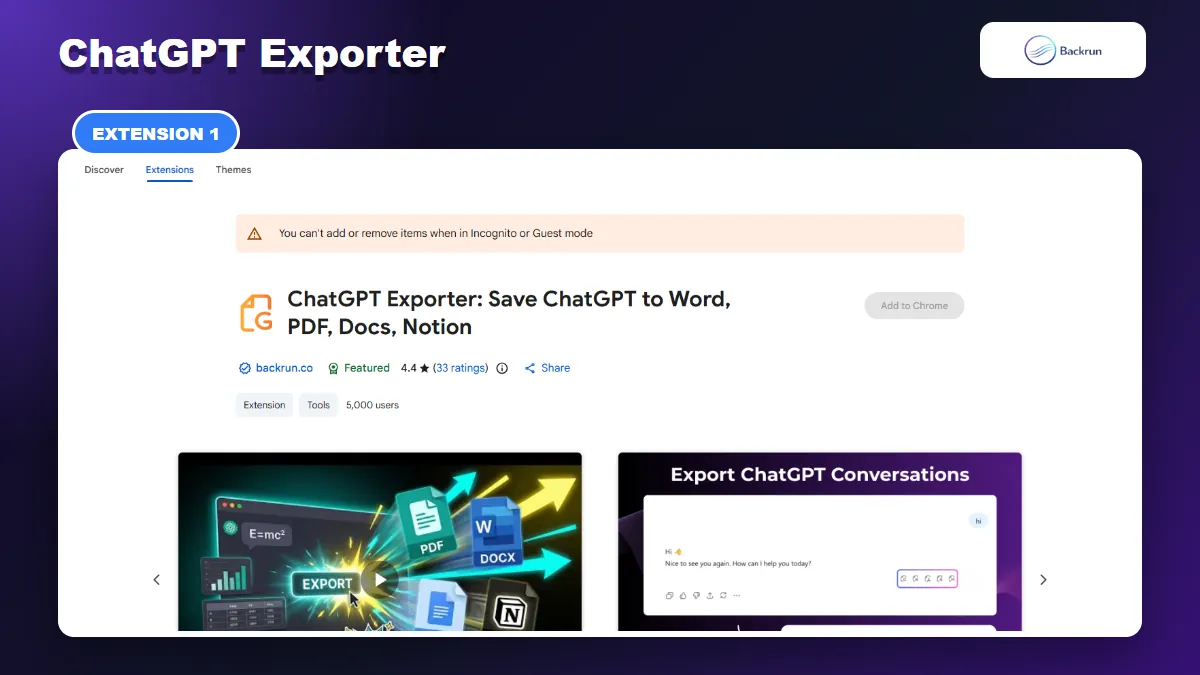
ChatGPT Exporter sends a selected passage or complete ChatGPT conversation to Google Docs.
Why It Works Well for Selective Exports
ChatGPT Exporter is the most flexible option when you want to decide exactly how much of a conversation reaches Google Docs. Its current Chrome Web Store listing supports a highlighted passage or the complete conversation, followed by direct export to Google Docs.
This suits writers, students, researchers, and teams that want a clean document without manually deleting failed prompts or unrelated messages afterward. It is especially useful when only the final answer and a few supporting messages belong in the document.
Export Controls and Formatting
Export scope: one selected passage or the entire ChatGPT thread.
Document control: font family, font size, and text color can be adjusted before export.
Other destinations: PDF, Word, and Notion are available from the same interface.
How to Move a Chat Into Google Docs
To use it, install the extension, open the conversation on ChatGPT, and click the export control added to the chat interface. Choose a passage or the full thread, review the typography options, select Google Docs, and start the export. The resulting document can then be edited, shared, commented on, or moved into a Drive folder.
The selective workflow is its main practical advantage. A research conversation often contains several revisions before the final answer. Sending only the accepted messages produces a shorter document, avoids exposing unnecessary prompts, and reduces cleanup time.
Before sharing the new Doc, compare it with the original ChatGPT thread. Pay particular attention to wide tables, equations, generated images, Deep Research citations, and code indentation. The listing says processing happens locally, but a direct Google Docs export still requires the content needed to create the document to reach your Google account.
2. ChatGPT to Google Docs, Word or PDF
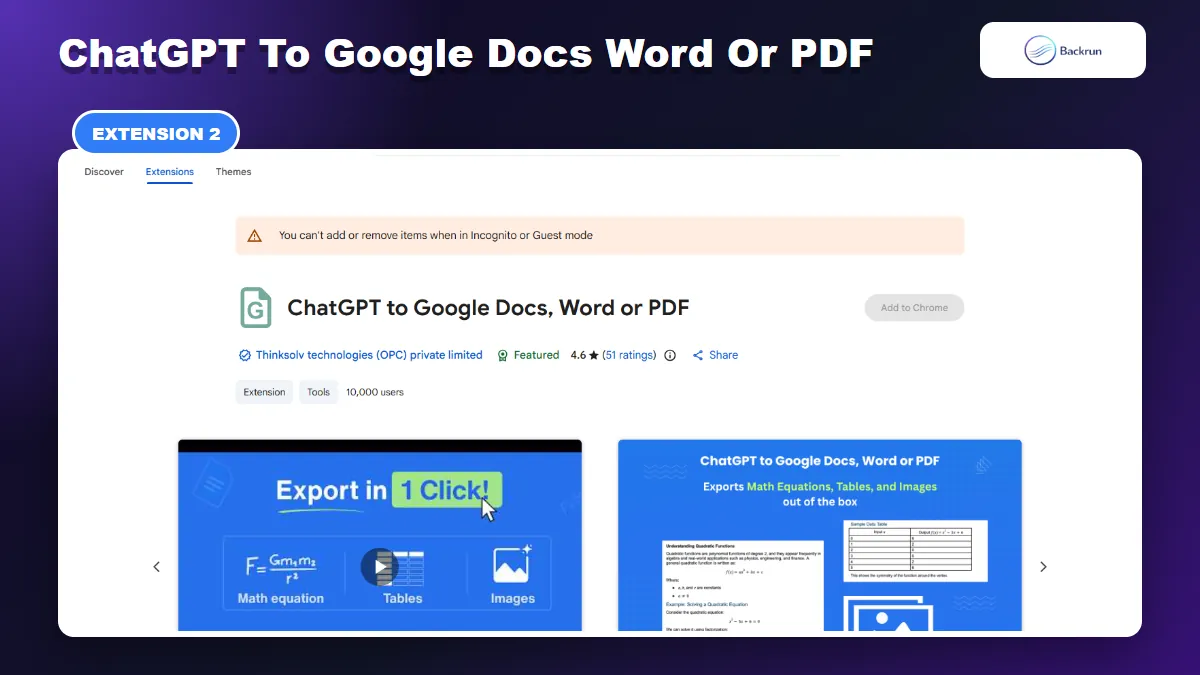
This focused extension exports one response, selected messages, or a complete ChatGPT conversation to Google Docs.
A Better Fit for Deep Research
ChatGPT to Google Docs, Word or PDF is a focused converter with several useful scope choices. You can export one response, selected messages, the complete conversation, or only ChatGPT answers while excluding user prompts.
Its strongest use cases are long research chats, ChatGPT Deep Research documents, equations, tables, images, and situations where you want assistant-only output.
Four Ways to Choose the Content
Export scope: single response, selected messages, full conversation, or assistant responses only.
Rich formatting: tables, math equations, inline code, code blocks, images, headings, and lists.
Deep Research: the listing specifically includes ChatGPT Deep Research documents.
Other formats: Word and PDF are available alongside Google Docs.
Privacy and Output Checks
The assistant-only mode is useful when the prompts contain private notes, repetitive corrections, or instructions that do not belong in the final document. Instead of exporting everything and cleaning the file line by line, you can create a reader-facing Doc from the answers alone.
The current listing is Featured and has a larger public usage history than several newer options in this comparison. That gives you more public feedback to inspect, but it does not replace testing with your own content. Chrome Web Store ratings, users, permissions, pricing, and supported features can change.
Review the permissions and privacy disclosure before connecting a work Google account. The listing reports handling website content and personally identifiable information. Test a non-sensitive conversation first, then verify equation editability, merged table cells, image resolution, footnotes, and Deep Research source links.
3. Export ChatGPT, Gemini and Claude to Docs
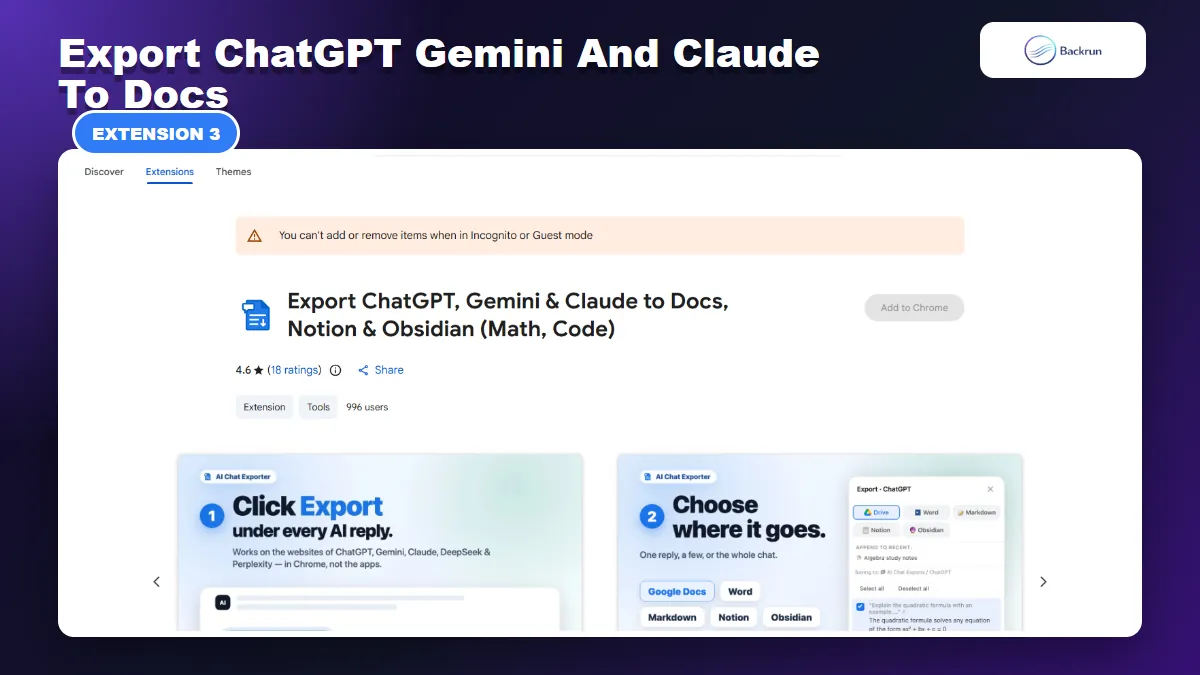
This multi-AI extension sends the last reply, selected replies, or a whole ChatGPT conversation directly to Google Docs.
One Export Button Across Multiple AI Tools
Export ChatGPT, Gemini and Claude to Docs is designed for users who work across several AI assistants. It adds an export control near AI responses and uses the same basic workflow on ChatGPT, Gemini, Claude, DeepSeek, and Perplexity.
It is most useful for multi-AI research, technical explanations containing equations, and anyone who wants a consistent Google Docs workflow across several browser-based assistants.
Useful Features Beyond ChatGPT
Export scope: the last reply, selected replies, selected page text, or the full conversation.
Technical content: editable math and chemistry equations, tables, code blocks, images, lists, and rich text.
Citation options: an MLA or APA citation line can be added or disabled.
Additional destinations: Word, Markdown, Notion, and Obsidian.
Google Authorization and Known Limits
Open a ChatGPT conversation in Chrome, click the extension's Export button below a response, choose the required scope, and send the result to Google Docs. The listing says it uses Google's official authentication with the limited drive.file scope, which is intended to access files created or opened through the app rather than every file in Drive.
The citation control is useful for study notes and draft research summaries. It does not guarantee that an AI-generated answer is factually correct, so source links still need to be opened and checked before the Doc is treated as finished work.
This extension works on AI websites in Chrome, not inside desktop or mobile apps. Confirm that your own questions are included when exporting a full thread, and test currency values alongside equations because dollar signs can sometimes be misread as math delimiters by document converters.
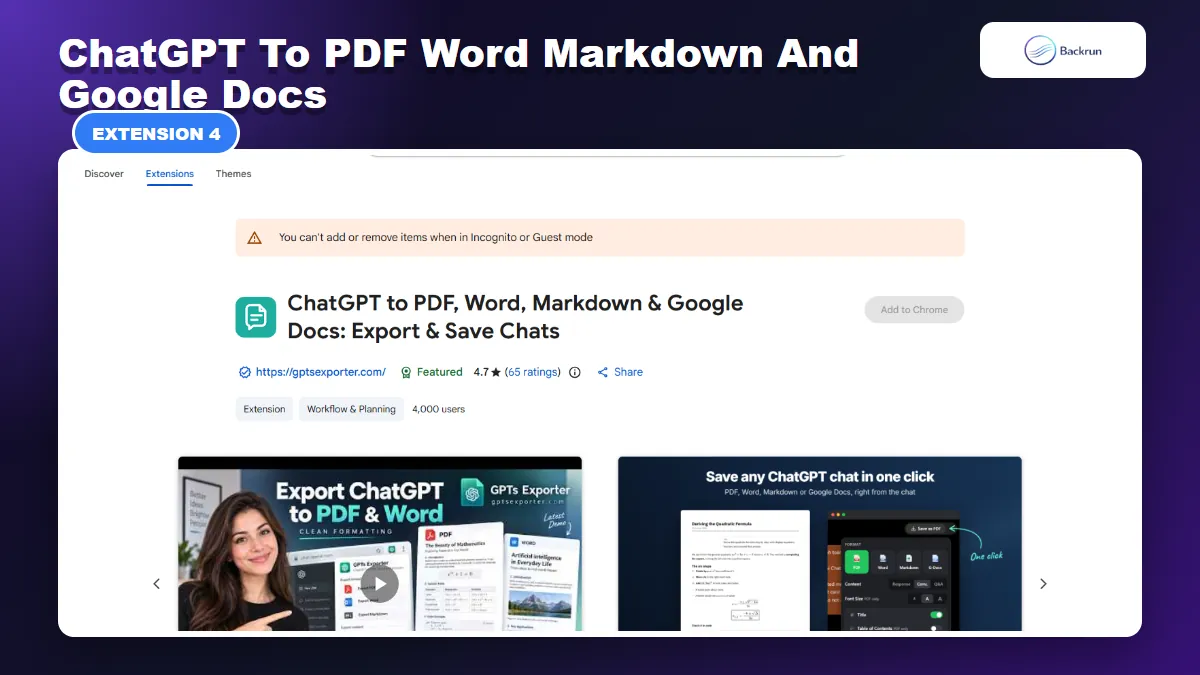
4. ChatGPT to PDF, Word, Markdown and Google Docs
GPTS Exporter combines direct Google Docs output with long-chat export, Drive integration, and several document formats.
A Drive-Centered ChatGPT Workflow
ChatGPT to PDF, Word, Markdown and Google Docs combines conversation export with Google Drive integration. It can create a Google Doc, save other exported formats to Drive, and attach Drive files back into ChatGPT.
Choose it for long conversations, Drive-centered workflows, frequent file transfers between ChatGPT and Google Drive, or documents that need a table of contents.
Long-Chat and File Options
Export scope: the whole conversation, ChatGPT answers only, questions and answers, or individually selected messages.
Long-document options: document title, adjustable font size, and an automatic table of contents for some formats.
Drive workflow: create Google Docs and attach supported Drive files to ChatGPT without downloading them first.
How the Processing Model Differs
After installation, open a ChatGPT conversation and use the Save as control or the extension popup. Choose the messages to include, select Google Docs, and complete the Google sign-in flow when requested. The document should then open in Drive for editing.
This is a broader workflow than a simple exporter, which can be helpful if Drive is already the center of your document process. It also means there are more permissions and moving parts to review. Use a temporary Google account or a non-sensitive conversation for the first test.
The listing says chat content is sent over HTTPS for processing and deleted after the file is created. That differs from extensions claiming fully local conversion. Decide whether that processing model is acceptable for the information in your conversation, and never test with confidential client or company data.
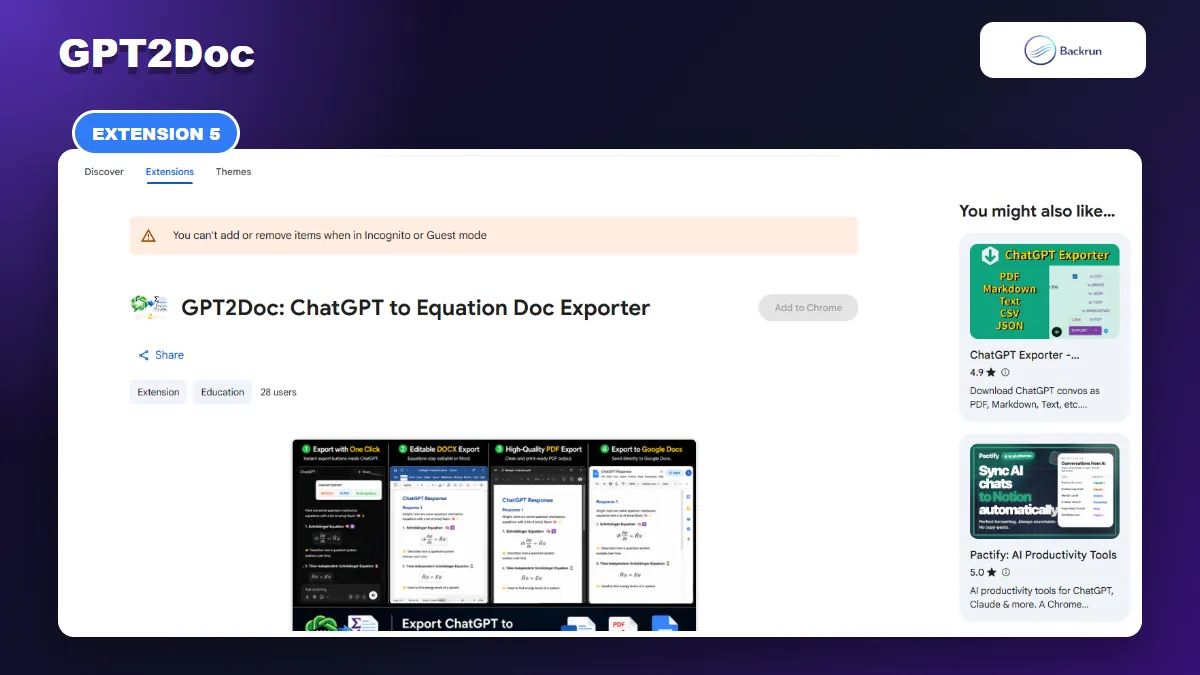
5. GPT2Doc
GPT2Doc focuses on editable equations, images, code blocks, and direct Google Docs export.
Built Around Equations and Technical Content
GPT2Doc is a smaller, specialized extension built for technical ChatGPT content. Its listing emphasizes mathematical equations, LaTeX, images, code blocks, single-response export, complete-chat export, and direct Google Docs output.
It targets students, teachers, researchers, developers, and technical writers whose main risk is losing equations or structured technical content.
Supported Documents and Formats
Export scope: individual responses or the complete conversation.
Technical focus: equations, LaTeX, images, code blocks, and formatting.
Destinations: Google Docs, editable DOCX, and PDF.
GPT2Doc is more focused than the multi-format tools above, which can make it easier to understand. However, its public user and rating history is limited. A precise feature list on a store page is not the same as long-term reliability across every ChatGPT interface update.
Create a test conversation containing inline math, a displayed equation, a matrix, superscripts, subscripts, a table, and a code block. Export it to Google Docs, then click into each equation to confirm whether it remains editable rather than becoming a flat image. Also check font fallback for uncommon symbols.
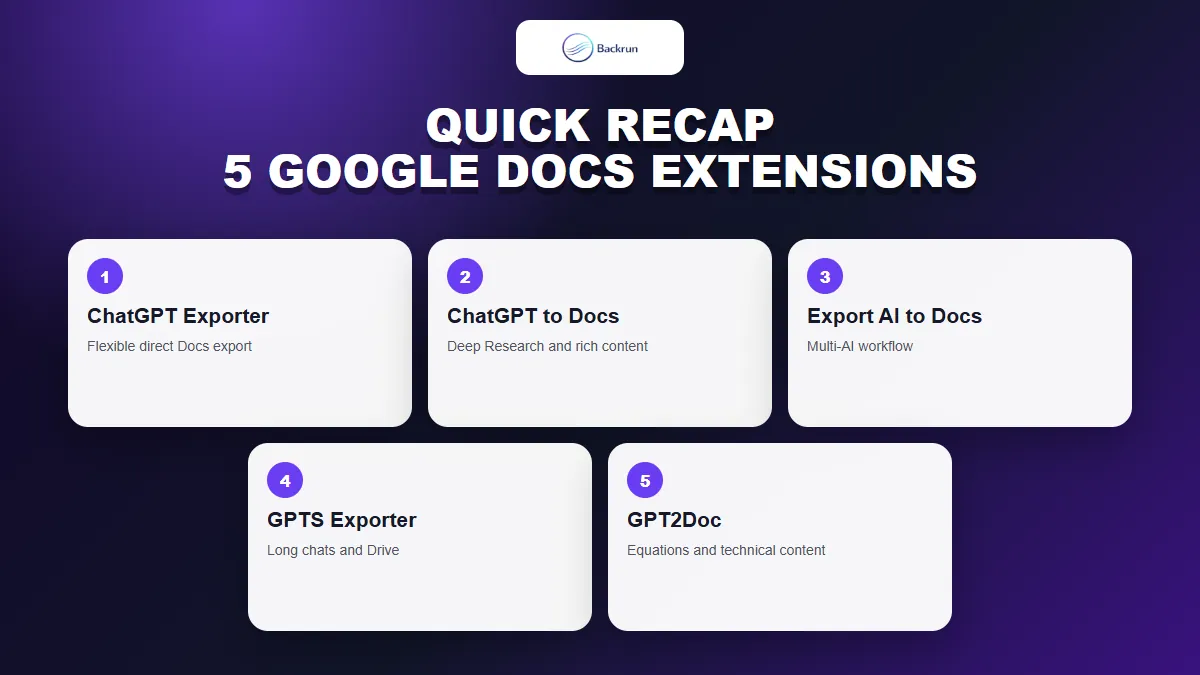
Quick Recap
Choose based on export scope, formatting fidelity, privacy model, and whether you need a ChatGPT-only or multi-AI workflow.
Which Extension Matches Your Workflow?
Extension
Best fit
Export scope
Main point to verify
ChatGPT Exporter
Clean selected or full-chat documents
Passage or complete conversation
Tables, equations, citations, and Google authorization
ChatGPT to Google Docs, Word or PDF
Deep Research and rich formatting
Single, selected, full, or answers only
Privacy disclosure and complex layouts
Export ChatGPT, Gemini and Claude to Docs
One workflow across multiple AI tools
Last, selected, full, or selected text
Browser-only operation and equation conversion
GPTS Exporter
Long chats and Drive-centered work
Full, answers only, Q&A, or selected
Server-side processing model and permissions
GPT2Doc
Equations and technical documents
Single response or full chat
Small public track record and symbol fidelity
For most people, start with ChatGPT Exporter when selective export and document styling matter. Choose the Thinksolv extension for Deep Research and assistant-only files, the multi-AI option for a shared workflow across assistants, GPTS Exporter for Drive-heavy work, or GPT2Doc for equation-focused documents.
Test Before Using Sensitive Conversations
Whichever extension you choose, follow Google's guidance for installing and managing Chrome extensions: review the publisher, permissions, privacy policy, recent update history, and removal process. Test the same non-sensitive conversation in each candidate before using it for important work. For a non-roundup workflow, see Backrun's guide to exporting ChatGPT to Google Docs.