5 ChatGPT Exporter Chrome Extensions for Saving Chats Cleanly
August 03, 20268 min read
A ChatGPT exporter Chrome Extension helps turn useful ChatGPT threads into clean files you can edit, share, archive, or move into your team workspace.
The best extension is not always the one with the longest feature list. Start with the file you actually need next: Word for editing, PDF for sharing, Google Docs for collaboration, Markdown for documentation, Notion for a knowledge base, or JSON for structured archives.
This roundup focuses on Chrome Web Store extensions that can export ChatGPT conversations and preserve at least part of the original structure. Before installing any tool, review Chrome's guidance for installing and managing extensions, then test it on a non-sensitive chat that includes a table, code block, long answer, image, and link.
For a fair comparison, export the same sample chat with every extension you are considering. Open each result in the app you actually use, then check whether the text is editable, tables stay aligned, code keeps indentation, images survive, and the file name is easy to understand later.
1. ChatGPT Exporter by Backrun
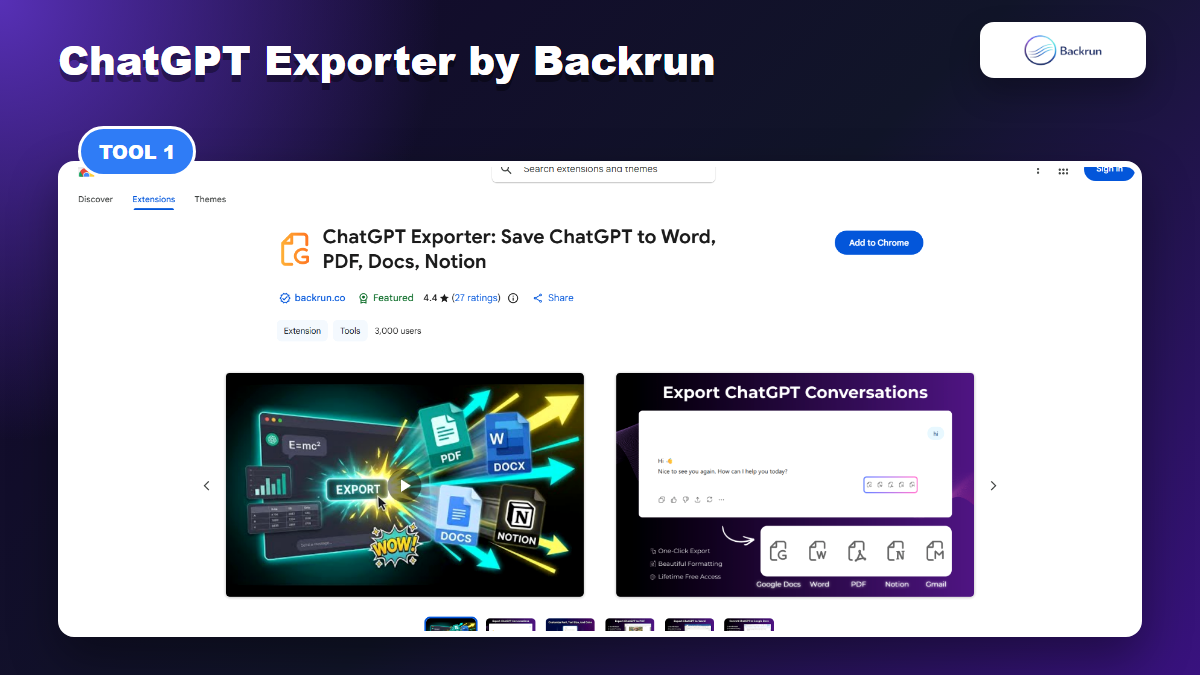
ChatGPT Exporter by Backrun is focused on turning ChatGPT conversations into PDF, Word, Google Docs, and Notion files.
ChatGPT Exporter by Backrun is the most direct pick if your main goal is to export ChatGPT conversations to business-friendly formats. Its Chrome Web Store listing says it can export any ChatGPT conversation to PDF, Word, Google Docs, or Notion, with support for full-conversation export and selected-passage export.
Best for: users who want ChatGPT answers to become editable documents, shareable PDFs, collaborative Google Docs, or organized Notion pages without copying each message by hand.
Useful formats: PDF, Word, Google Docs, and Notion.
Good workflow: select only the finished answer when the early brainstorming is messy, or export the full thread when the reasoning and prompts matter.
Formatting check: test a ChatGPT answer with tables, code blocks, images, and mathematical notation before using the output for client work.
Control: the listing mentions font family, font size, and text color settings before export, which helps when you need a readable document instead of a raw transcript.
Watch out for: cloud destinations such as Google Docs and Notion can require authentication with those services. For sensitive material, start with a local PDF or Word export and review permissions first.
This is the strongest fit when ChatGPT is the source and your final file needs to be useful immediately. For deeper workflows, Backrun also has practical guides for ChatGPT to Word, ChatGPT to PDF, and Export ChatGPT to Google Docs.
2. AI Exporter by saveai.net
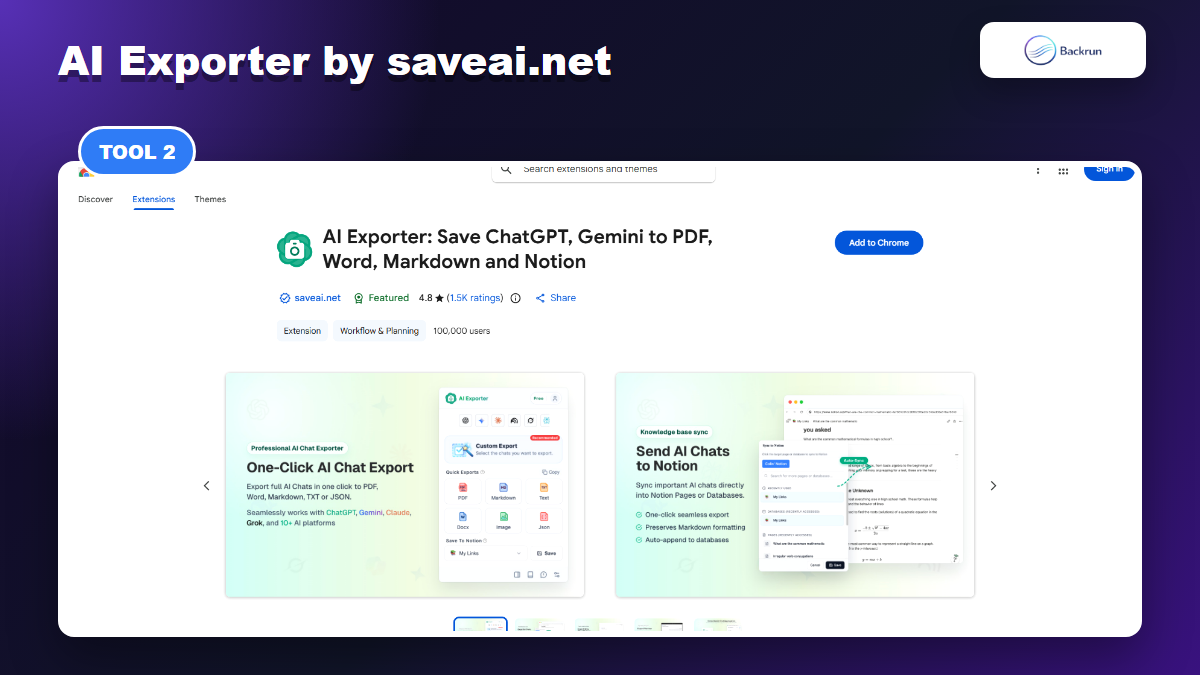
AI Exporter is a broader multi-AI exporter with ChatGPT, Gemini, Claude, NotebookLM, and more supported platforms.
AI Exporter by saveai.net is broader than a ChatGPT-only exporter. Its listing says it supports 10+ major AI platforms, including ChatGPT, Gemini, Claude, and NotebookLM, with export options such as PDF, Word, Markdown, TXT, JSON, image, and Notion.
Best for: people who work across several AI assistants and want one export extension instead of separate tools for ChatGPT, Claude, Gemini, and NotebookLM.
Useful formats: PDF, Word, Markdown, TXT, JSON, image, and Notion.
Good workflow: use one exporter for research that starts in ChatGPT but later moves through Claude, Gemini, or NotebookLM.
Formatting check: compare the same type of content across two platforms, because multi-platform extensions can be excellent on one UI and less reliable on another.
Public signal: the listing shows a large user base and many ratings, which gives more adoption signal than newer listings.
Watch out for: broad platform support can mean wider permissions and more settings. Read the data-use declaration and privacy policy before exporting private business conversations.
AI Exporter makes sense when ChatGPT is only one part of your AI workflow. If you only need a lightweight ChatGPT document exporter, a focused extension may feel faster. If your team changes AI tools often, broader coverage can save training and tool-switching time.
3. ChatGPT to Word or PDF by Thinksolv
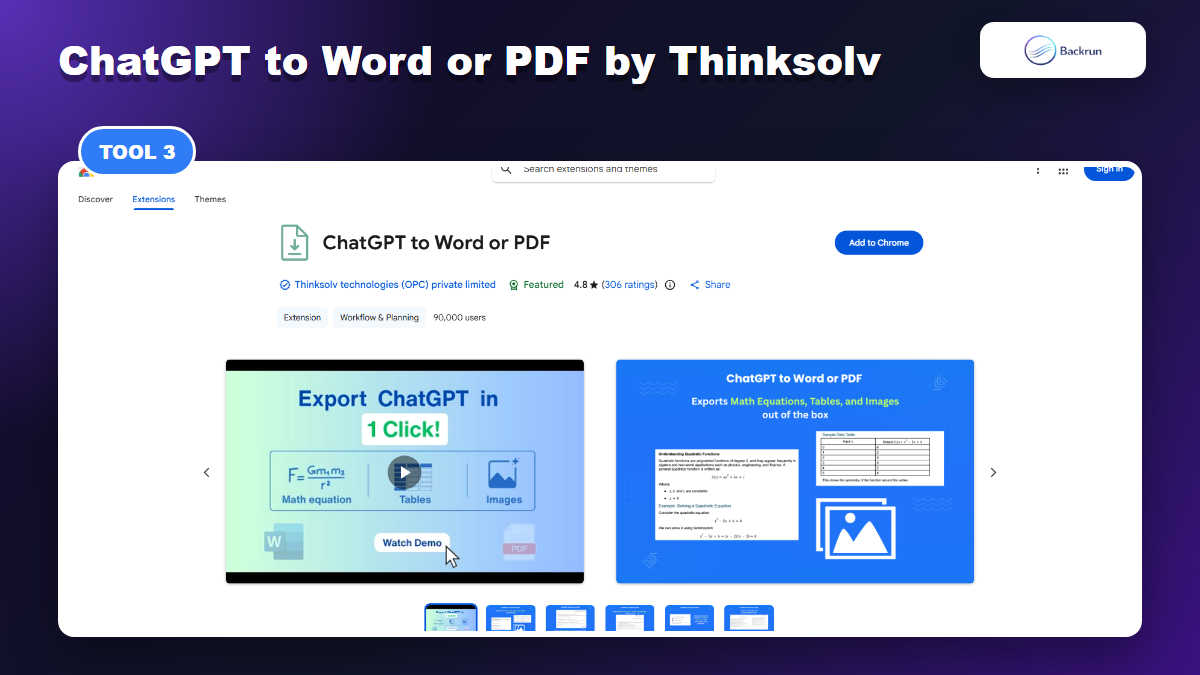
ChatGPT to Word or PDF by Thinksolv is a focused option for exporting ChatGPT responses or full conversations to Word and PDF.
ChatGPT to Word or PDF by Thinksolv is a focused Word/PDF extension with a visible Chrome Web Store audience. Its listing says it converts ChatGPT content to Word or PDF in one click and supports full conversations, selected messages, only ChatGPT responses, Canvas content, and Deep Research Docs.
Best for: students, researchers, content teams, and office users whose final destination is Microsoft Word or a printable PDF.
Useful formats: Word and PDF.
Good workflow: export a selected answer to Word when you need to edit it, or export a full conversation to PDF when you need an archive.
Formatting check: inspect tables, math equations, inline code, code blocks, and images after export.
Scope check: if you need Google Docs or Notion as the final destination, compare it against a tool that exports directly there.
Watch out for: the listing emphasizes Word and PDF. That is a strength if those are your core formats, but a limitation if your content pipeline depends on Markdown, JSON, Notion, or Google Docs.
This extension is worth testing when you want the shortest path from ChatGPT to a document. A Word-first workflow is still common for client deliverables, school work, internal SOPs, and reports. The main thing to verify is whether the DOCX remains editable and whether tables stay inside the page width.
4. ChatGPT Exporter by VMSTE
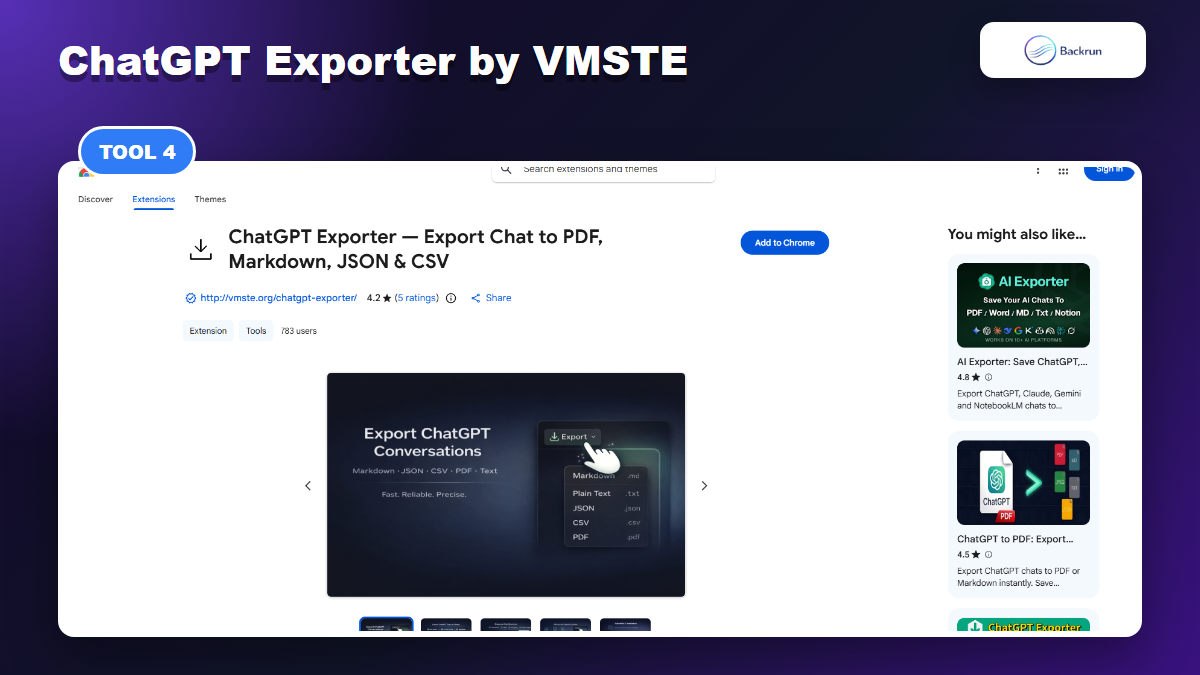
ChatGPT Exporter by VMSTE emphasizes local, open-source exports to PDF, Markdown, text, CSV, and JSON.
ChatGPT Exporter by VMSTE positions itself as a free, open-source, local exporter. The listing says it can export ChatGPT conversations to PDF, Markdown, text, CSV, and JSON, with selected-message export and project conversation export mentioned in the overview.
Best for: technical users who prefer open-source tooling, local processing, and archive formats such as Markdown, CSV, or JSON.
Useful formats: PDF, Markdown, text, CSV, and JSON.
Good workflow: export Markdown for notes or documentation, JSON/CSV for structured archives, and PDF when the chat needs to be readable outside your tools.
Formatting check: open the Markdown in VS Code or Obsidian and verify headings, links, lists, and code fences.
Trust check: if open source is part of the appeal, inspect the linked repository and issue history before relying on it.
Watch out for: the rating sample is smaller than the larger tools. That does not make it bad, but it means your own test matters more.
This kind of extension is attractive for people who want portable records rather than polished business files. Markdown, JSON, and CSV are not always client-friendly, but they are useful for developers, researchers, and anyone building a searchable archive from ChatGPT output.
5. ChatGPT PDF Export by GPT2PDF
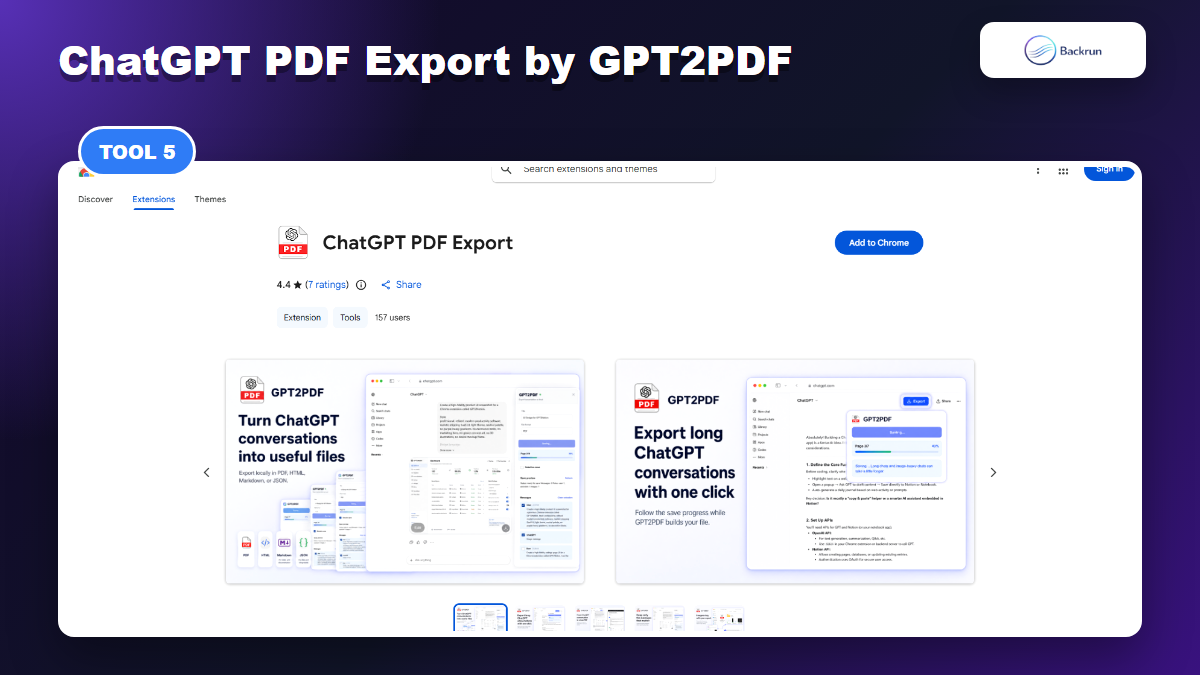
ChatGPT PDF Export by GPT2PDF is a privacy-first option for PDF, HTML, Markdown, and JSON exports.
ChatGPT PDF Export by GPT2PDF is another local-first option. Its listing says it adds an export button inside ChatGPT and can save full conversations or selected messages as PDF, HTML, Markdown, or JSON, including code, images, message order, roles, and generated images when available.
Best for: people who mainly want reliable local files and do not need Word, Google Docs, or Notion exports.
Useful formats: PDF, HTML, Markdown, and JSON.
Good workflow: use PDF for sharing, HTML for offline reading, Markdown for reusable notes, and JSON for structured backup.
Formatting check: test image-heavy chats and long technical conversations, because PDF output quality often changes with content length and media.
Privacy check: the listing emphasizes no external backend for conversation upload; still review Chrome permissions before installation.
Watch out for: if your next step is Microsoft Word or Google Docs editing, you may need another tool or an extra conversion step.
GPT2PDF fits a slightly different need from a Word-oriented exporter. It is better for saving a record than for creating an editable business document. If your workflow is research archive first and editing second, this can be enough. If the file must go through a review cycle, Word or Docs export will be more convenient.
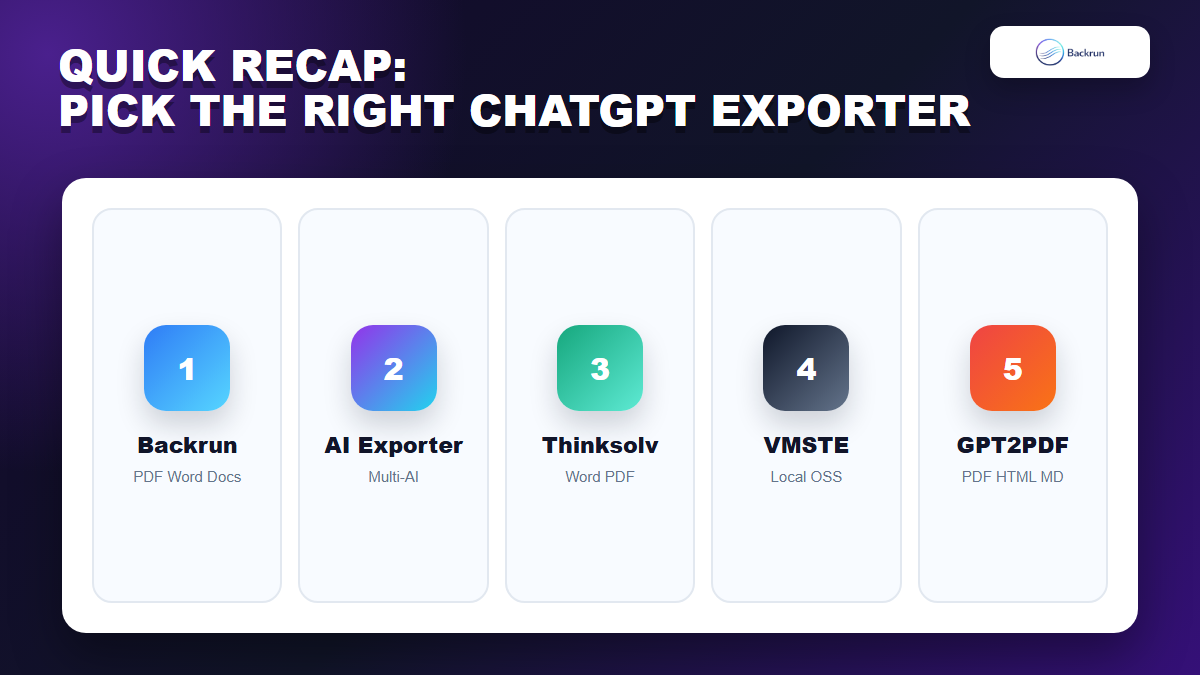
Quick Recap
Quick Recap helps match each ChatGPT exporter Chrome extension to the workflow it fits best.
Extension
Publisher
Best Fit
Main Formats
ChatGPT Exporter
Backrun
ChatGPT to PDF, Word, Google Docs, and Notion
PDF, Word, Google Docs, Notion
AI Exporter
saveai.net
Multi-AI export across ChatGPT and other assistants
PDF, Word, Markdown, TXT, JSON, image, Notion
ChatGPT to Word or PDF
Thinksolv
Simple Word/PDF conversion
Word, PDF
ChatGPT Exporter
VMSTE
Open-source local archives
PDF, Markdown, text, CSV, JSON
ChatGPT PDF Export
GPT2PDF
Local PDF, HTML, Markdown, and JSON exports
PDF, HTML, Markdown, JSON
If you want the simplest ChatGPT-specific document workflow, start with Backrun's ChatGPT Exporter. If you need one extension across multiple AI platforms, compare AI Exporter. If your only deliverables are Word or PDF, Thinksolv is a focused option. If local archives and open formats matter most, VMSTE and GPT2PDF deserve a closer look.
The safest way to choose is to export the same messy ChatGPT conversation with each candidate. Keep the extension that preserves structure, produces the file you actually use, and asks for permissions you are comfortable granting.