Export Claude conversations as Markdown

The Claude to Markdown Extension

Save Claude conversations as clean .md files without rebuilding the formatting by hand. Export complete chats or selected messages while keeping useful structure for documentation, notes, and developer workflows.

Built for Claude research, coding, writing, documentation, and knowledge capture

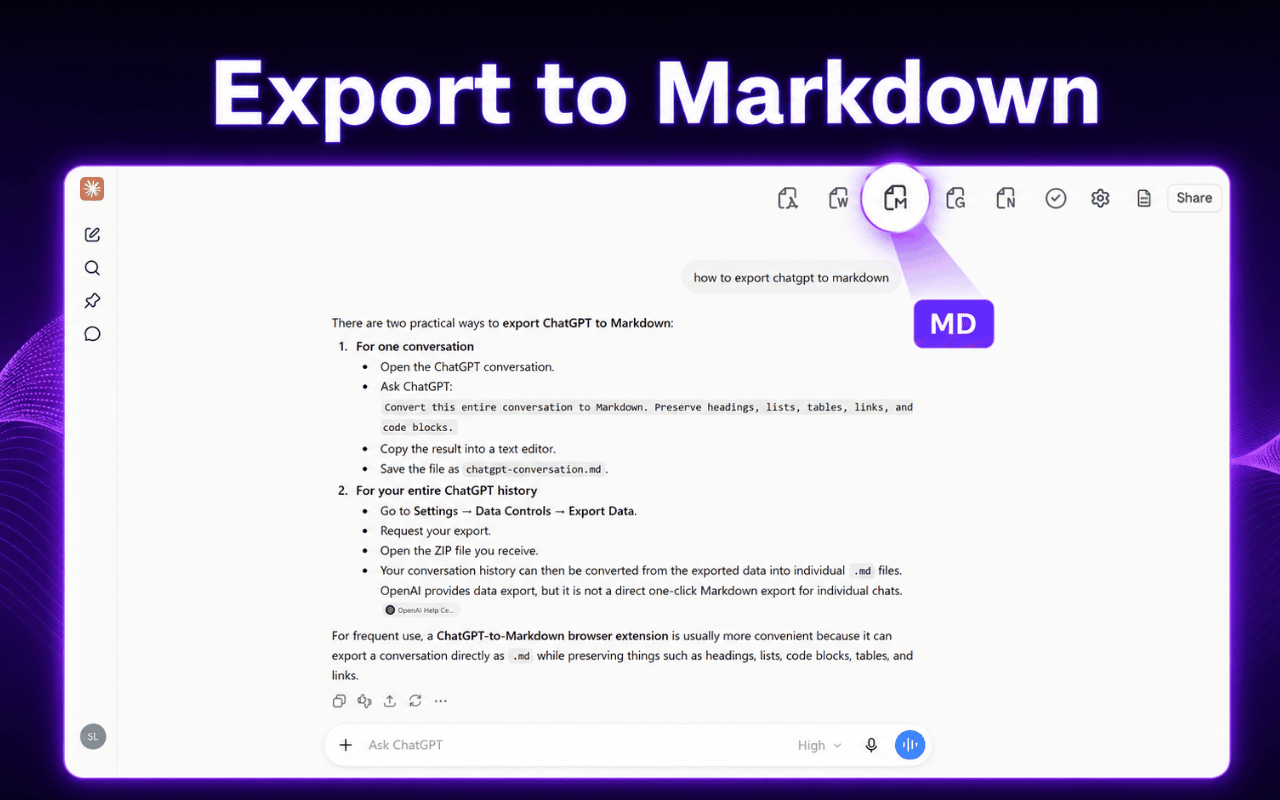
Claude to Markdown Extension export interface

How to Export Claude to Markdown

Turn a useful Claude conversation into a reusable Markdown file in a few simple steps.

  1. 1

    Install AI Chat Exporter

    Add the extension to Chrome from the Chrome Web Store.

  2. 2

    Open Claude

    Open an existing Claude conversation or start a new one.

  3. 3

    Choose what to export

    Export the full conversation or select only the messages you want to keep.

  4. 4

    Save as Markdown

    Choose Markdown and download a clean .md file for your next workflow.

Why Save Claude Chats as Markdown

Markdown keeps AI-generated knowledge portable, lightweight, searchable, and easy to reuse across technical and writing workflows.

Clean source files

Keep Claude outputs in lightweight text files instead of locking useful content inside one chat interface.

Easy to version and review

Markdown works well with Git and other version-controlled documentation workflows.

Ready for your knowledge stack

Use exported files in Obsidian, Notion, GitHub, VS Code, wikis, static sites, and Markdown editors.

A Better Way to Export Claude Conversations

Designed for people who want to keep Claude output usable after the conversation is over.

Export Complete Claude Chats

Save the conversation when the context matters. Capture a long research session, technical discussion, planning thread, or writing workflow in one Markdown file.

  • ✓ Preserve the conversation as a reusable document
  • ✓ Avoid copying messages one at a time
  • ✓ Useful for long Claude sessions
Claude to Markdown Extension full conversation export
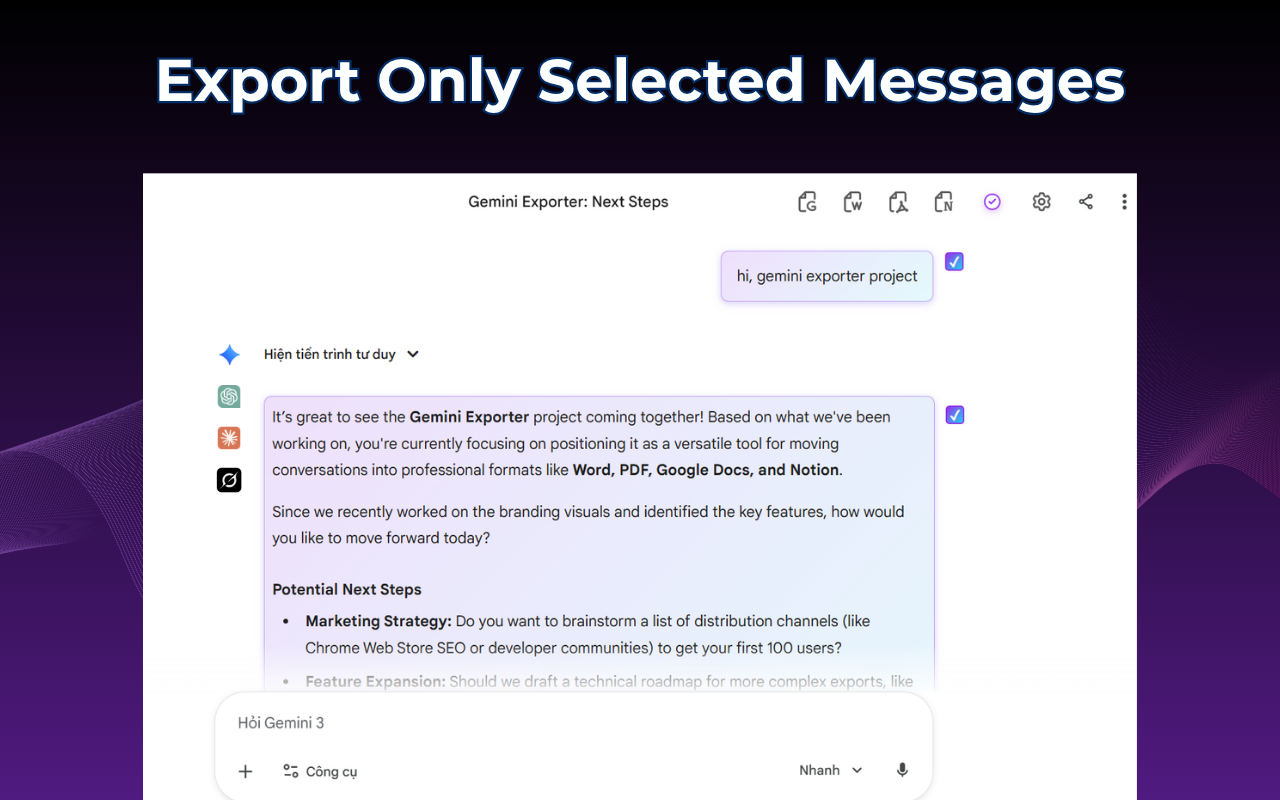
Selecting Claude messages before exporting to Markdown

Export Only the Useful Parts

When you only need a final answer, code sample, table, or important explanation, select those messages and leave the rest of the conversation behind.

  • ✓ Select individual Claude messages
  • ✓ Create focused Markdown notes
  • ✓ Reduce cleanup after export

Keep the Structure You Need

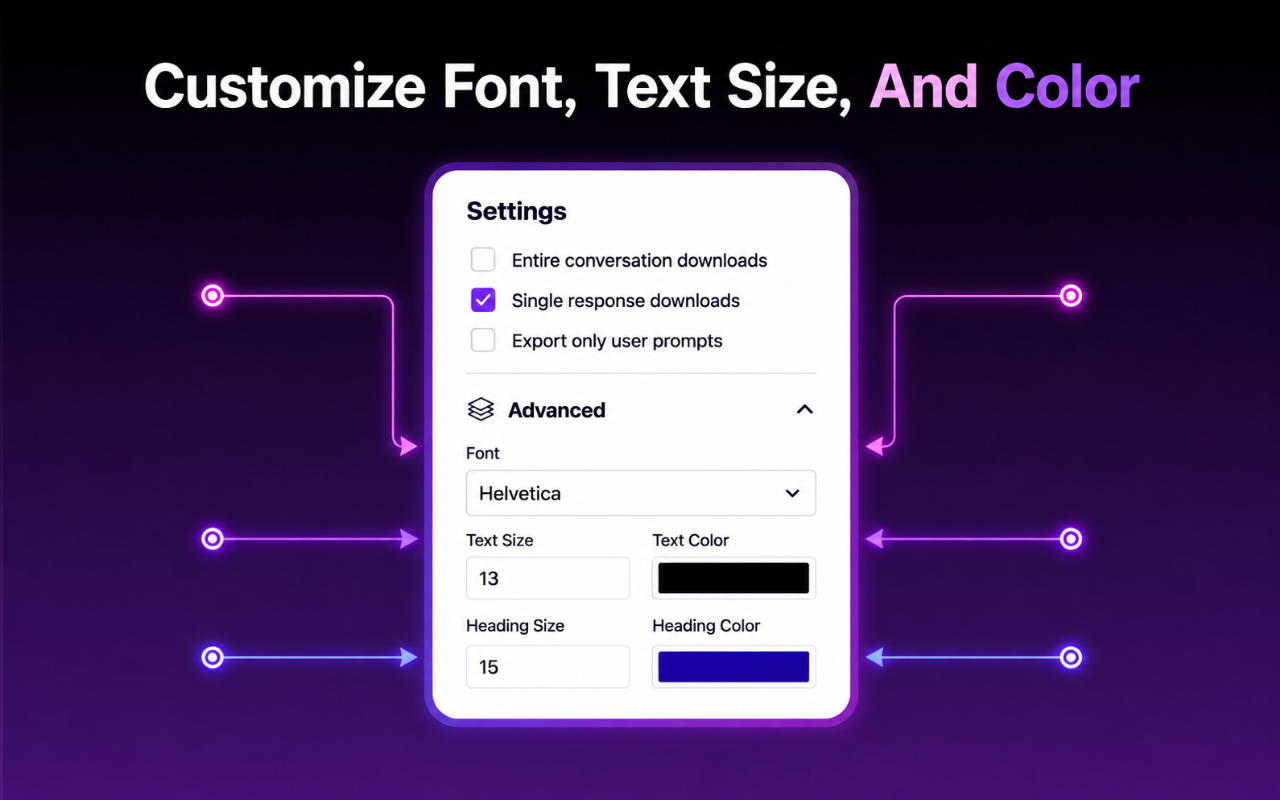
AI Chat Exporter is designed to preserve common Claude content such as headings, lists, code blocks, tables, links, structured sections, and other supported formatting when exported to Markdown.

  • ✓ Headings and nested lists
  • ✓ Code blocks and technical content
  • ✓ Tables, links, and structured responses
Claude content converted to Markdown structure

Have a Claude chat worth keeping?

Save it as Markdown and continue working with it outside Claude.

Install Claude to Markdown

Who Uses Claude to Markdown

Useful for anyone who turns Claude conversations into documentation, reusable knowledge, or source material.

Developers

Archive coding discussions, debugging steps, architecture notes, and Claude Code sessions.

Technical Writers

Move draft explanations and documentation into Markdown-based publishing workflows.

Researchers

Save research discussions, comparisons, structured findings, and long-form analysis.

Obsidian Users

Turn Claude chats into local Markdown notes that fit directly into an existing vault.

Students

Keep explanations, study notes, revision materials, and technical examples in searchable files.

Knowledge Workers

Convert useful Claude conversations into durable notes, SOPs, briefs, and internal references.

What a Good Markdown Export Helps You Keep

The important part is not just saving text. It is keeping enough structure to make the content reusable.

Keep technical discussions readable after they leave Claude, especially when the conversation includes code and structured sections.

For coding workflows

Move useful research and writing sessions into a personal knowledge base instead of leaving them buried in chat history.

For research and notes

Export only the answers that matter when a long Claude conversation contains both useful material and disposable back-and-forth.

For focused exports

Claude to Markdown Extension FAQ

Common questions about saving Claude conversations as Markdown.

What is the Claude to Markdown Extension?

It is a Chrome extension that lets you export Claude conversations to Markdown files for documentation, note-taking, wikis, repositories, and other Markdown-based workflows.

Can I export only selected Claude messages?

Yes. You can export selected messages when you only need a specific answer, code block, table, or section of the conversation.

Does Claude to Markdown preserve formatting?

The extension is designed to preserve common conversation structure such as headings, lists, code blocks, tables, links, and other supported formatted content when converting to Markdown.

Can I export long Claude conversations?

Yes. AI Chat Exporter is designed for both short and long Claude conversations. Performance can vary depending on conversation length and content complexity.

Where can I use the exported Markdown file?

You can use the file in GitHub, Obsidian, Notion, VS Code, documentation systems, static site generators, and other Markdown-compatible tools.

Is the Claude to Markdown Extension free?

Yes. AI Chat Exporter has a free plan with a limited number of full-conversation and selected-message exports each month.

Export Your Next Claude Chat to Markdown

Save the conversation as a clean .md file and move it into the tools where your work continues.

Install Claude to Markdown on Chrome

Works with Claude through AI Chat Exporter · No separate exporter account required