AI conversations often contain valuable research, code, ideas, and project notes, but saving them manually can be slow and messy. An AI Chat Exporter Chrome Extension helps you quickly export chats from platforms such as ChatGPT, Claude, Gemini, and Grok into formats like PDF, Word, Markdown, or Google Docs.
In this guide, we compare six AI chat exporter Chrome extensions to try in 2026. You will learn which tools support multiple AI platforms, preserve formatting, offer useful export options, and provide the best workflow for saving and organizing your conversations.
1. AI Chat Exporter Chrome Extension by Backrun
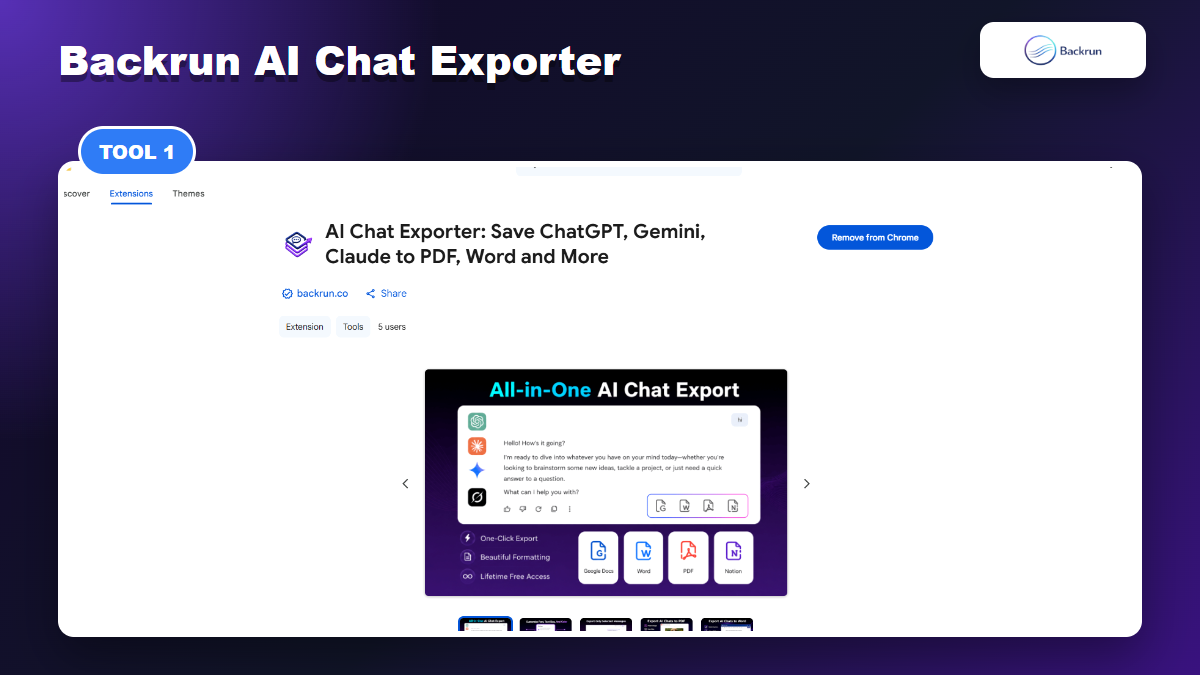
Backrun AI Chat Exporter is the all-in-one option for ChatGPT, Gemini, Claude, and Grok with PDF, Word, Google Docs, Notion, and Markdown workflows.
AI Chat Exporter is the most balanced pick if you want one consistent export workflow across ChatGPT, Gemini, Claude, and Grok. The Chrome Web Store listing describes exports to PDF, Word, Google Docs, and Notion, while the Backrun product page also explains Markdown support for docs, publishing systems, and developer workflows.
Best for: users who jump between several AI assistants and want one tool for full conversations, selected messages, document editing, and workspace exports.
Why it stands out:
It supports the four major AI chat platforms most Backrun readers use: ChatGPT, Gemini, Claude, and Grok.
It covers both document formats and workspace destinations: PDF, Word, Google Docs, Notion, and Markdown workflows.
It includes selected-message and full-conversation export, which matters when a chat contains both useful answers and throwaway exploration.
The listing emphasizes formatting preservation for headings, lists, code blocks, tables, formulas, links, and images.
Watch out for: the Chrome listing is new, so public ratings may still be sparse. Evaluate it with your own test chat before committing it to client or team workflows.
2. AI Exporter by SaveAI
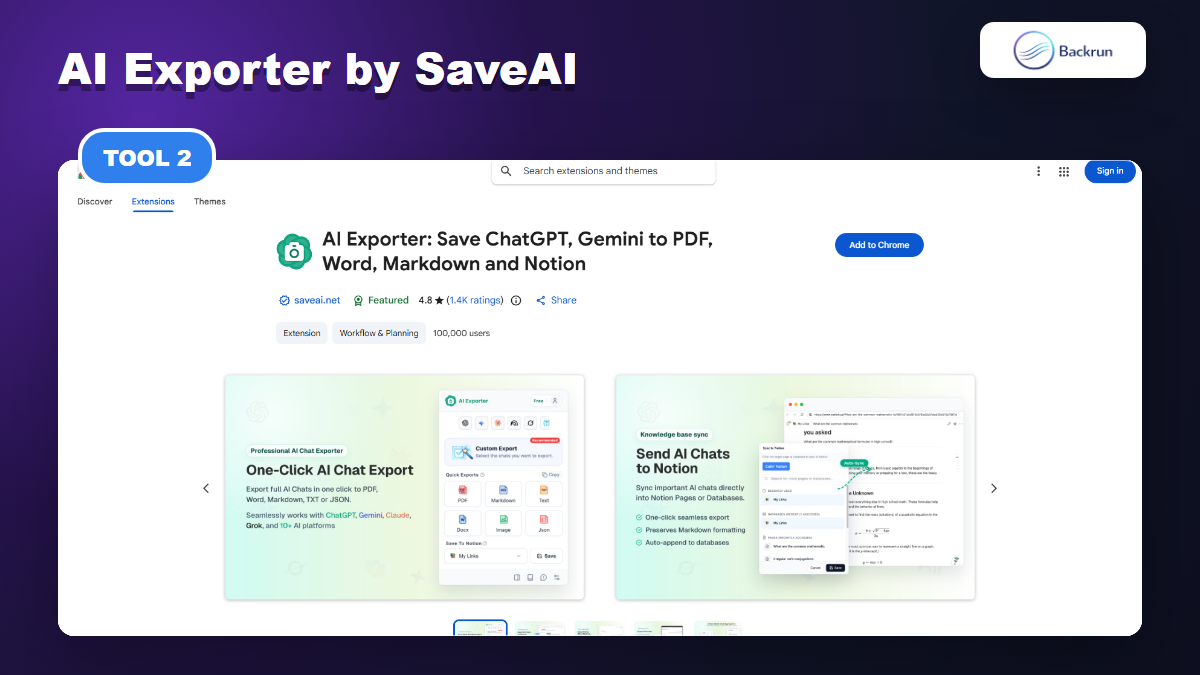
AI Exporter by SaveAI
AI Exporter is a broad, power-user style extension. Its Chrome Web Store listing says it supports 10+ platforms, including ChatGPT, Claude, Gemini, and NotebookLM, with exports to PDF, Word, Markdown, TXT, JSON, image, and Notion. The listing also shows a large user base and a strong rating count compared with newer tools.
Best for: heavy AI users, researchers, students, and teams that need one exporter across many assistants.
Useful strengths:
Broad platform support for users who do not want one extension per AI app.
Many output formats, including Markdown, JSON, Notion, PDF, Word, and TXT.
Features aimed at long chats, timestamps, model versioning, templates, and local knowledge management.
Watch out for: a larger feature set usually means a larger permission and settings surface. Read the privacy declaration and test with non-sensitive chats first.
3. XWX AI Chat Exporter
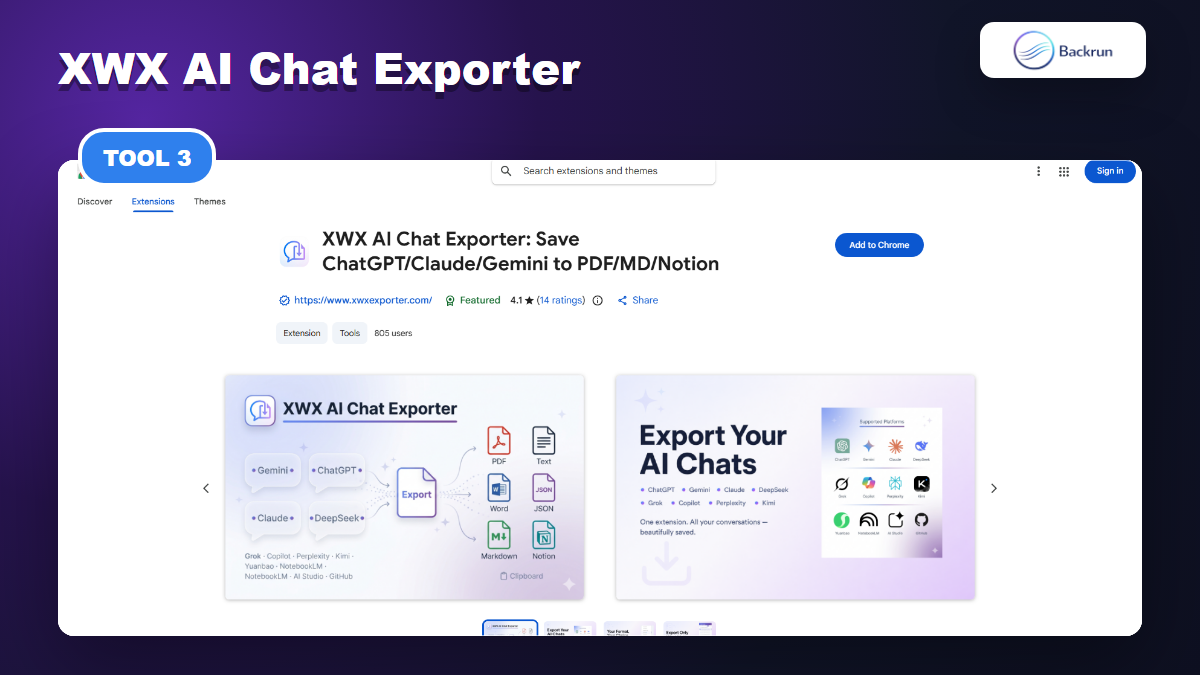
XWX AI Chat Exporter is captured from Chrome Web Store
XWX AI Chat Exporter is positioned for people who treat AI conversations as a knowledge base. Its listing says it supports 13 AI platforms and exports to PDF, Word, Markdown, TXT, JSON, clipboard, and Notion. It also mentions YAML frontmatter, timestamps, model data, tags, summaries, and support for tools such as Obsidian or Logseq.
Best for: PKM users, researchers, and developers looking for an AI Chat Exporter Chrome Extension that creates structured Markdown files with detailed metadata.
Useful strengths:
Metadata-rich Markdown can be valuable for Obsidian, Logseq, Dataview, or documentation repositories.
Selection mode and Notion export make it flexible for mixed research workflows.
The listing clearly separates free local-style exports from heavier PDF/Notion features.
Watch out for: the listing says non-PDF formats are generated locally but PDF rendering can use server-side processing. That may be fine for many users, but it matters for confidential content.
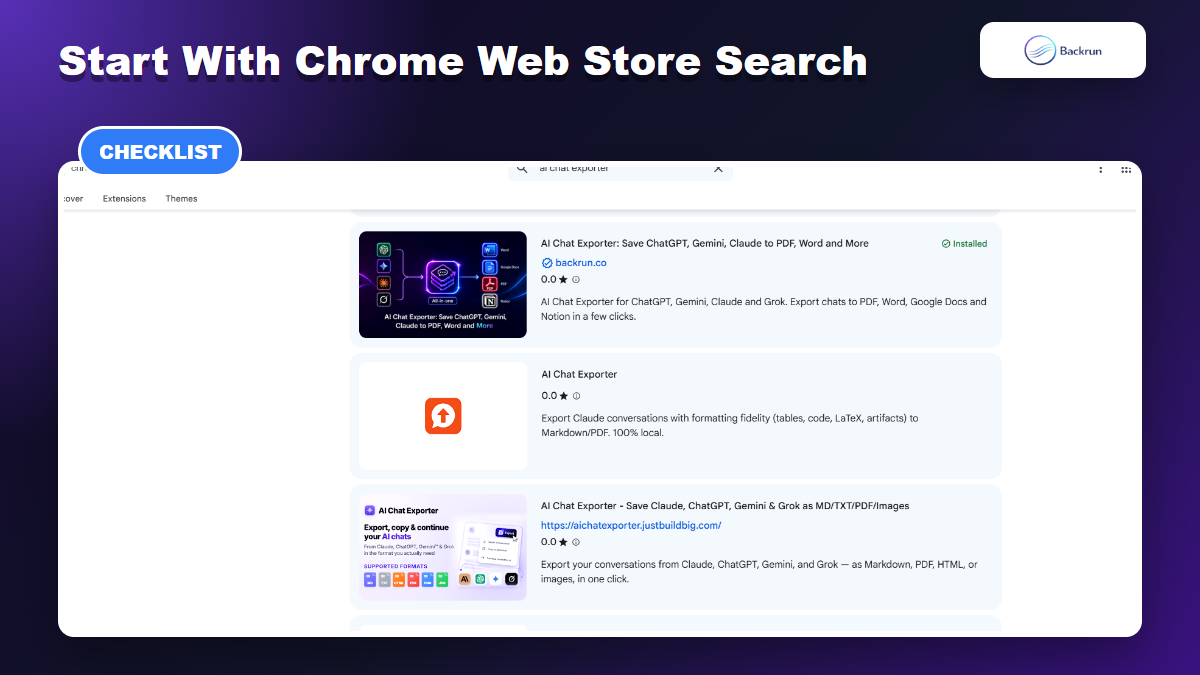
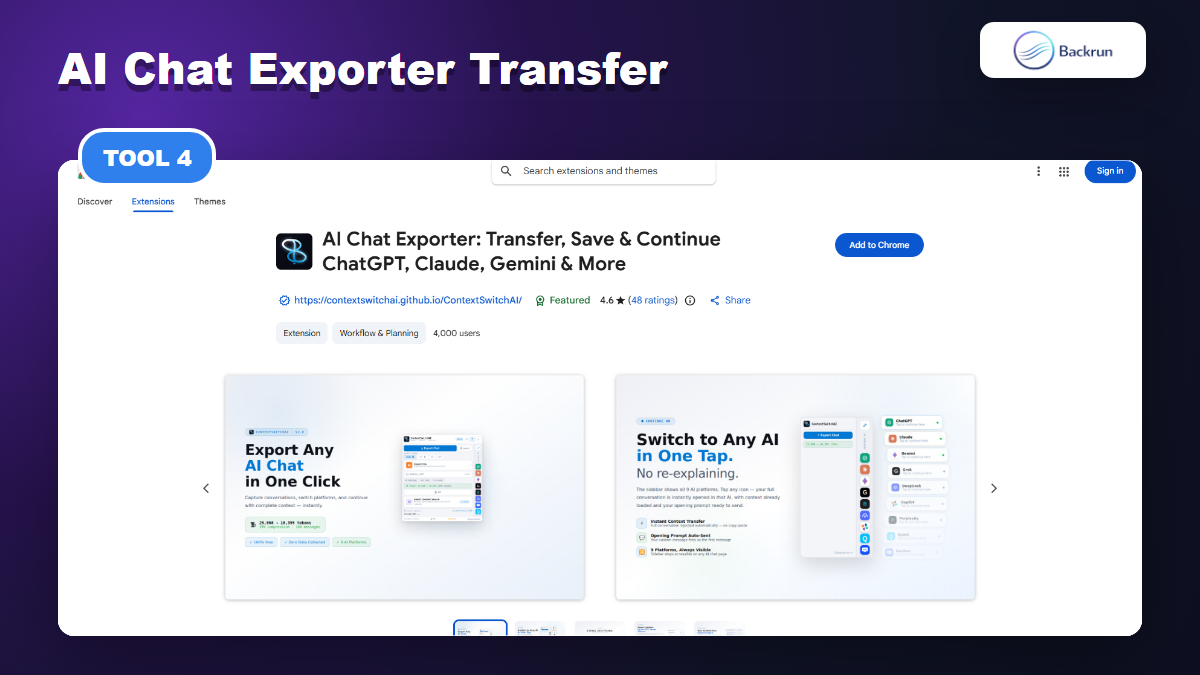
4. AI Chat Exporter: ChatGPT & Claude
AI Chat Exporter - ChatGPT & Claude is a smaller, simpler extension focused on ChatGPT and Claude. The listing emphasizes local browser export, Markdown, PDF, HTML, JSON, and a privacy-first workflow with no server upload for conversations.
Best for: users who only need ChatGPT and Claude exports and prefer a lighter extension instead of a large multi-platform toolkit.
Useful strengths:
Clear scope: ChatGPT and Claude, without trying to support every assistant.
Markdown export and copy-as-Markdown are positioned as free options.
The privacy language is easy to understand: local export, no analytics, no tracking according to the listing.
Watch out for: it is not the right choice if Gemini, Grok, NotebookLM, or Notion export are core parts of your workflow.
5. Claude-Focused AI Chat Exporter
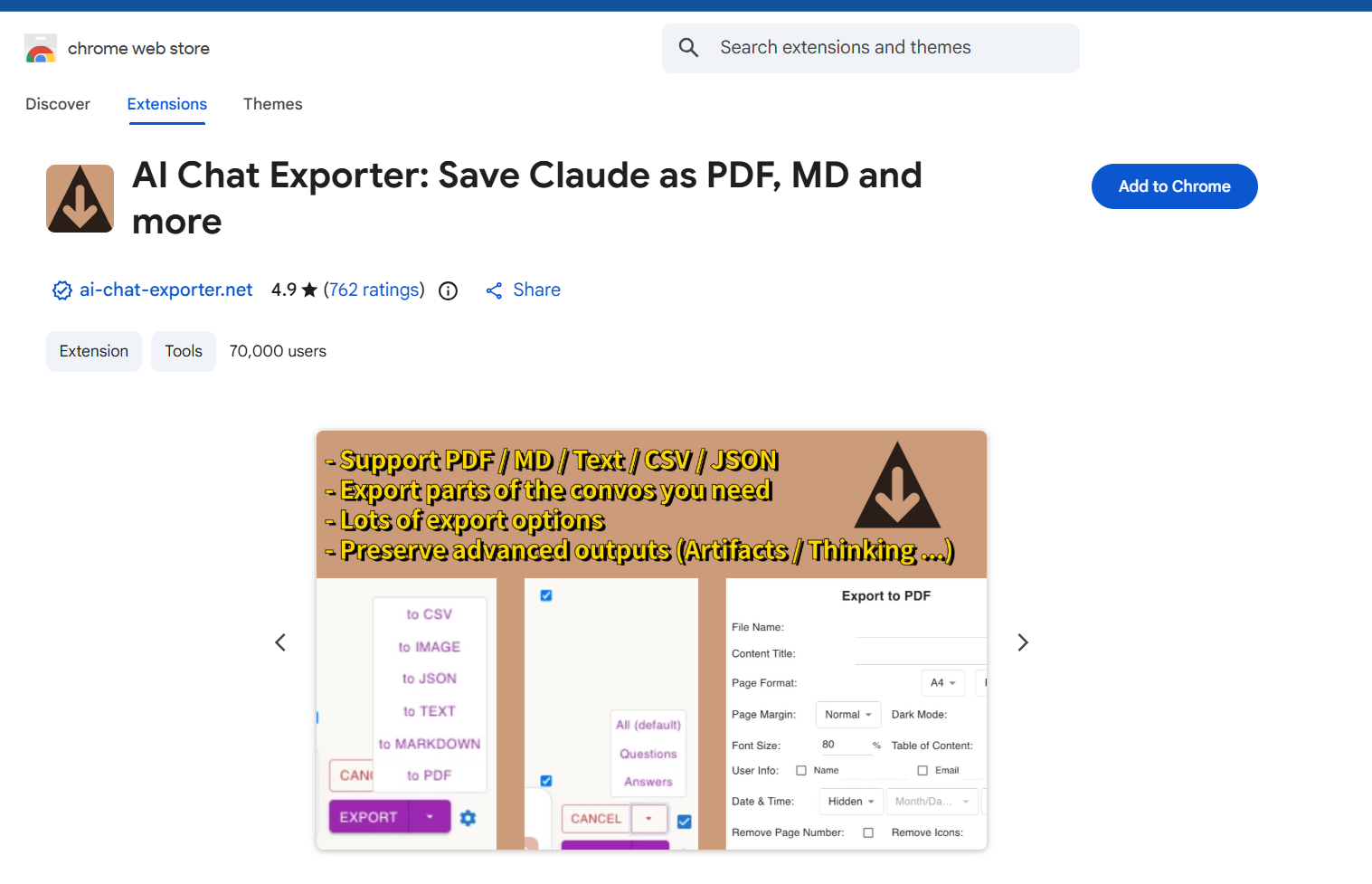
This Claude-focused AI Chat Exporter Chrome Extension is built specifically for Claude conversations rather than every AI platform. Its listing describes Markdown, PDF, and HTML export, plus formatting fidelity for tables, code blocks, LaTeX math, artifacts, reasoning, and tool calls.
Best for: Claude users who care about preserving conversation structure and artifacts more than broad platform coverage.
Useful strengths:
Claude-specific formatting support can be stronger than a generic exporter for Claude-heavy workflows.
Local library and search features can help if you archive many Claude chats.
Markdown frontmatter and export controls are useful for documentation and knowledge-base work.
Watch out for: because it is Claude-first, it is not a full replacement for an all-in-one exporter if you also rely on ChatGPT, Gemini, and Grok.
6. AI Chat Exporter for Gemini
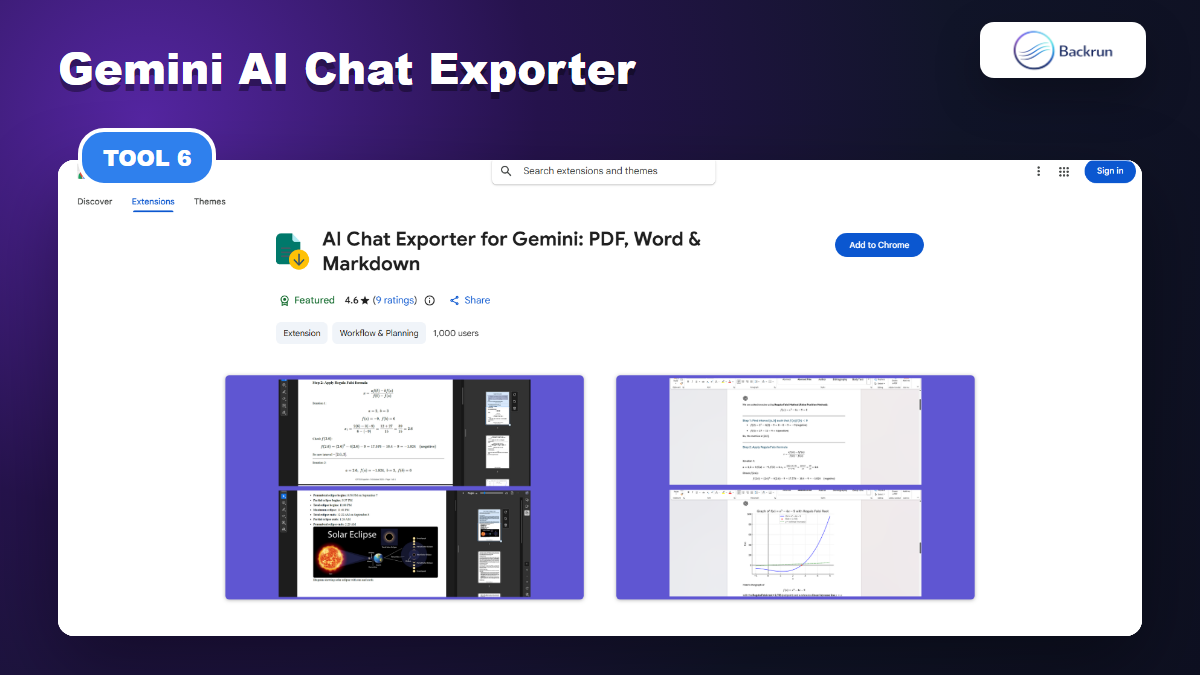
The Gemini-focused exporter
AI Chat Exporter for Gemini is a single-platform option for saving Gemini chats as PDF, Word, or Markdown. Its listing shows a focused Gemini workflow and highlights preservation for code blocks, tables, math equations, and images.
Best for: Gemini-first users who do not need a multi-assistant exporter.
Useful strengths:
Focused support for Gemini rather than a broad, multi-platform interface.
PDF, Word, and Markdown cover the common export needs for students, researchers, and documentation writers.
The listing has a visible rating history and user base, which gives more public signal than a brand-new listing.
Watch out for: if you also need ChatGPT, Claude, or Grok exports, a single-platform Gemini extension creates extra switching and extension management.
Quick Recap
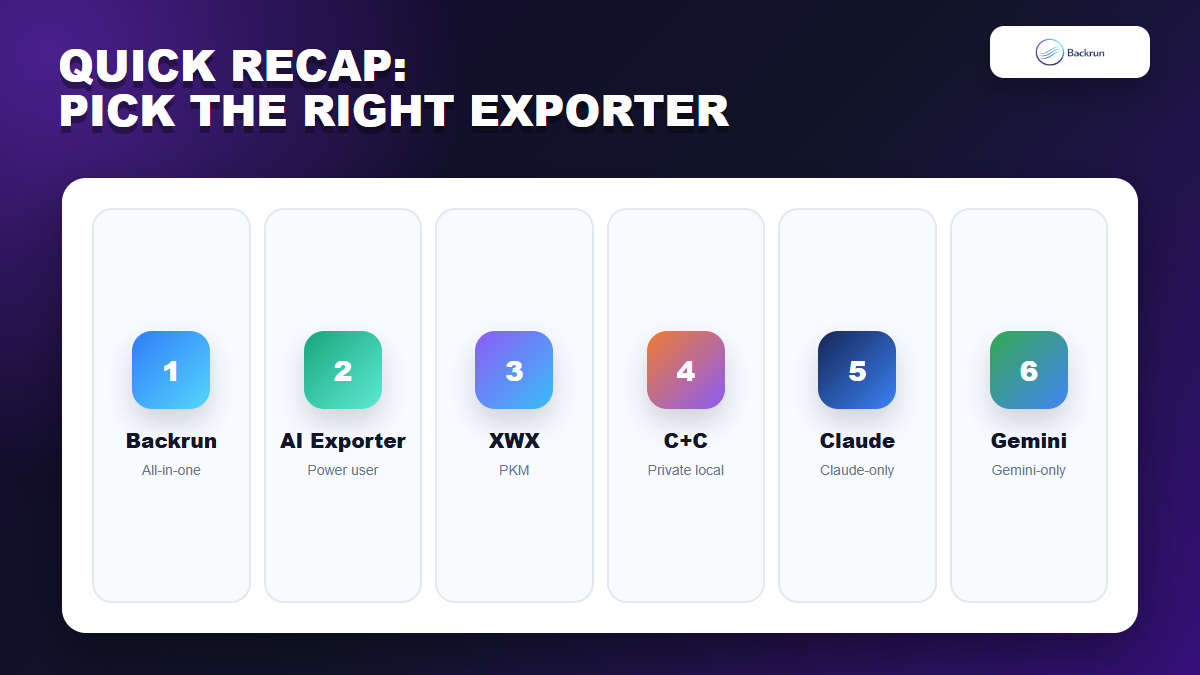
The best AI chat exporter Chrome extension depends on your real workflow. For one extension across ChatGPT, Gemini, Claude, and Grok, Backrun AI Chat Exporter is the cleanest all-in-one pick. For heavy multi-platform exporting with many advanced settings, AI Exporter and XWX are worth comparing. For smaller workflows, the ChatGPT/Claude, Claude-only, and Gemini-only exporters can be simpler.
Extension
Best Fit
Main Strength
Main Caution
Backrun AI Chat Exporter
All-in-one users
ChatGPT, Gemini, Claude, Grok plus common document formats
New listing, test with your own chats
AI Exporter
Power users
Large user base, many platforms and formats
More settings and permissions to review
XWX AI Chat Exporter
PKM users
Markdown metadata, Notion, multi-platform support
Check data handling for PDF workflows
AI Chat Exporter - ChatGPT & Claude
Privacy-first two-tool users
Local Markdown/PDF/HTML/JSON workflow
No Gemini or Grok support
Claude-focused AI Chat Exporter
Claude archives
Claude formatting fidelity and local library
Not a general AI chat exporter
AI Chat Exporter for Gemini
Gemini users
Focused PDF, Word, Markdown export
Single-platform workflow
One more rule helps: do not pick an exporter only because it has the longest format list. Pick the one that produces the file you will actually use next. A clean Google Docs export is better than six messy formats if your final work happens in Docs. A clean Markdown export is better if your next step is documentation, Obsidian, GitHub, or a static site.
If you only use one AI assistant, a focused exporter can be enough. If your work moves across several assistants, choose an exporter that covers every platform you actually use and test it with one messy chat before trusting it with important work.