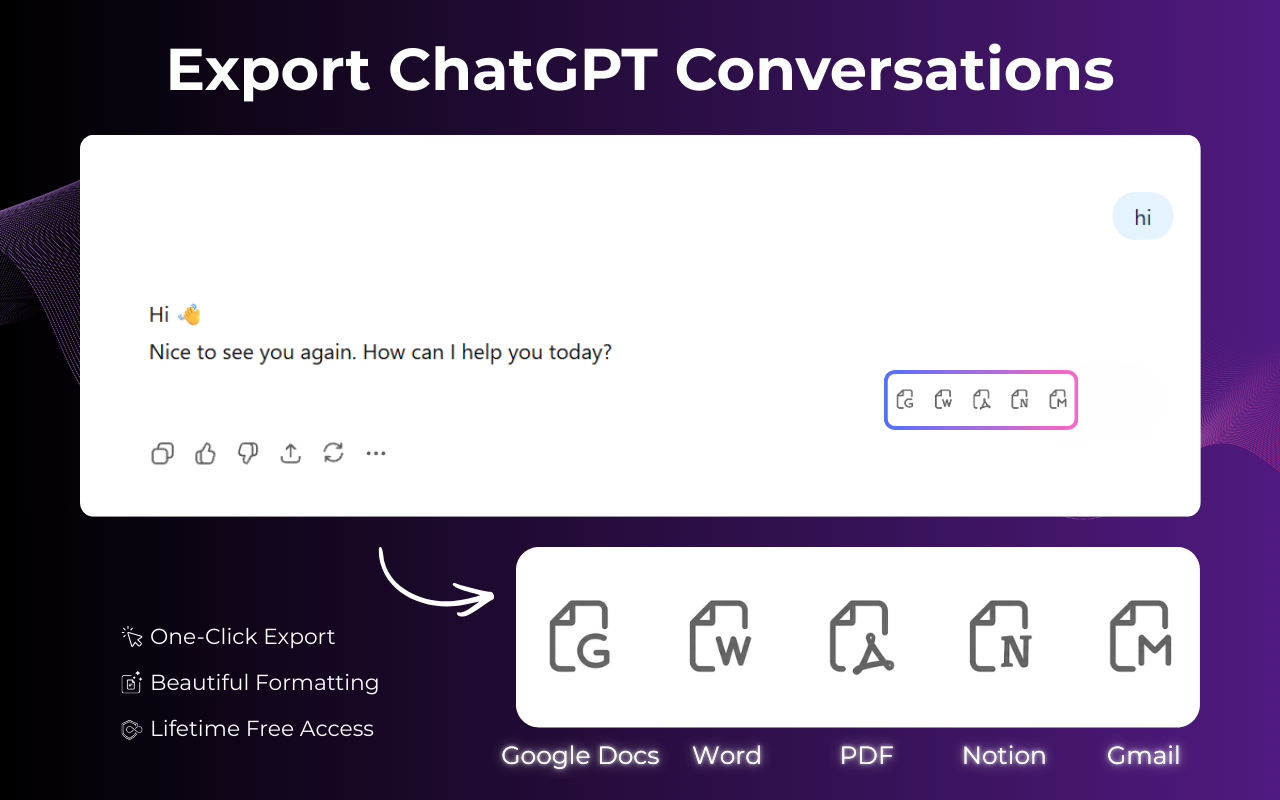
Full Conversation Export
Instantly capture the entire chat history from start to finish. Perfect for archiving long research sessions or creative writing projects without missing a single detail.
Navigate to the chat you want to save on the official ChatGPT website.
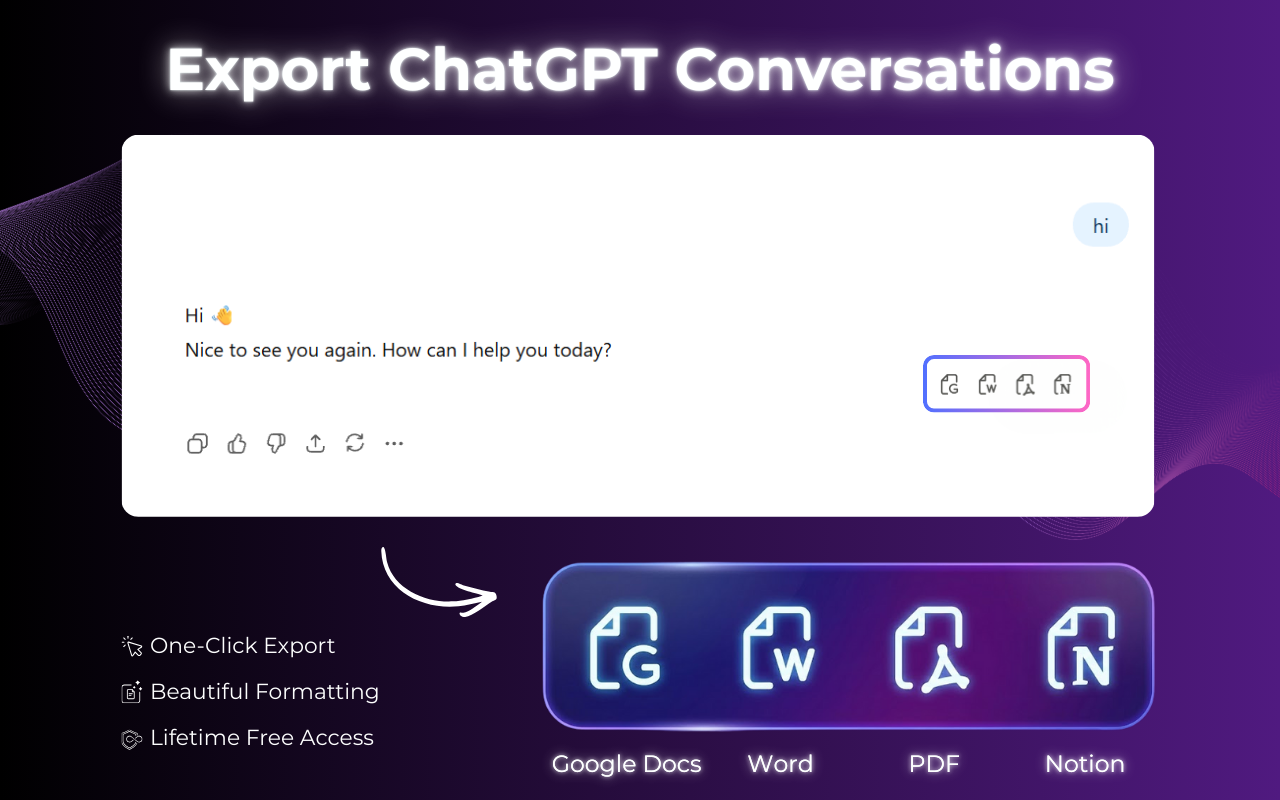
Locate our floating button or the browser toolbar icon to open the chatgpt export menu.
Choose between PDF, Notion, Word, or Google Docs depending on your needs.
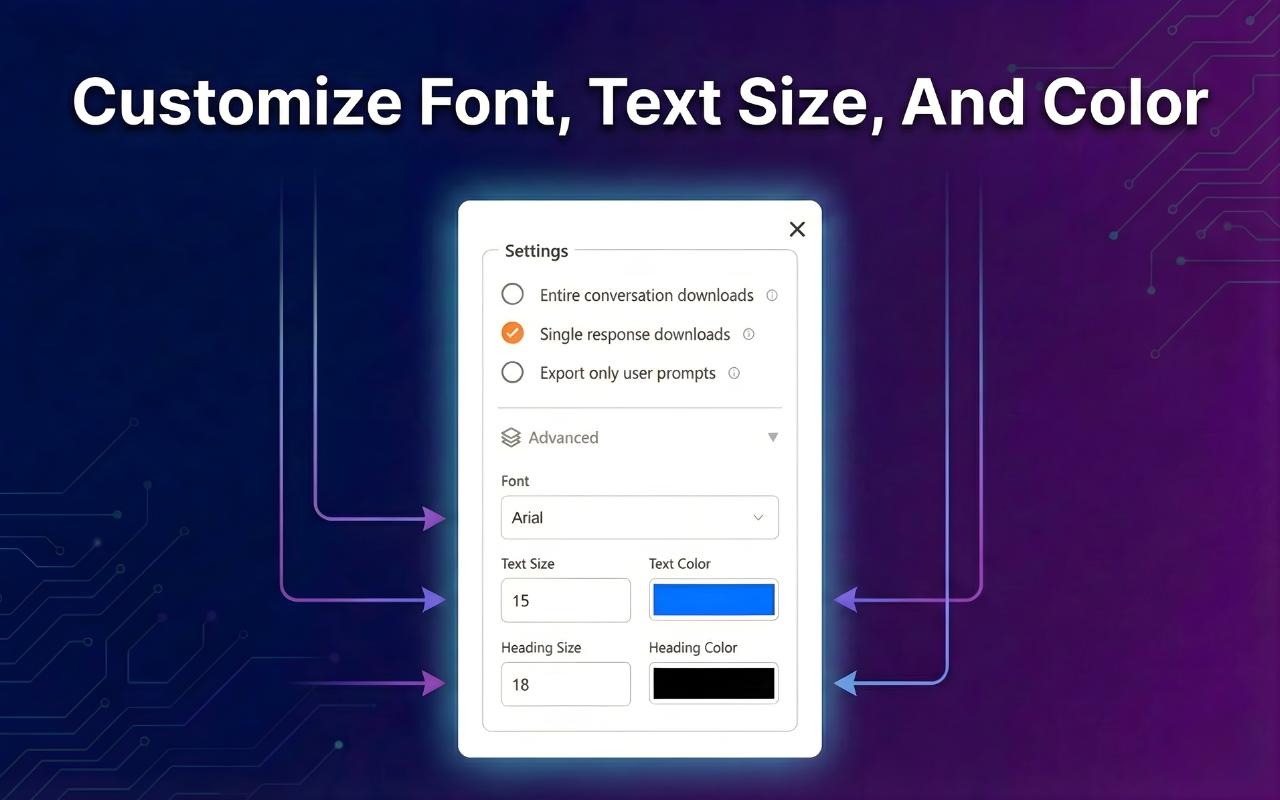
Fine-tune the appearance by changing fonts and colors to make your document professional.
Your document is generated and downloaded in seconds. No watermarks, no hassle.

Choose how you want to save and share your ChatGPT export data.
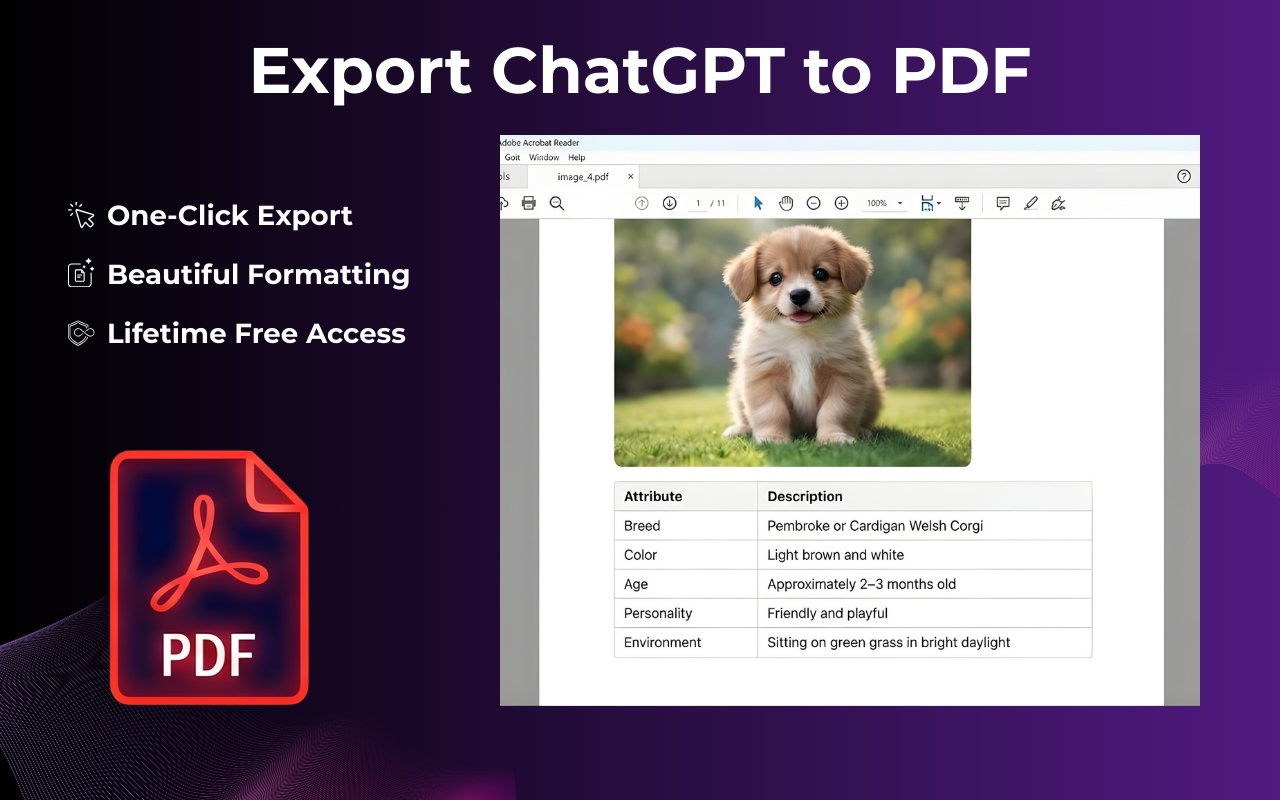
Export ChatGPT conversation to PDF: create a polished, print-ready file for easy sharing and professional printing.
Export ChatGPT to Notion and turn your conversations into a searchable knowledge base.
Send ChatGPT to Word in seconds — perfect for formatting, redlining, and finalizing.
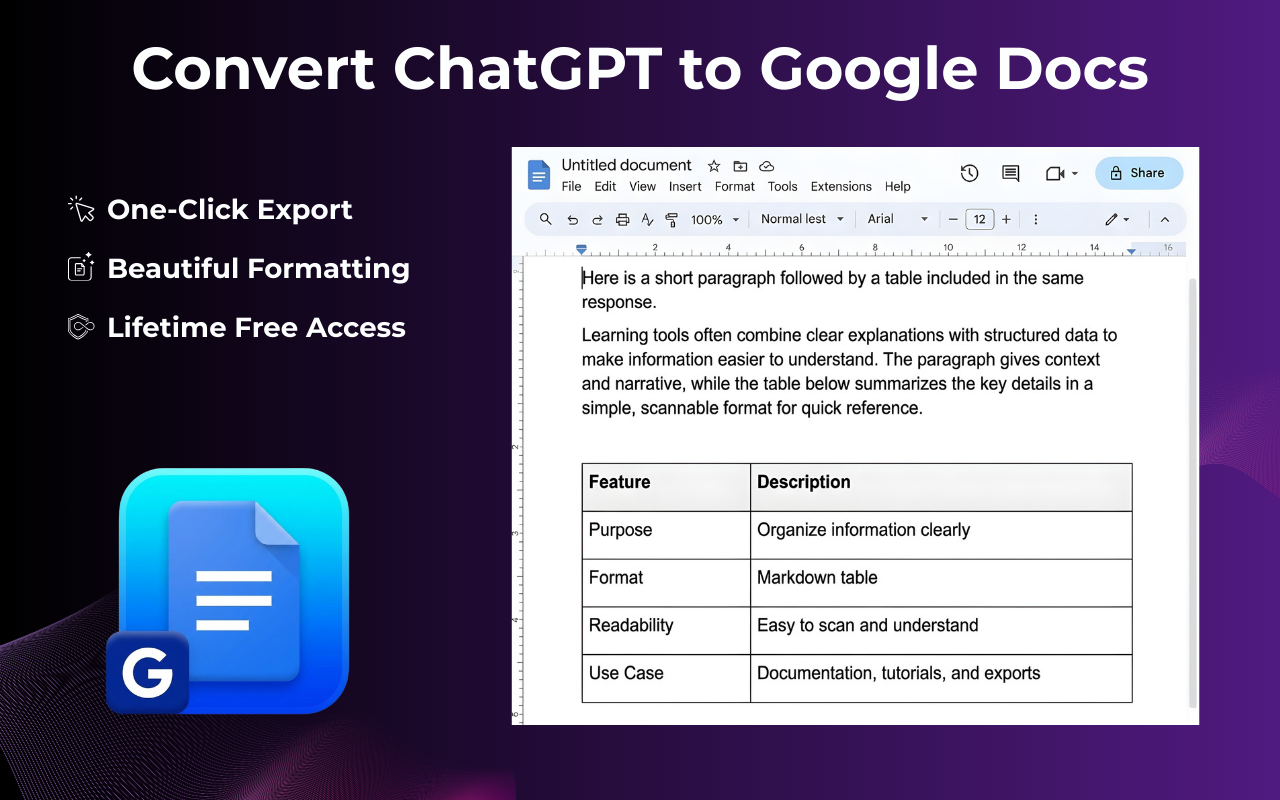
Convert ChatGPT to Google Doc for easy collaboration and sharing.
And many more formats available, including Markdown.
Everything you need to manage and export ChatGPT conversation history like a pro.
Instantly capture the entire chat history from start to finish. Perfect for archiving long research sessions or creative writing projects without missing a single detail.
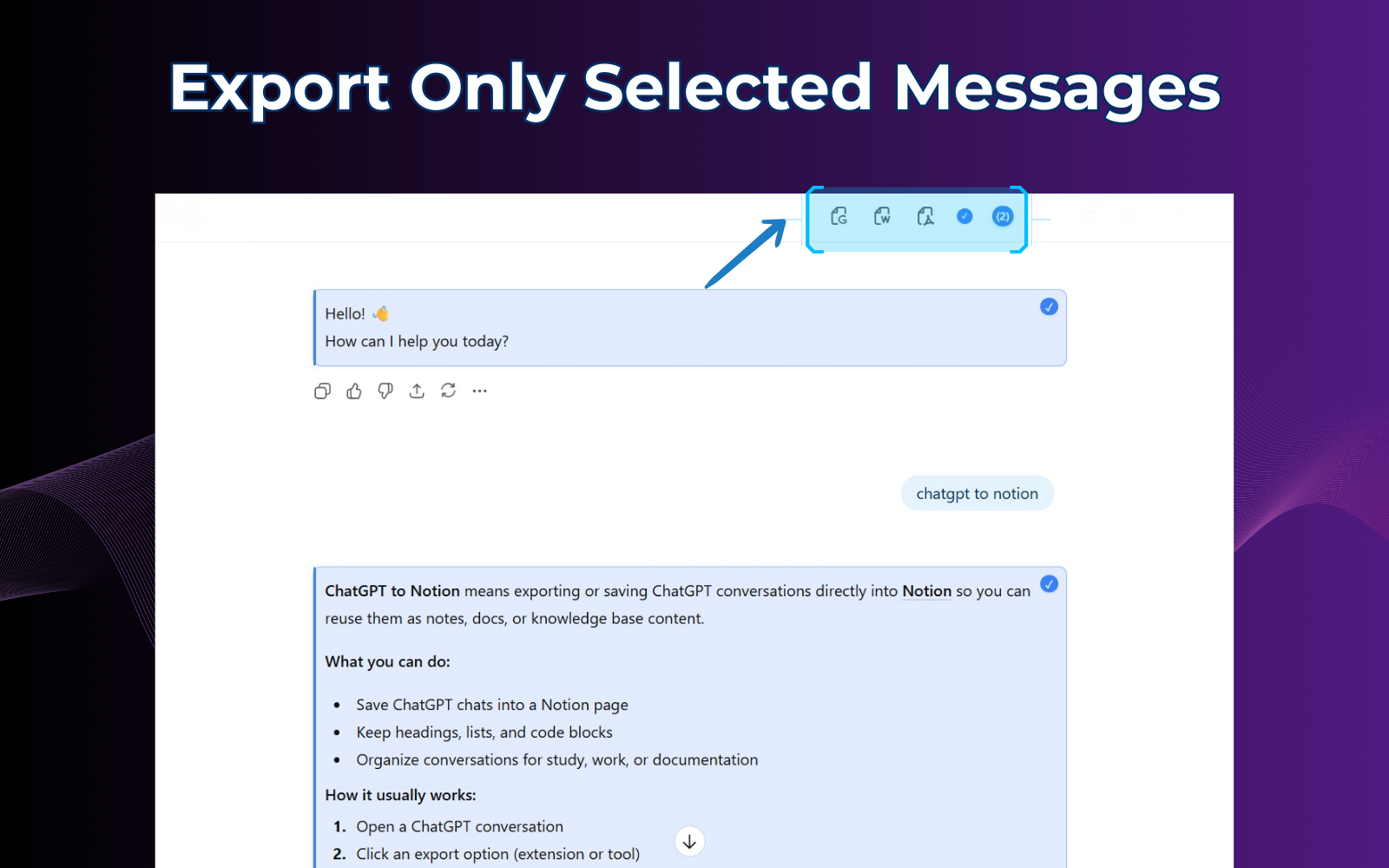
Don't need everything? Select specific messages or sections to export. This precision tool makes it easy to export ChatGPT chat snippets for quick sharing.
Make it yours. Adjust font family, text size, and colors before you download. Personalize your documents to match your brand effortlessly.
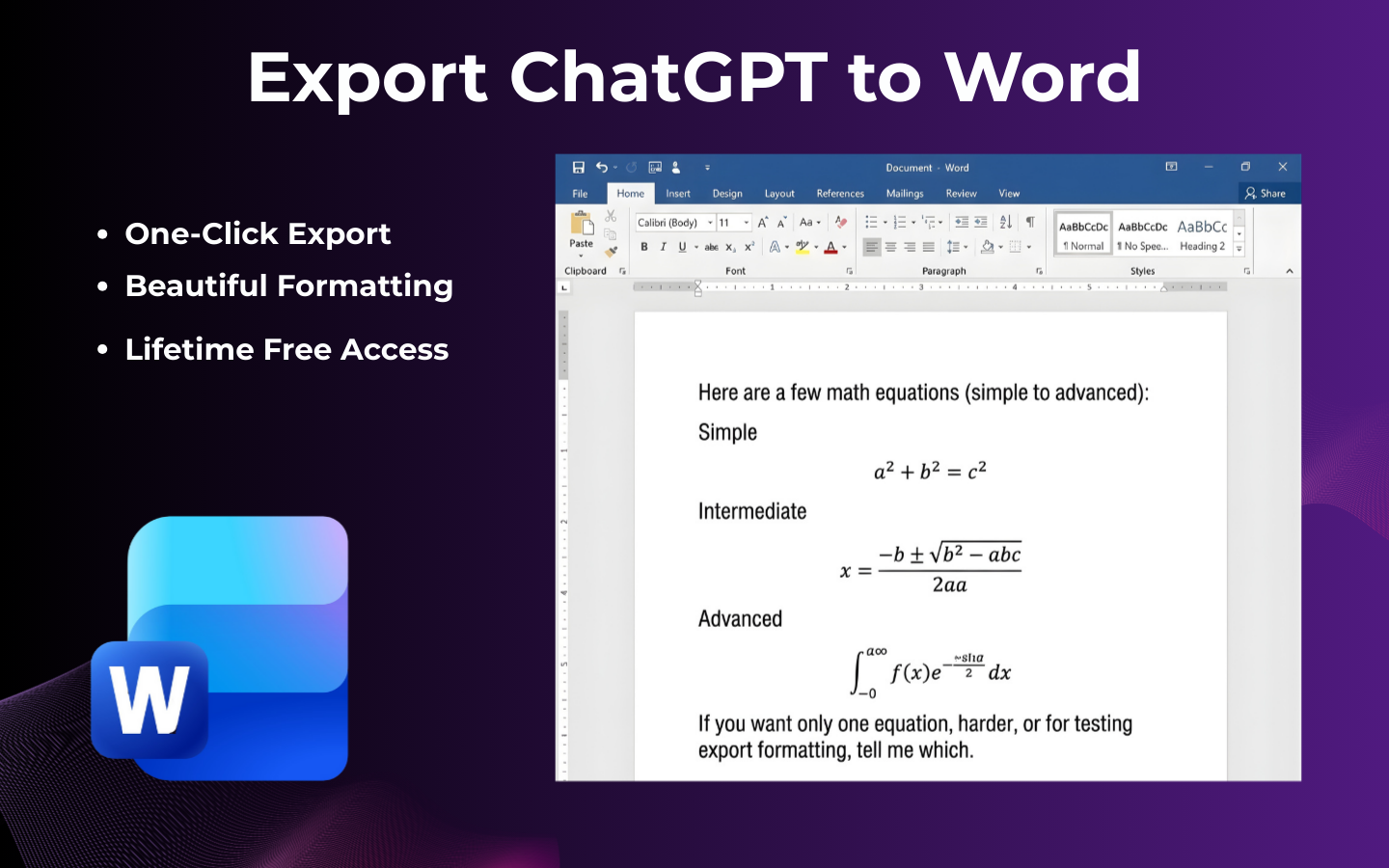
Say goodbye to messy copy-pasting. Our tool maintains the original UI look and feel, ensuring bold text, lists, and headers stay perfectly aligned.
Full support for Code Blocks, LaTeX Math formulas, and Images. Your technical documentation remains functional and readable in every exported format.
Ready to save time?
Get the Extension →Super handy extension! I use it all the time to export ChatGPT conversations to PDF or Google Docs — works smoothly and saves me a ton of time.
— Sarah J., Researcher
Clean, fast, and works perfectly with code blocks. If you need a reliable chatgpt export solution, this is it.
— David K., Software Engineer
I love the Notion export feature. It makes organizing my AI prompts so much easier than copy-pasting.
— Elena M., Content Creator
Discover what others are asking about ExportChatGPT.