Export the Full Conversation
Convert a Gemini thread from the first prompt to the latest reply — no message left out.
- ✓ Full thread, start to finish
- ✓ Works with standard and Gemini Advanced accounts
- ✓ One click, no copy-paste
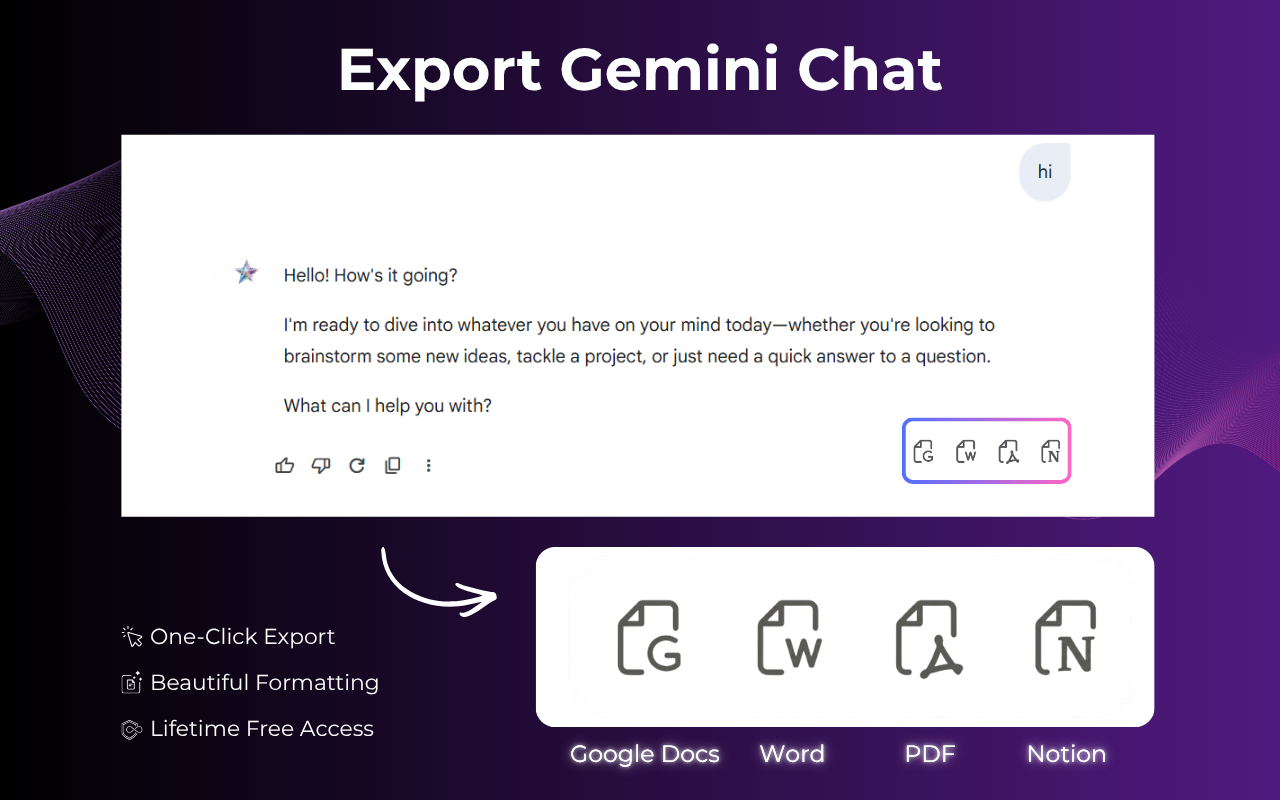
Stop copying and pasting out of Gemini. Export any conversation straight to Word (.docx) or PDF, with headings, code blocks, tables, and images kept exactly as they appear on screen.
⭐ Used by thousands of Gemini users to save chats every day
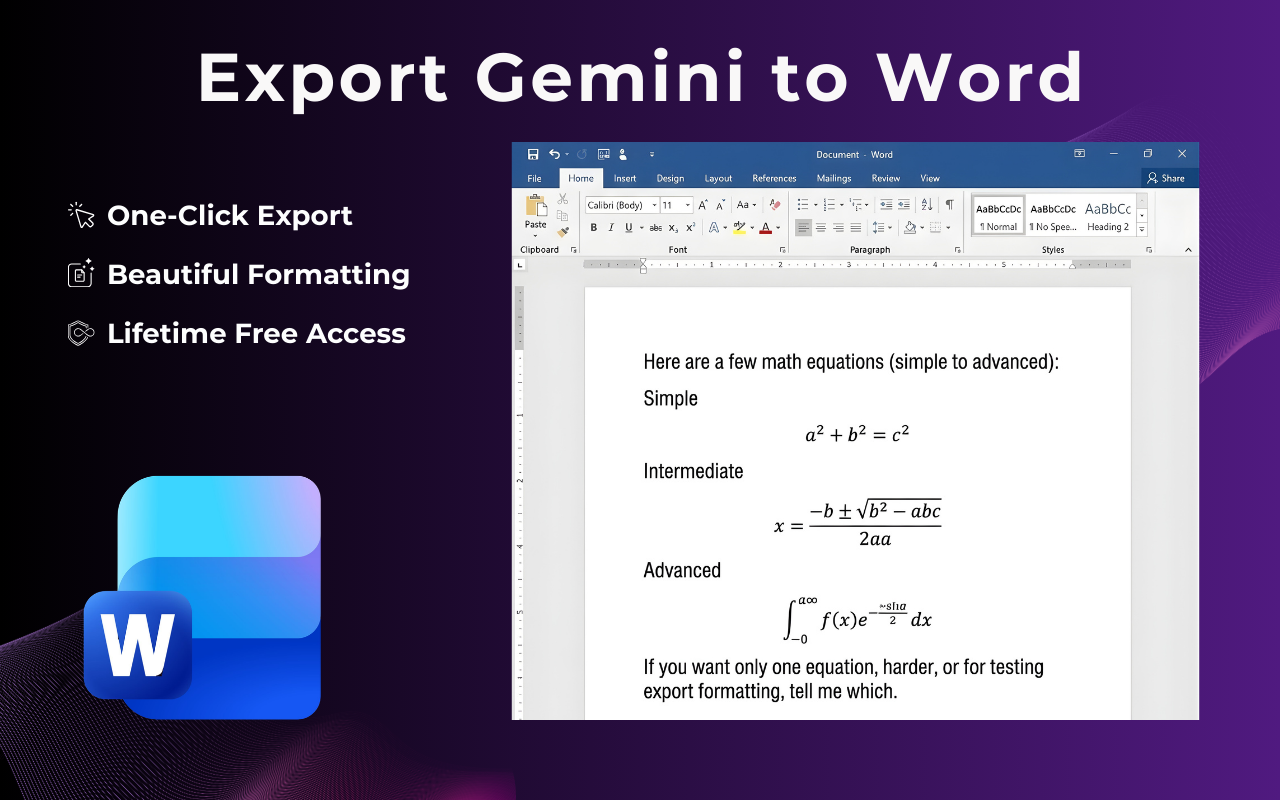
Five steps, no sign-up, no copy-paste. Your document is ready in under 10 seconds.
Go to gemini.google.com and open the chat you want to convert.
Use the button inside Gemini or the extension icon in your Chrome toolbar.
Pick Word (.docx) or PDF as your output format.
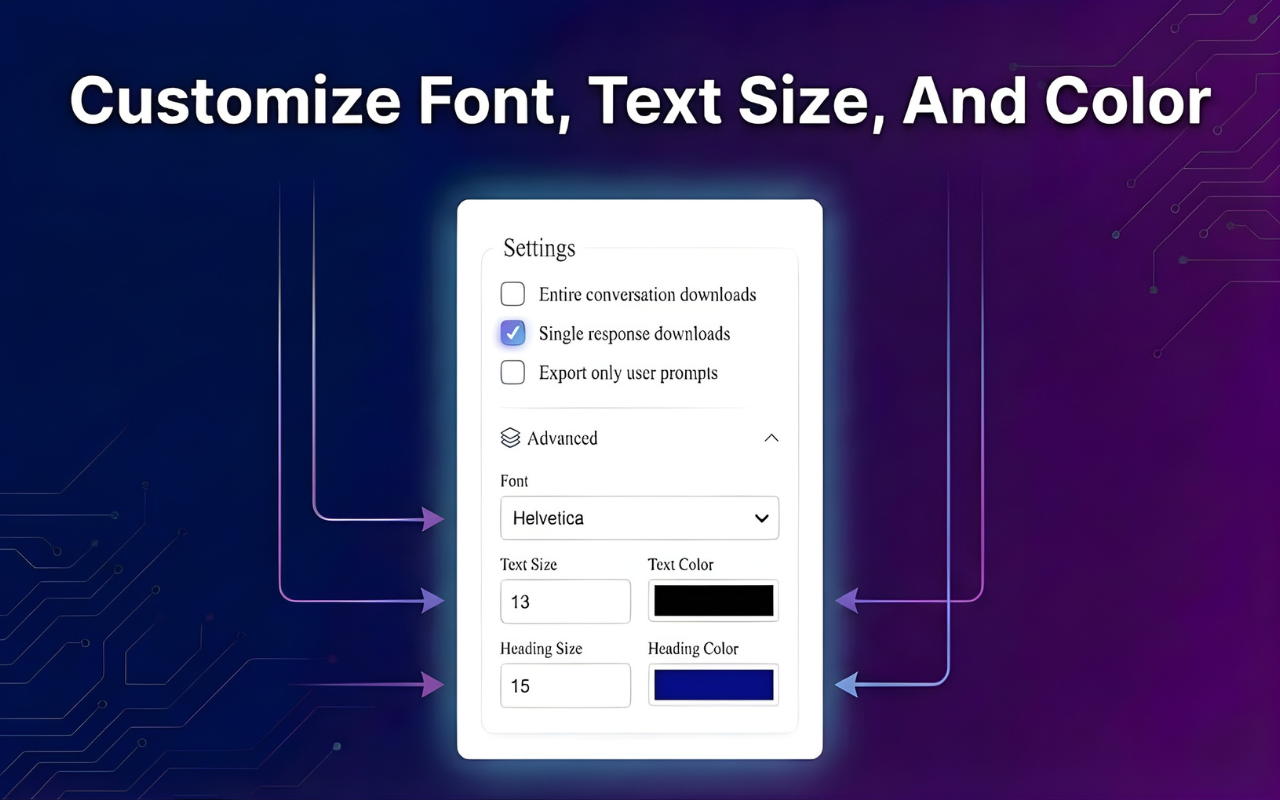
Set the font, text size, and colors to match your document style.
Your Word or PDF file saves instantly, fully formatted and ready to share.
Pick whichever format fits how you'll use the conversation next.
Create an editable Word document for further writing, revisions, and comments.
Save a clean, print-ready PDF for sharing, archiving, or submitting.
Code blocks, tables, numbered lists, and images stay intact in every exported document.
Built for people who use Gemini for real work: research, code, client deliverables, and documentation.
Convert a Gemini thread from the first prompt to the latest reply — no message left out.
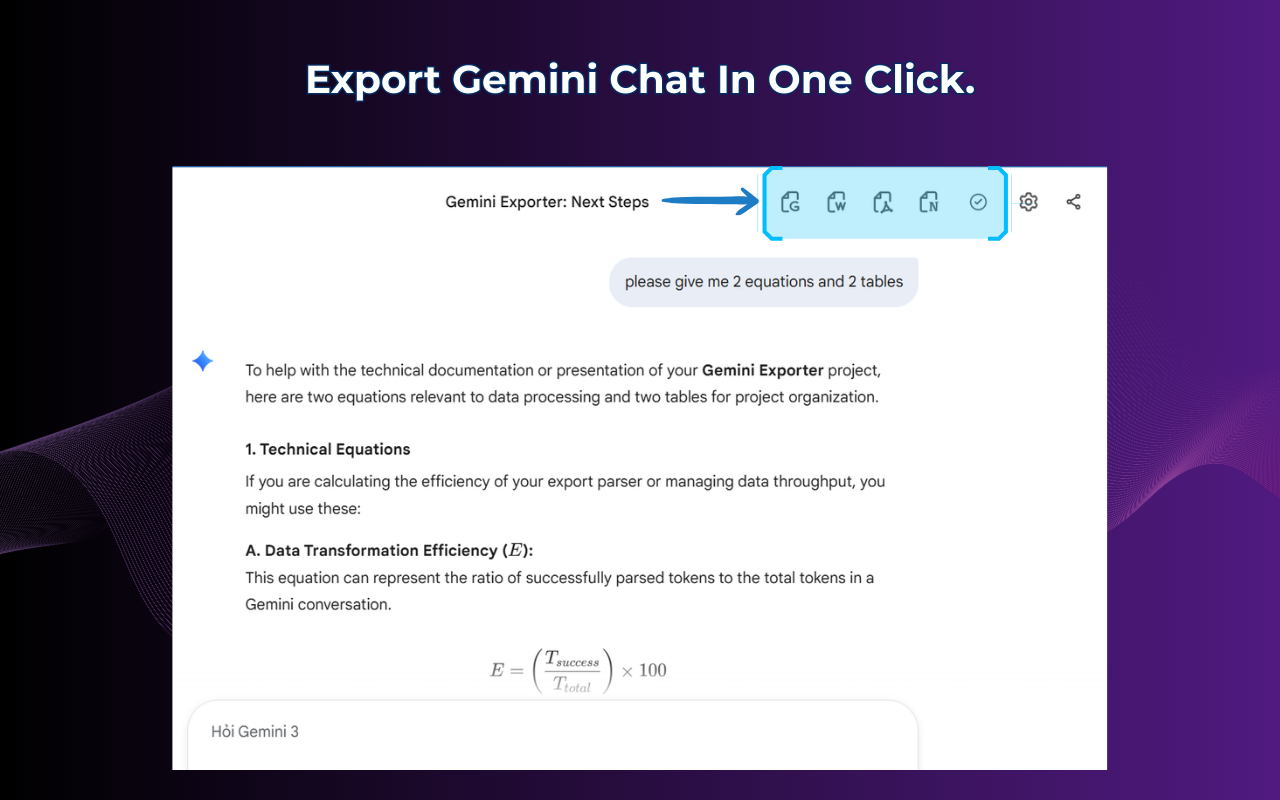
Select specific messages when you only need a final answer, a code snippet, or one section of a long chat.
Set font, text size, and accent color before exporting so the Word or PDF file matches your notes or brand.
Ready to export Gemini to Word or PDF?
Install the free extension and turn your next conversation into a document.
Install Gemini ExporterFeedback from people who convert Gemini chats to Word or PDF for work every week.
I write client reports straight from Gemini now. Exporting to Word keeps every heading and table in place, so I only need to do light edits before sending it off.
The PDF export finally handles code blocks correctly — indentation and structure come through exactly as they look on screen. That alone made this a daily tool for me.
I used to copy long research chats into Word by hand. This extension exports the whole thread in one click and nothing gets mangled. Huge time saver for literature reviews.
Clear answers about converting Gemini chats to Word or PDF.
Turn a useful Gemini conversation into a document you can edit, share, or file away for later.
Install Gemini Exporter on ChromeAvailable on Chrome · No account required · Your conversations stay private