1
Generate HTML
Ask ChatGPT, Claude, or Gemini to create or refine your page code.
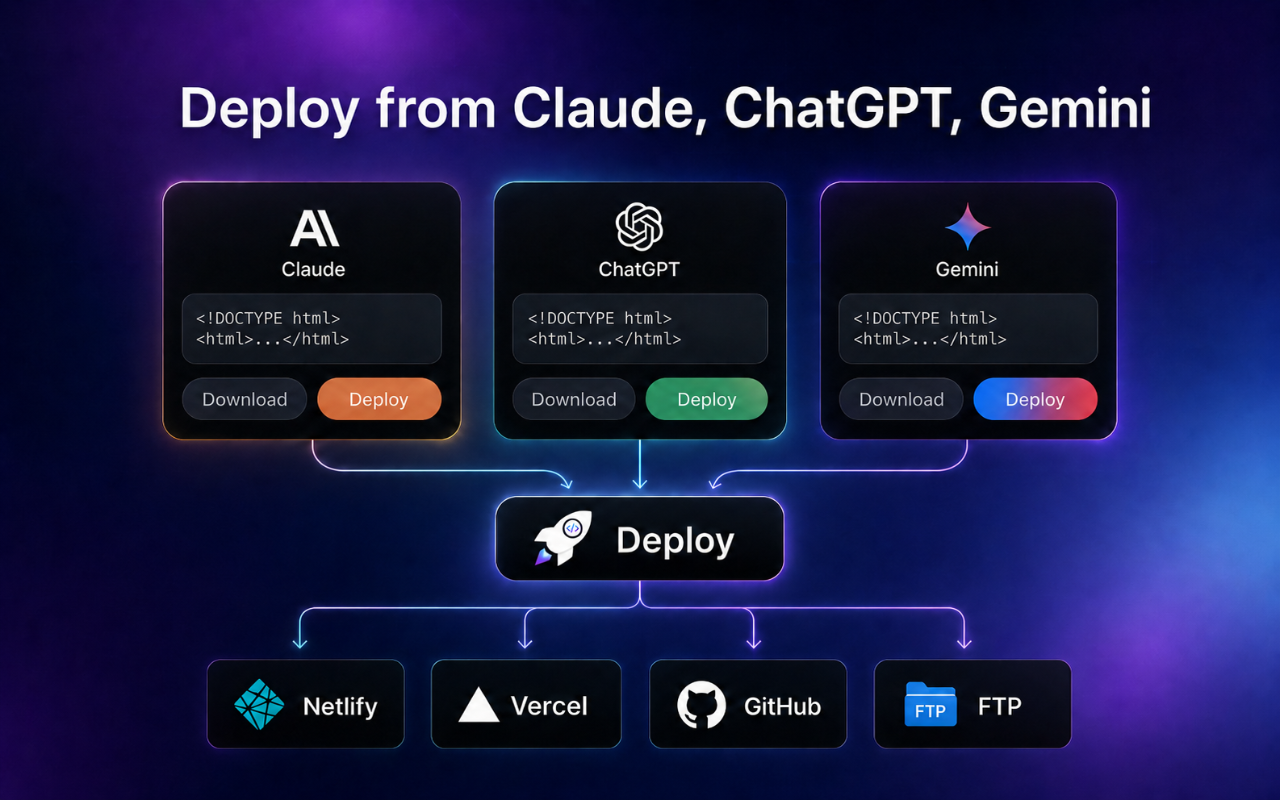
Extract HTML directly from ChatGPT, Claude, or Gemini, preview the result, download a ZIP package, or publish it through cloud, FTP, and self-hosted workflows without rebuilding your deployment process from scratch.

Move from generated HTML to a shareable URL without switching between a code editor, file manager, hosting panel, and deployment tool.
Ask ChatGPT, Claude, or Gemini to create or refine your page code.
The extension finds supported HTML code blocks directly inside the chat.
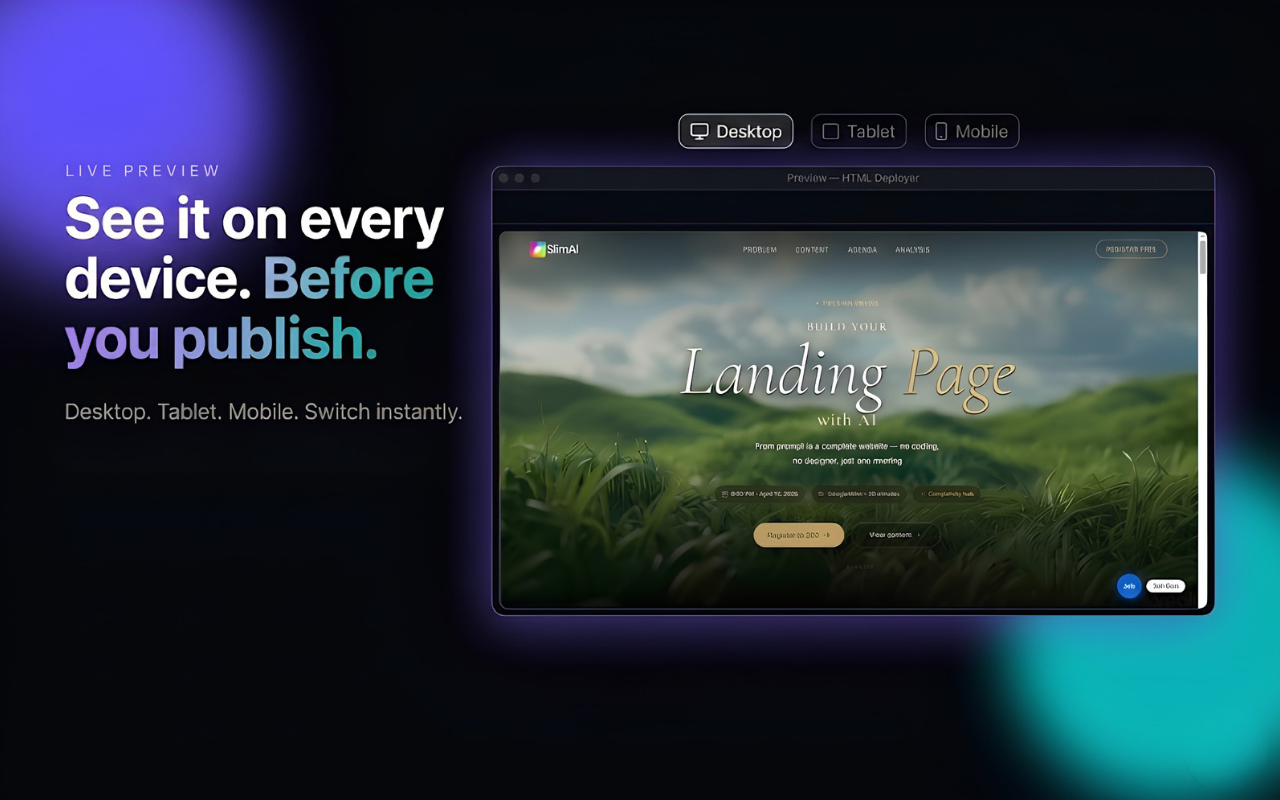
Review the layout in desktop, tablet, and mobile-style views before release.
Download a ZIP or select cloud, FTP, or your self-hosted agent.
Open the live URL, scan the QR code, and check the final page immediately.
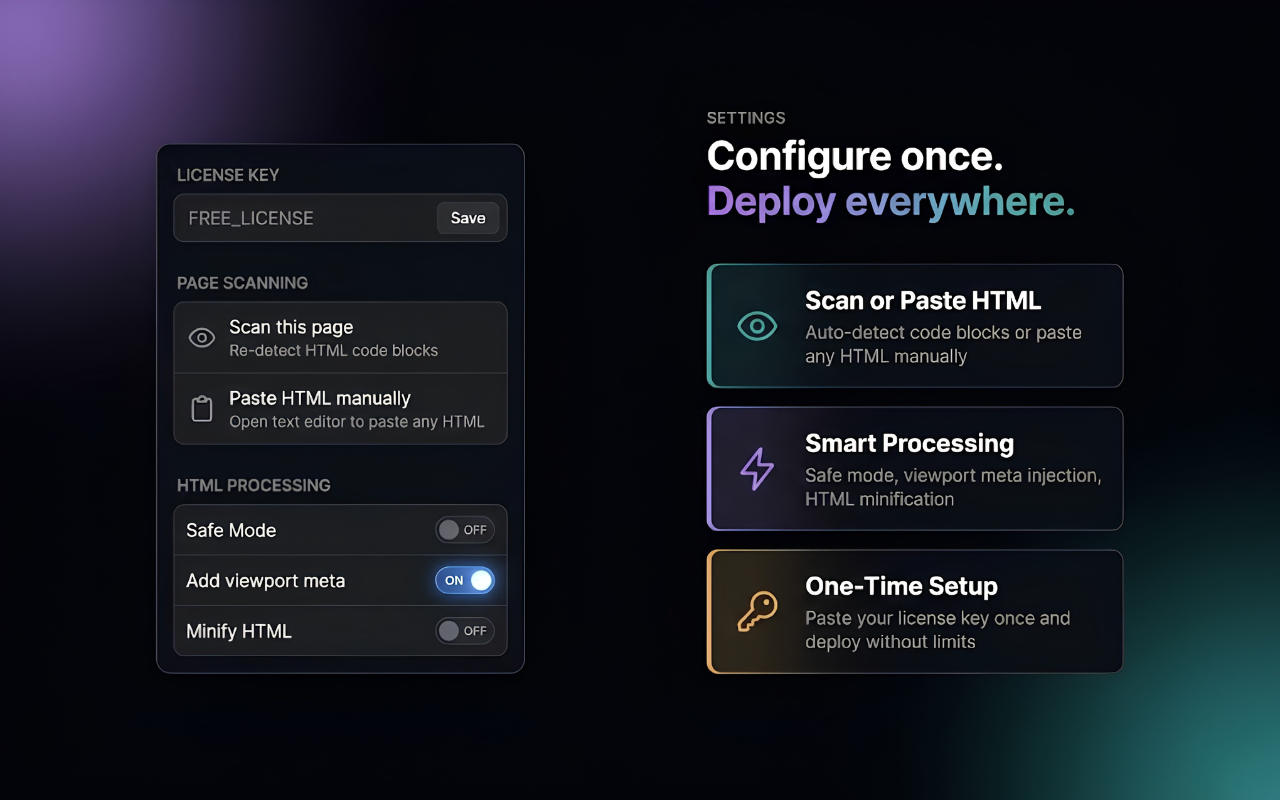
Use the same extension across supported AI chats, preview responsive layouts, and configure publishing options before sending a page live.
AI tools can create polished page code quickly, but the work after generation is often fragmented. AI code to website brings extraction, preview, packaging, and publishing into one focused extension.
Skip repeated copying, saving, zipping, uploading, and URL checking.
Publish, review, revise, and publish again with fewer workflow interruptions.
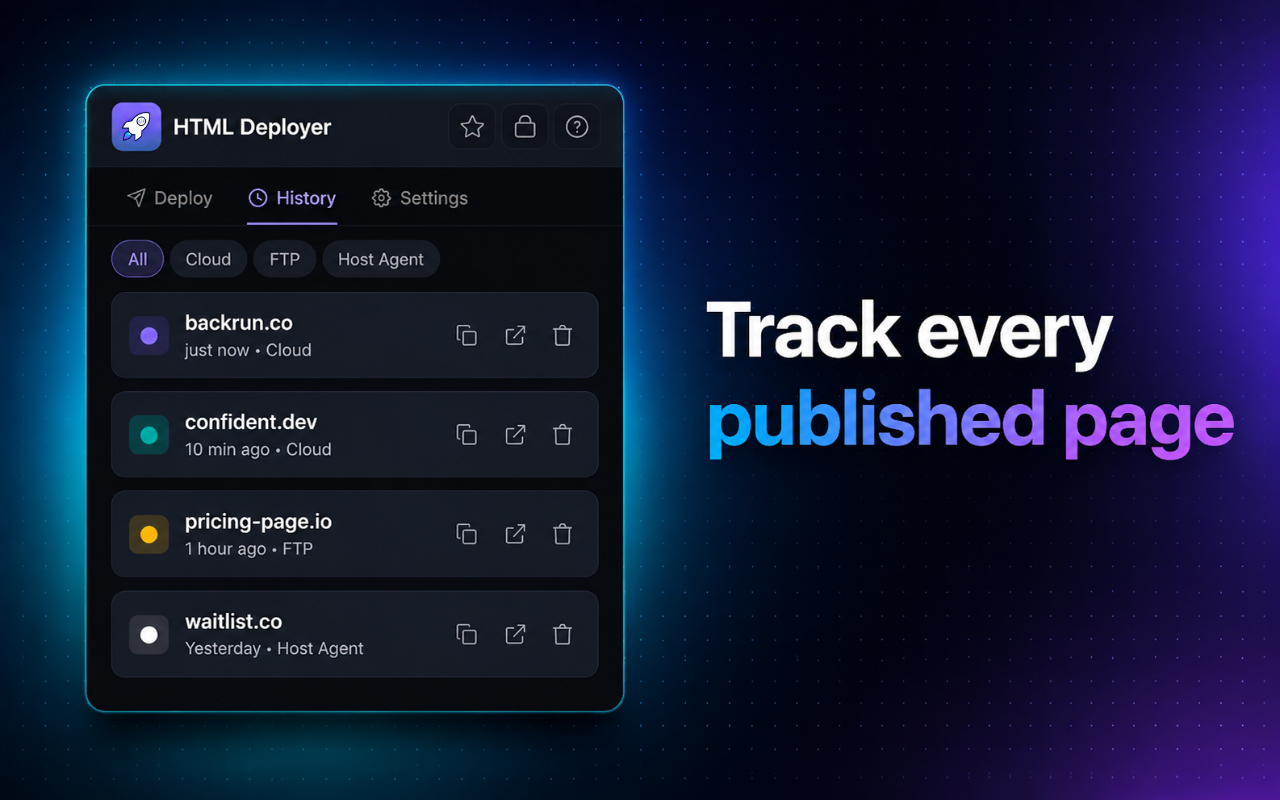
Use one extension to inspect the generated page, choose how it should be delivered, and keep recent publishing activity easy to revisit.
Detect supported HTML code blocks in ChatGPT, Claude, and Gemini without moving the code into another editor first.
Review the page structure and switch between desktop, tablet, and mobile-style previews before it becomes public.
Keep a portable copy for archiving, handoff, manual hosting, or a deployment workflow you manage yourself.
Publish through configured cloud-based targets when you need a quicker path to a live URL.
Send the generated site to your own hosting account or a client hosting environment through FTP.
Use a host agent for a direct route to infrastructure you control, with more flexibility over the final destination.
Save recent deployment history, suggest filenames from the HTML title when available, open the final URL quickly, and generate a QR code for convenient testing and sharing.
Choose a delivery method based on speed, ownership, client requirements, and the amount of infrastructure control you need.
Save the page locally for review, handoff, archiving, or manual upload.
Connect configured services such as Netlify or GitHub-based publishing flows.
Deploy directly to an existing hosting account or client server environment.
Publish through your own self-hosted agent for a flexible server-controlled route.
The extension is not a replacement for complex production engineering. It is a faster bridge for generated HTML, demos, prototypes, landing pages, and repeated lightweight publishing.
| Workflow step | AI code to website | Manual process |
|---|---|---|
| Find HTML inside an AI chat | Detected in supported chats | Copy code manually |
| Check the page before release | Built-in responsive preview | Open or configure a separate preview tool |
| Create a portable website package | Download as ZIP | Build the folder and archive it yourself |
| Publish to different targets | Cloud, FTP, or Host Agent | Use separate tools and credentials |
| Repeat recent publishing tasks | History and quick URL access | Track filenames and destinations manually |
| Open the result on another device | Automatic QR code | Create or share the URL separately |
From a first prototype to a client review link, AI code to website reduces the steps between generated markup and a page people can open.
Share demos, prototypes, internal previews, and stakeholder review pages faster.
Launch waitlists, product pages, and validation experiments without a heavy setup.
Publish campaign pages, lead-generation tests, and promotional experiments quickly.
Create shareable client review links and support different hosting preferences.
Move from AI-generated HTML to a published page with fewer unfamiliar tools.
The extension is designed around local settings and targets you configure. Your HTML is exported or sent out when you choose to download or publish it.
Settings, configured targets, and recent history are intended to remain inside the extension environment.
Generated HTML is sent to a destination when you explicitly choose a download or publishing action.
Configure the credentials or endpoint details required by the target you decide to use.
Check forms, scripts, tracking code, and external assets before publishing generated HTML.
Preview the HTML, choose your publishing workflow, and reduce the manual work between an AI chat and a page people can open.
Install AI code to website